2PL Shipment Tracking
2PL
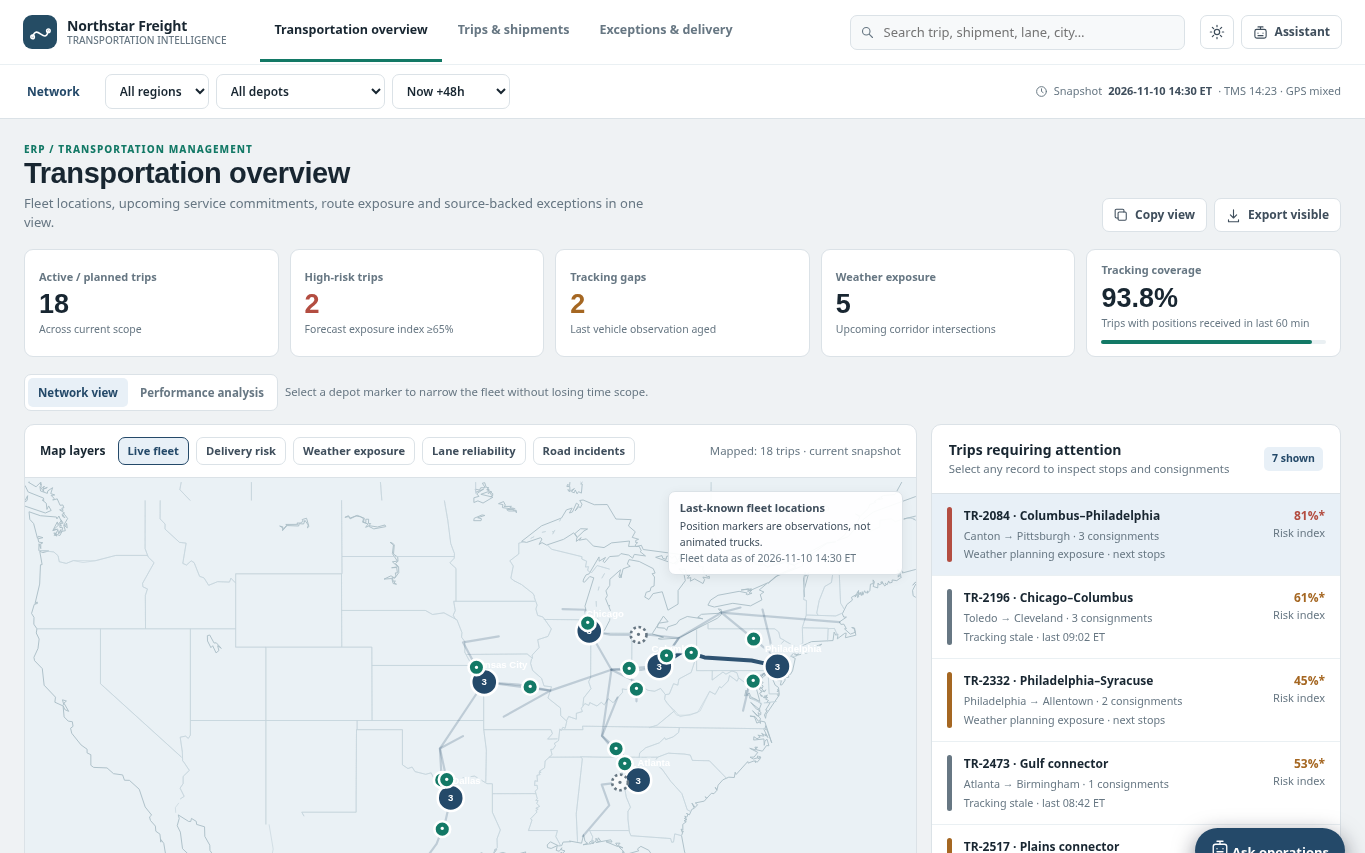
The question it answers
Where are active multi-stop trips and consignments at risk of missing service commitments, and is the cause weather, stale tracking, downstream stop impacts or missing delivery evidence?
Carrier trip and consignment tracking with stops, GPS observation freshness, ETA risk, exceptions and proof of delivery.
See how teams use this- Industry
- 2PL
- System
- ERP, plan and run the business
- Area
- Transportation Management (TMS)
- Module
- Shipment Management
- Parts
- 11 screens and components
What's inside
 Transportation network overviewFilter region, depot and horizon; inspect schematic fleet and source observation timestamps.
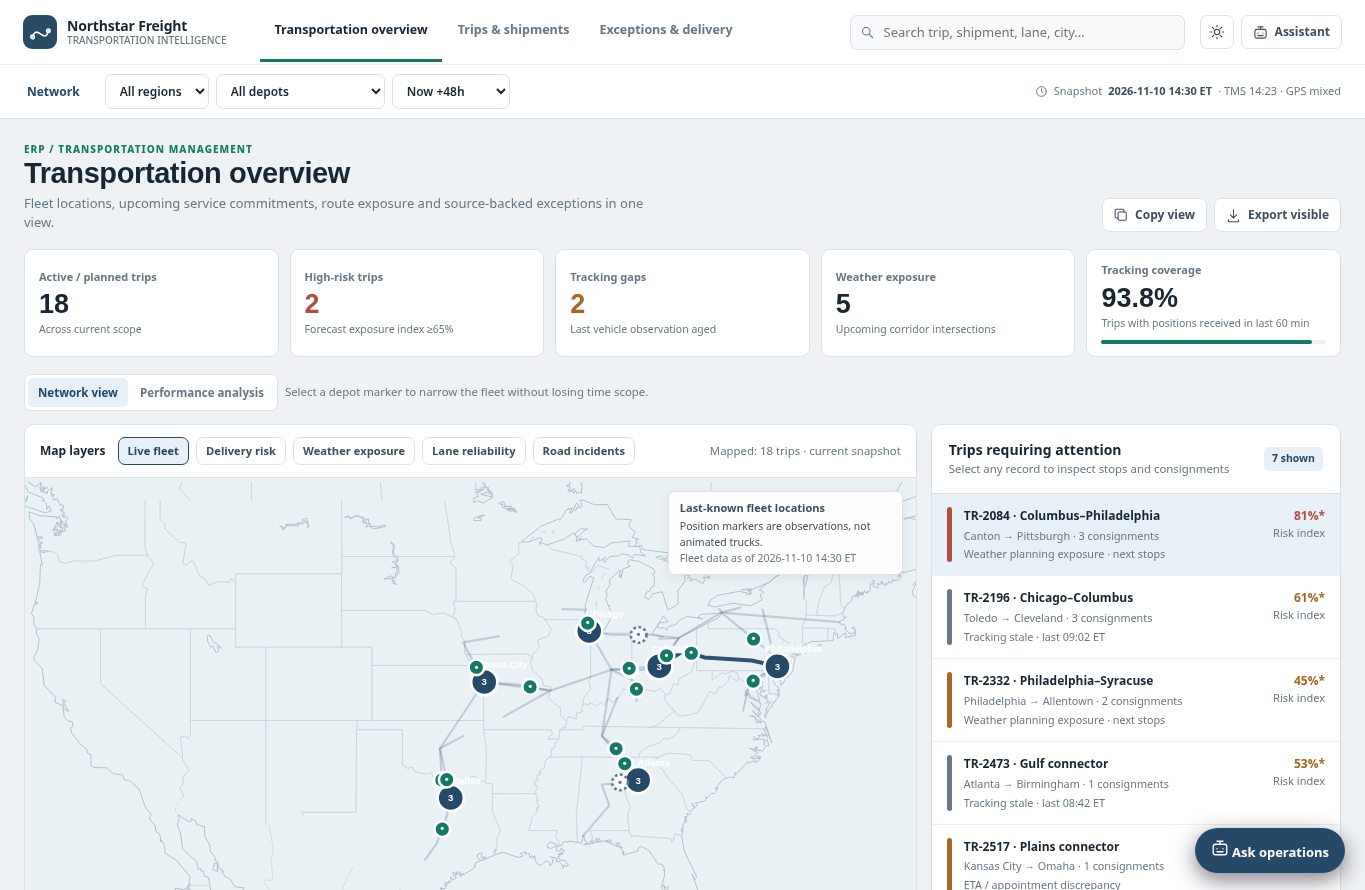
 Fleet last-known positions and layersShow last GPS observations with stale markers and weather, road and lane overlays.
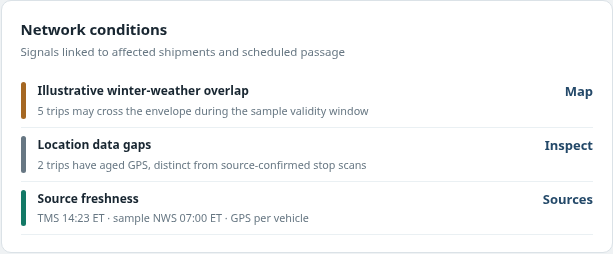
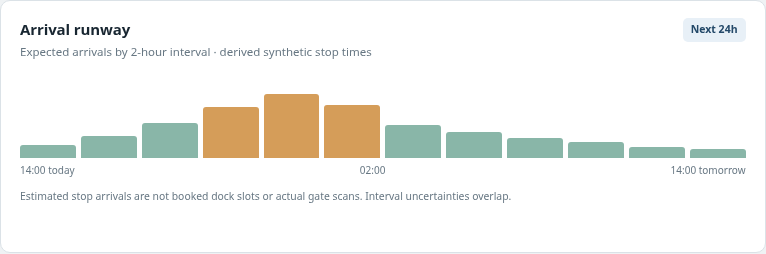 Arrival runway and trip KPIsTrack upcoming trip/consignment commitments, stale tracking and modeled risk.
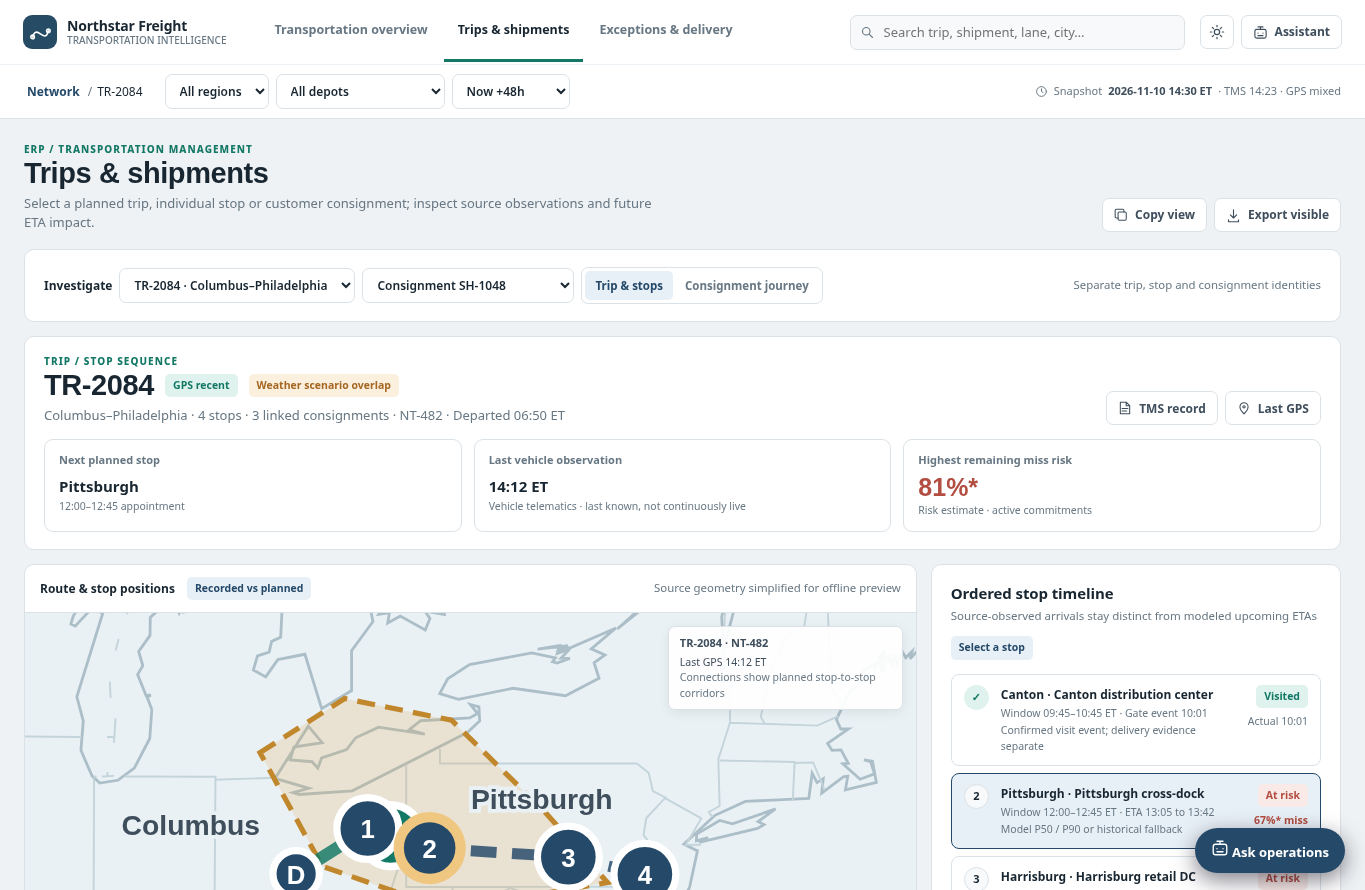 Active trip registerOpen a planned or active trip by trip ID and lane, next stop and risk status.
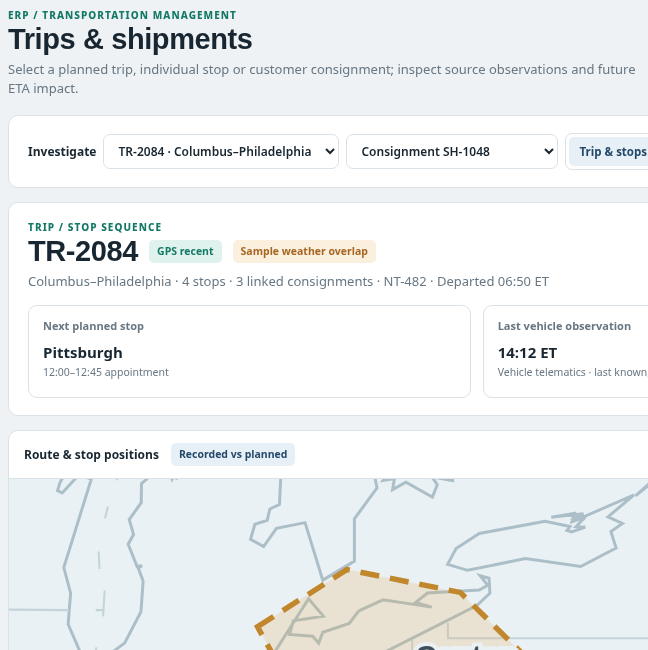 Trip and consignment workspaceReview stop timeline, current source observations and selected planned route.
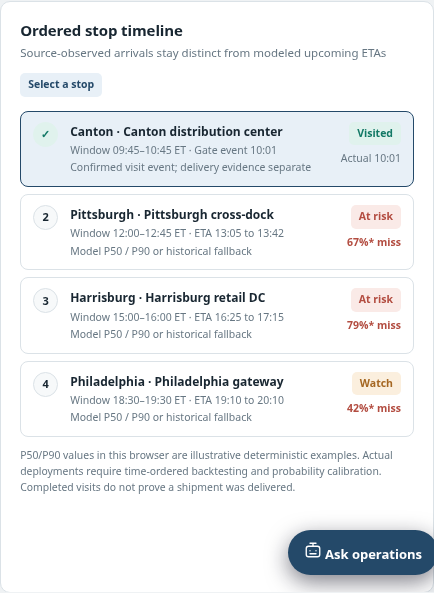 Ordered stop timelineTrace sequence, arrival windows and downstream appointment impacts per stop.
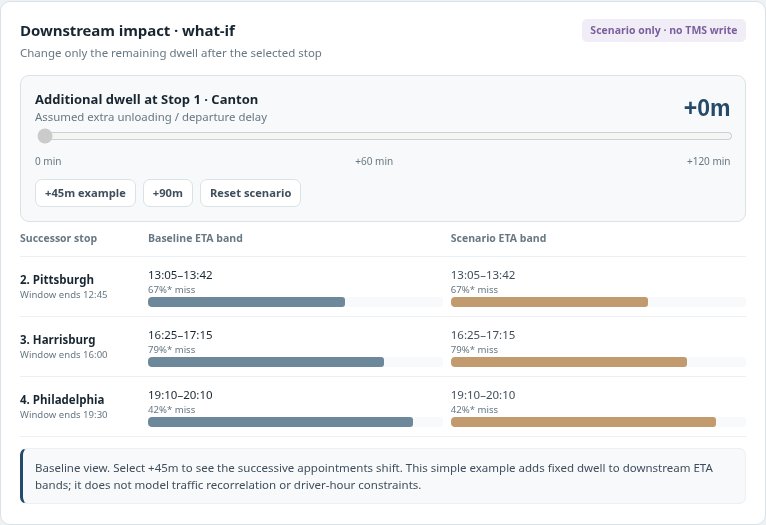 Downstream impact what-ifEstimate how stop timing changes could affect later commitments, no dispatch writeback.
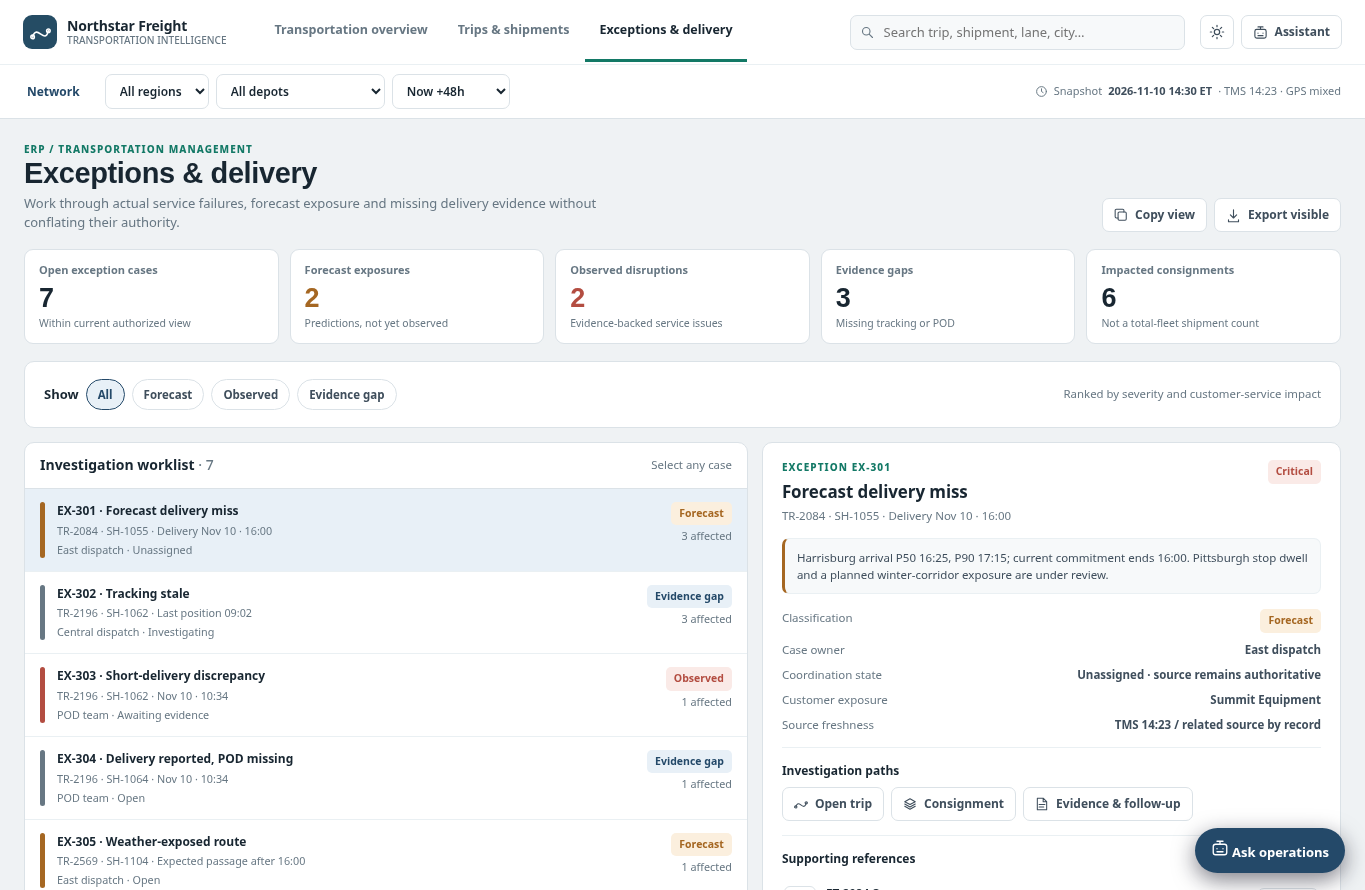 Exceptions and delivery coordinationReview forecast misses versus confirmed service evidence and ownership.
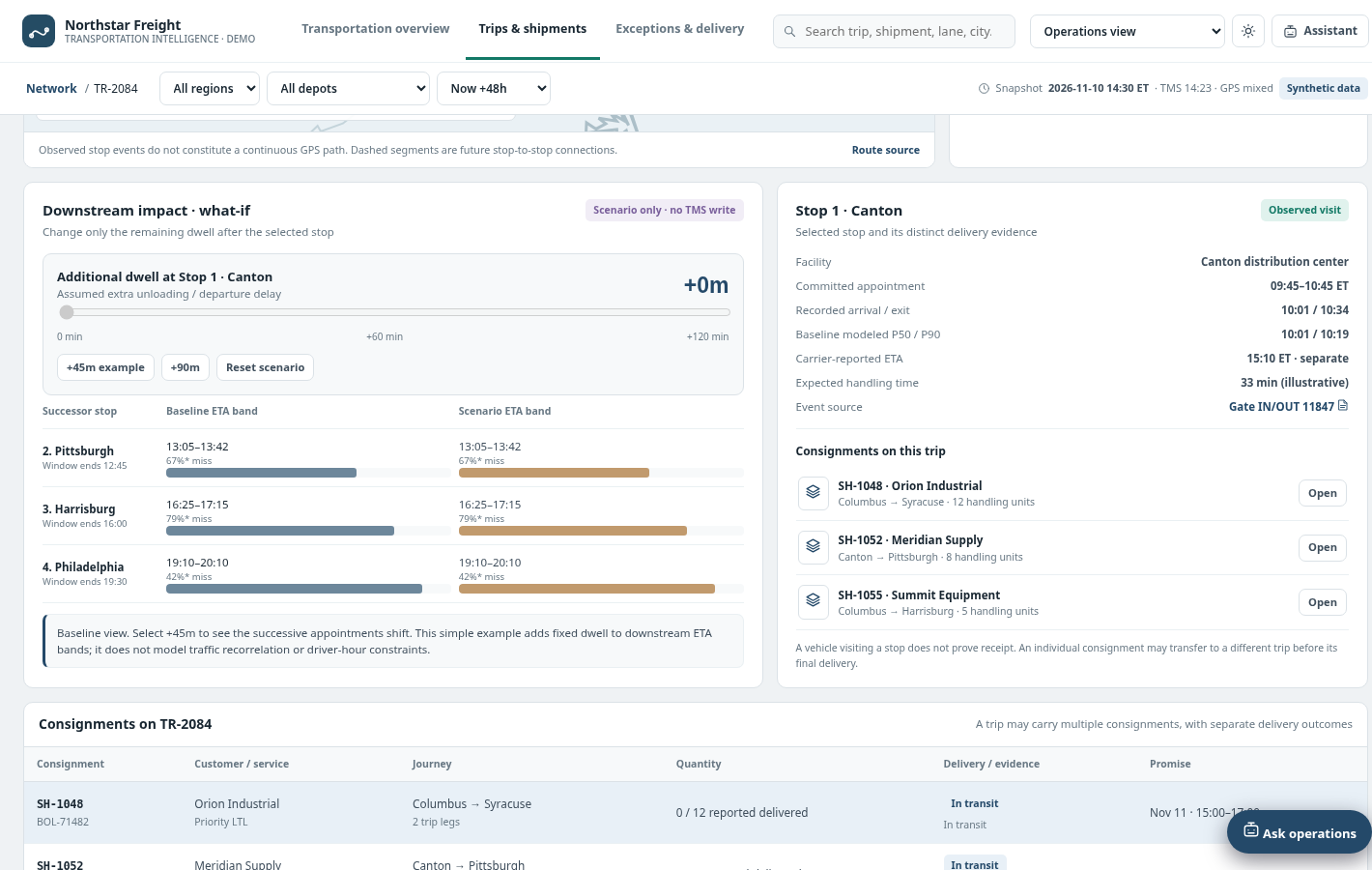 Tracking freshness and delivery evidenceDistinguish GPS lag, weather overlay, TMS record and customer-delivery proof.
 export of current viewCopy or export filtered snapshot without TMS/dispatch updates.
How people use it
- Select network region, terminal and 48-hour/prior-period scope
- Inspect trip location, upcoming arrival runway and corridor exposures
- Open a trip to read ordered stop, consignment and appointment commitments
- Review evidence-qualified delivery exceptions and source observation freshness
- Coordinate a next step while distinguishing simulated forecast from confirmed failures
Data it works with
- Trip ID
- Consignment ID
- Stop sequence
- Terminal
- Current GPS observation timestamp
- ETA prediction timestamp
- Scheduled arrival window
- Appointment time
- Planned route
- Observed movement
- Exception source
- Delivery confirmation
- Exposure and severity
- Forecast probability
Start from this blueprint in your terminal.
Attach it to a project and your coding agent adapts it to your data, rules and roles.
Install the CLI- Sign in
vortexify login - Attach this blueprint
vortexify blueprints attach shipment-tracking-2pl - Ask your agent to build it
Build the app from the attached blueprint using our data.
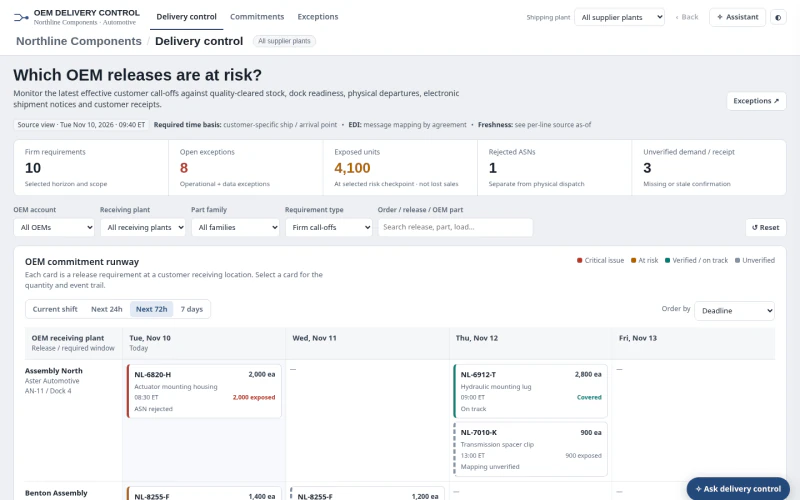 ERPAutomotive OEM Order Status & ExceptionsWhich firm OEM releases are at risk, and is the issue available stock, dock dispatch, ASN processing, receipt confirmation or stale/incomplete evidence?
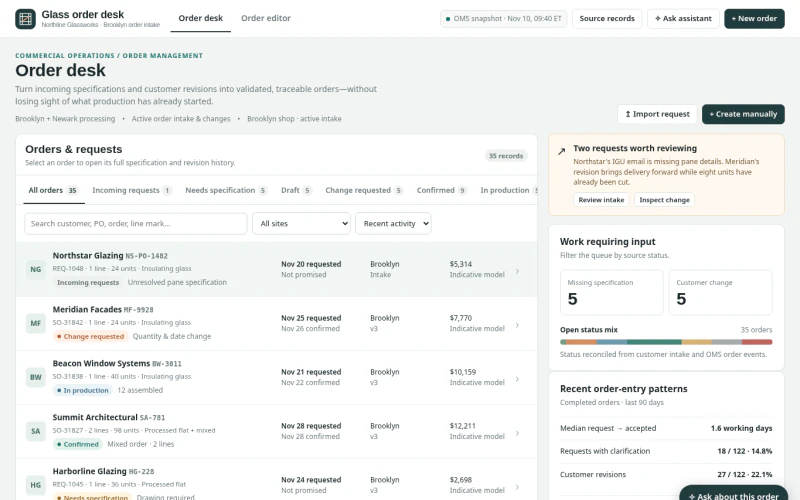 ERPArchitectural Glass Order Entry & ChangesWhich incoming requests, specifications or changes can be validated and committed without losing production state, promise provenance or revision history?
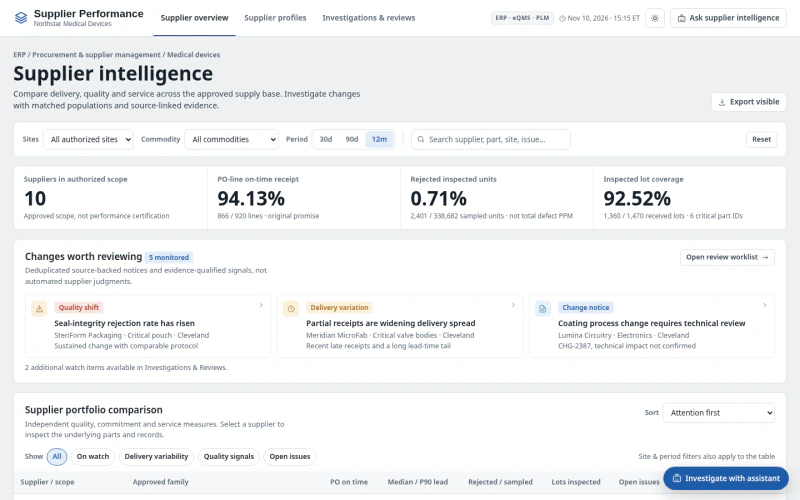 ERPMedical Device Supplier PerformanceWhich suppliers and part families have meaningful quality or delivery deterioration, what evidence explains it, and what review action is needed?