Architectural Glass Order Entry & Changes
Glass
The question it answers
Which incoming requests, specifications or changes can be validated and committed without losing production state, promise provenance or revision history?
Architectural glass order intake, specification validation, commercial changes and revision-aware production promise checks.
See how teams use this- Industry
- Glass
- System
- ERP, plan and run the business
- Area
- Order Management (OMS)
- Module
- Order Management
- Parts
- 8 screens and components
What's inside
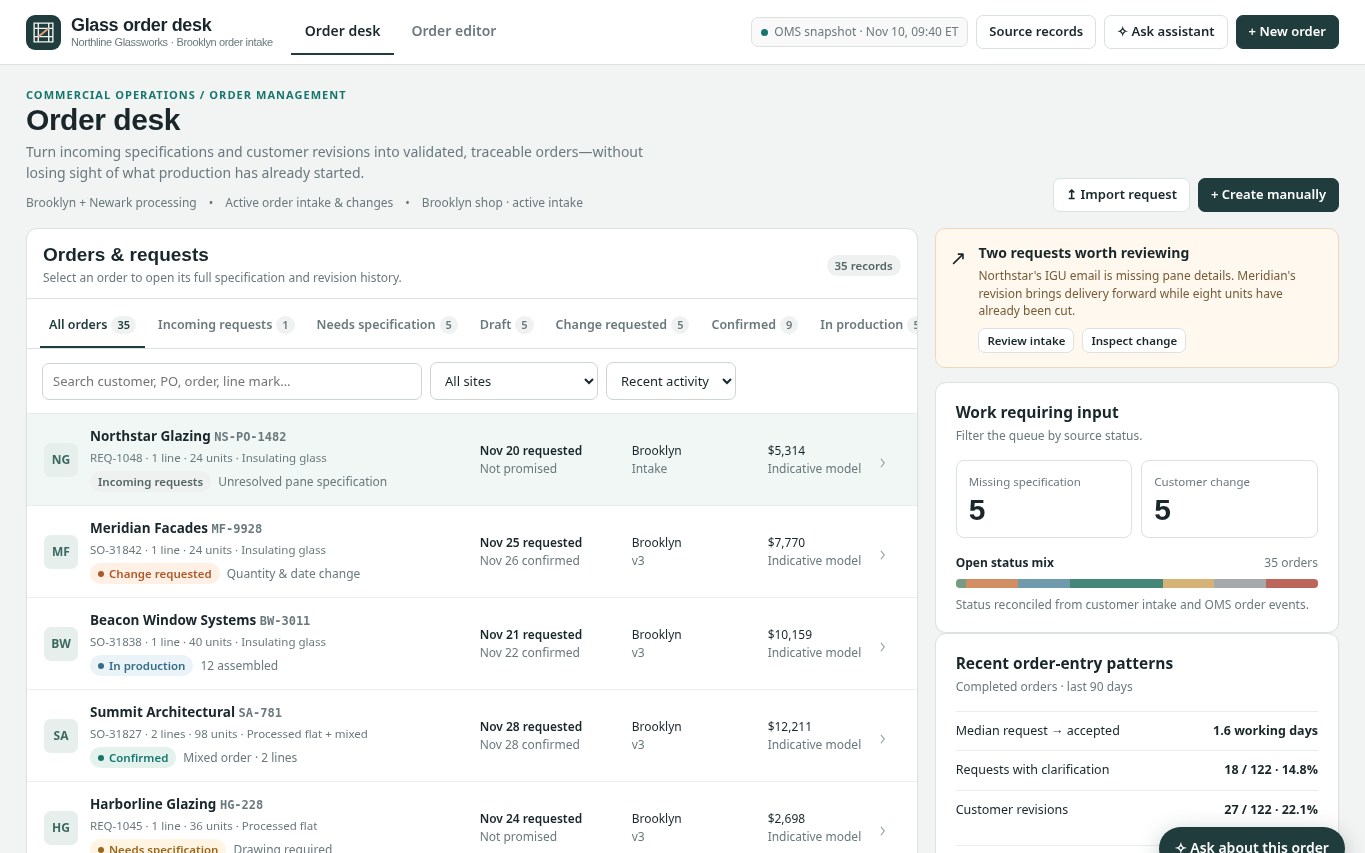
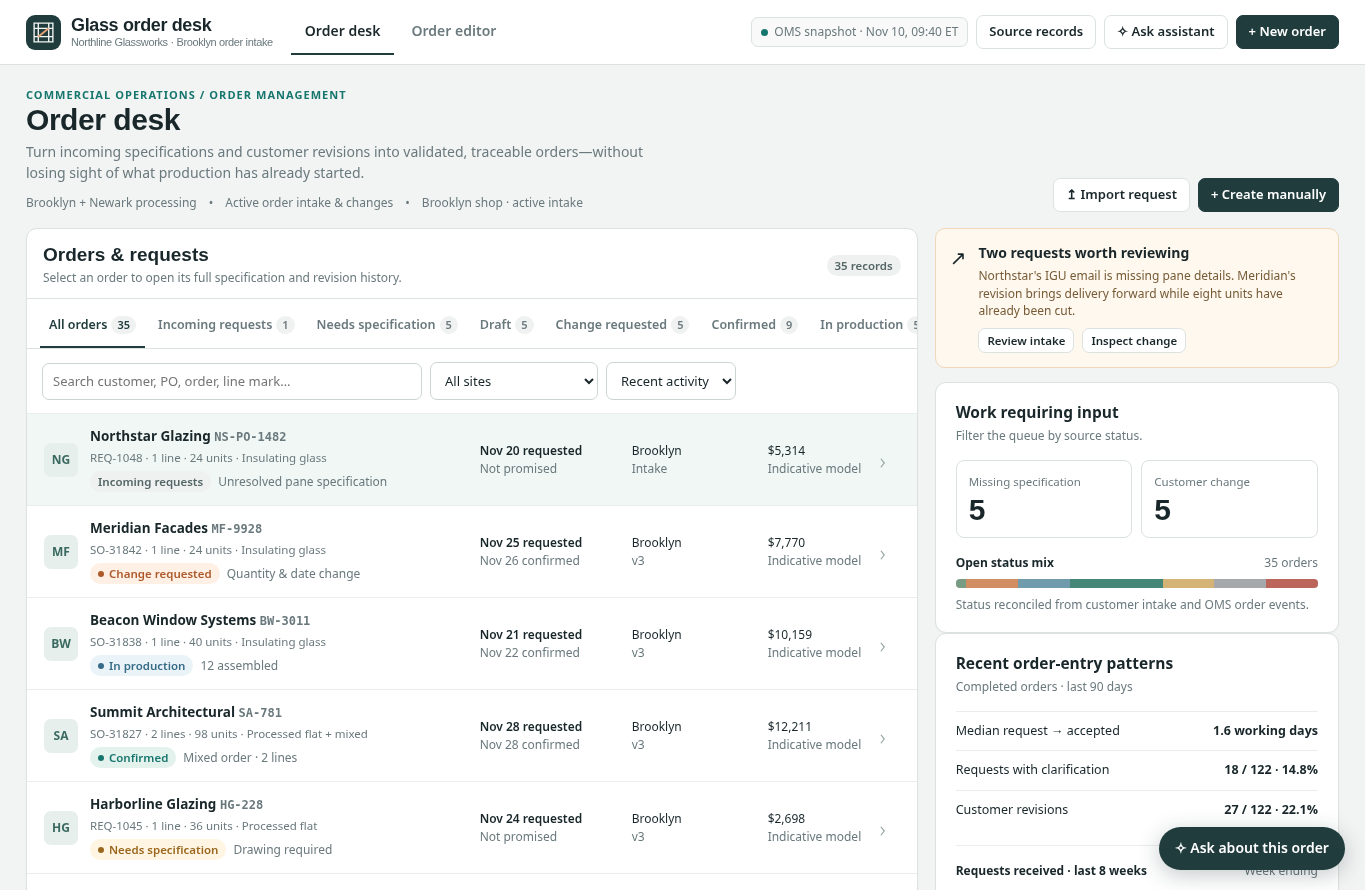 Order desk and intake portfolioFilter orders and requests by effective status, site, customer and recent activity.
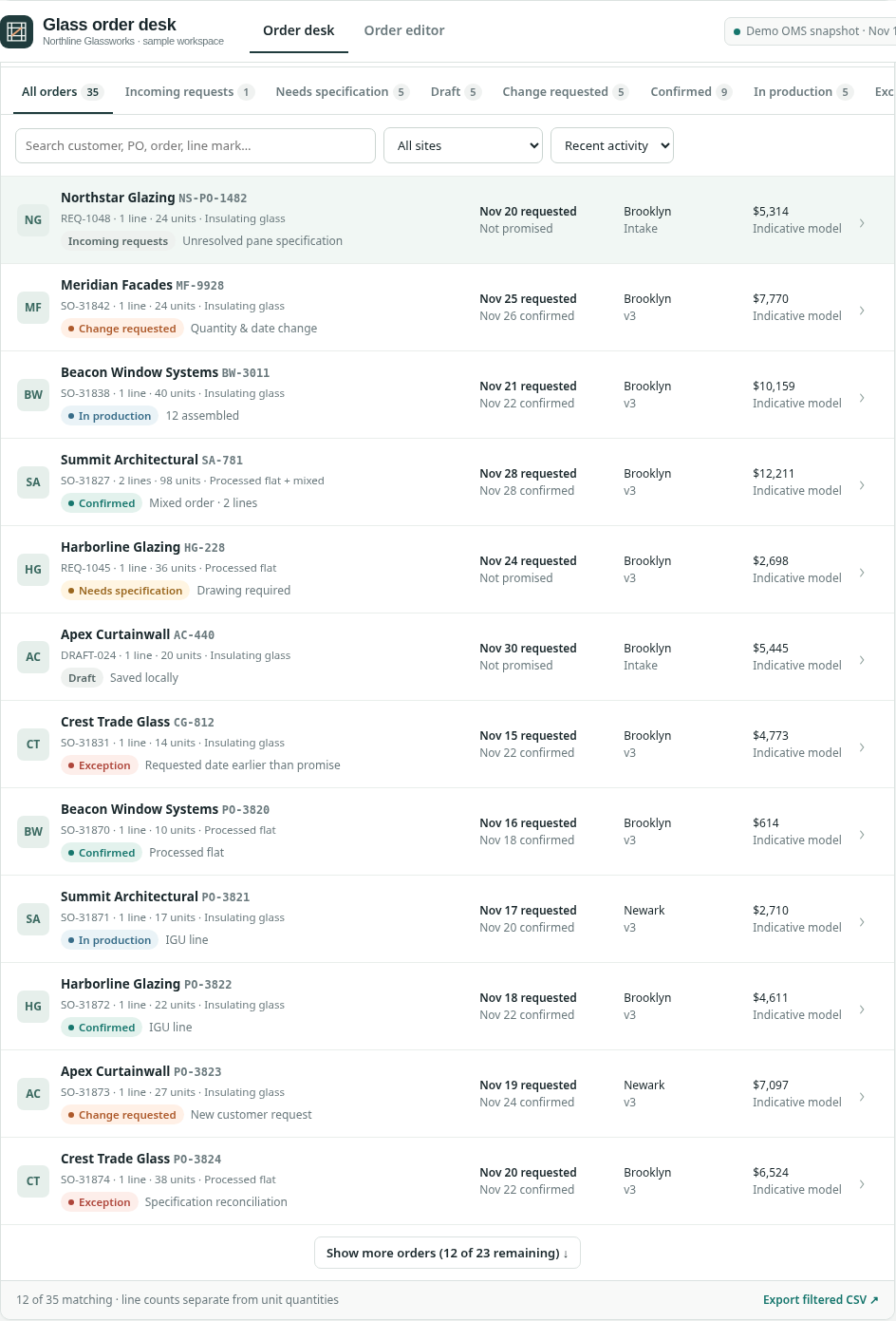 Order request and revision queueInspect order IDs, source PO identifiers, status, requested versus promised dates and current modeled value.
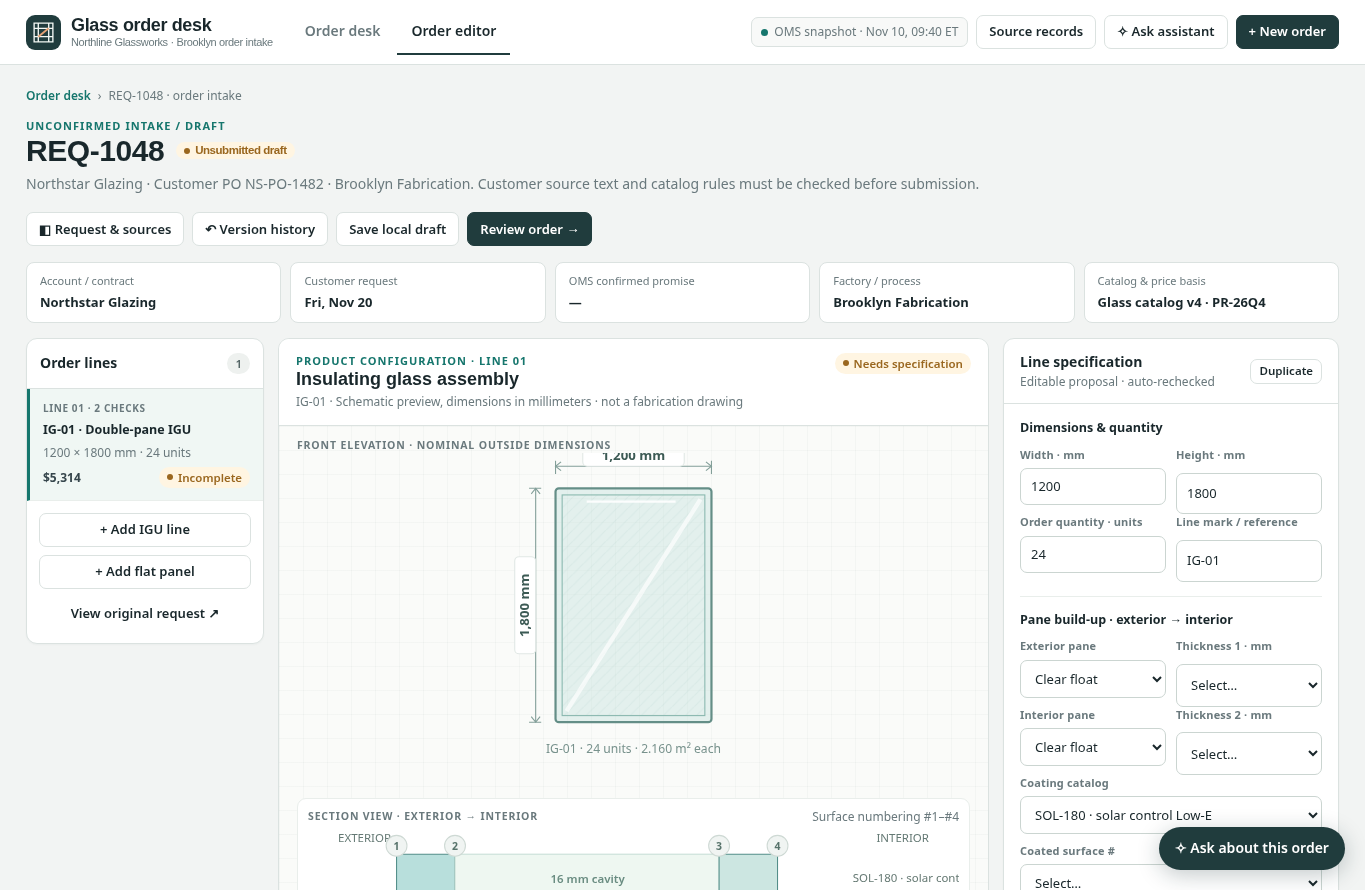 Detailed glass order editorEdit or review account, manufacturing plant, request, glass assembly and specific order line.
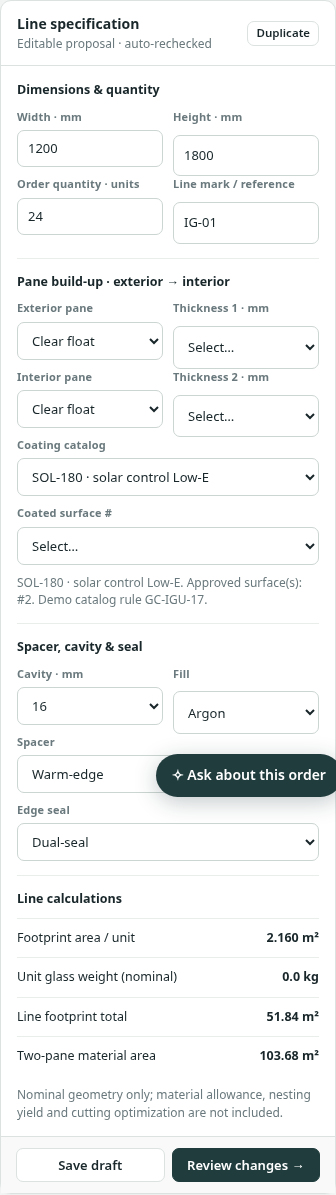 Glazing specification and product rulesCheck pane build, processing instructions, quantity, source text and material constraints.
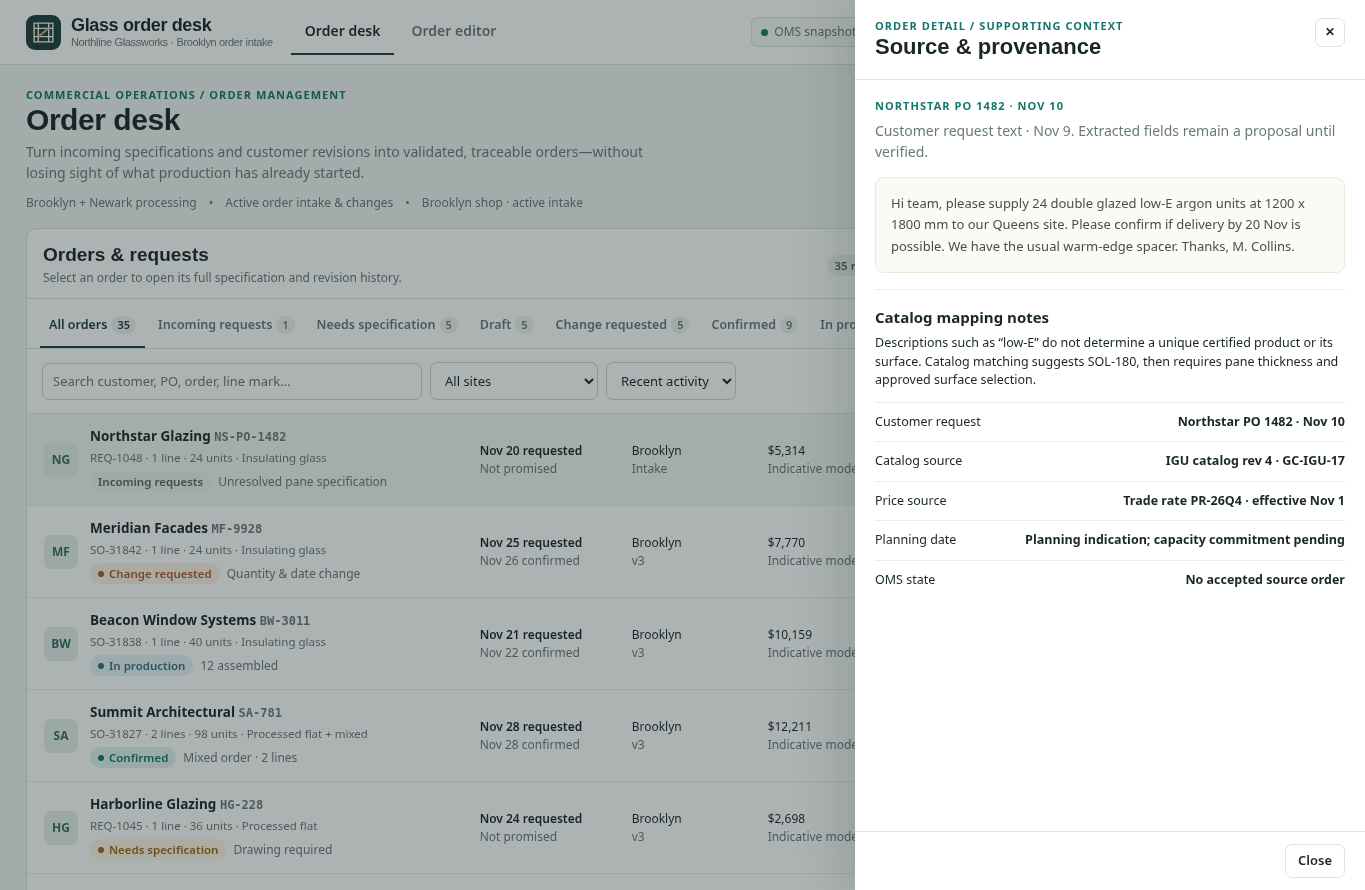 Source and provenance panelTrace intake evidence, commercial source, version history and reason for validation.
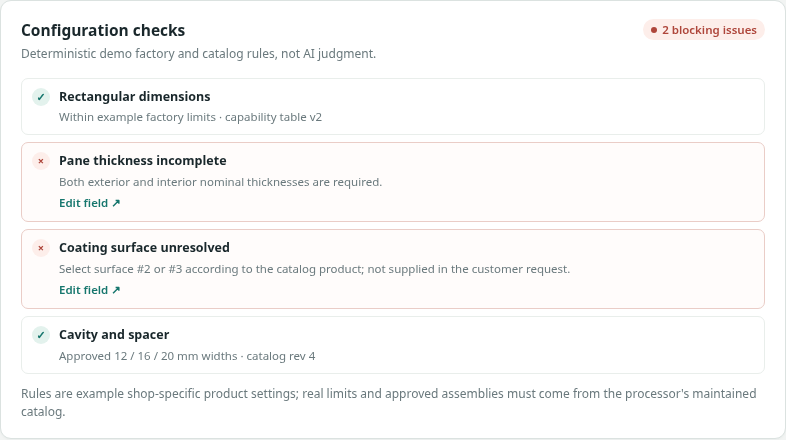 Revision and production-impact checkCompare customer changes with previous versions and current production status before confirming.
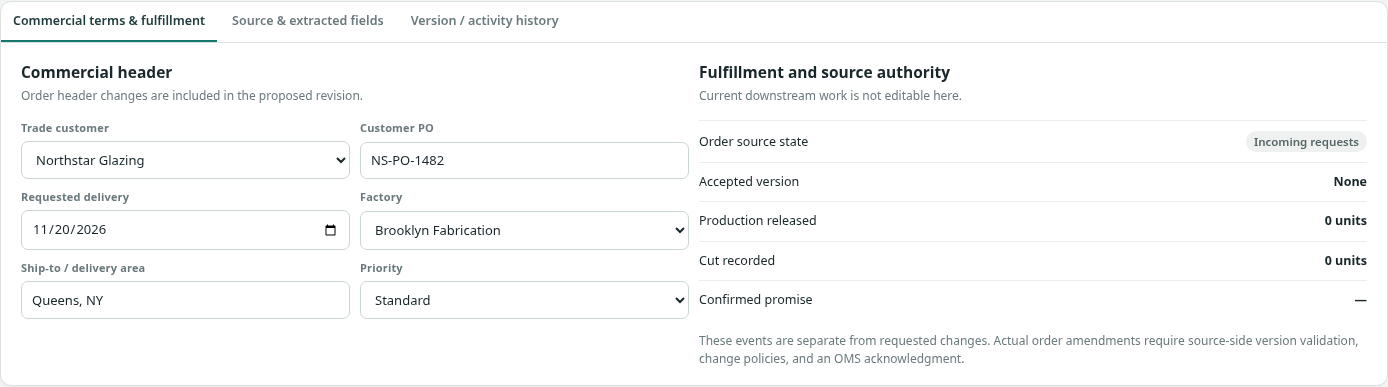 Local draft and filtered exportSave locally and export the current queue; does not write an ERP order.
How people use it
- Triage the 35-record order/request desk by status and fabrication site
- Open an incoming request or existing order in the order editor
- Validate glass specification, source evidence, catalog rules, customer request date and current promise
- Review version history and any production-in-progress implications before confirming a change
- Save or export a validated order-change draft while preserving the authoritative ERP order until approval
Data it works with
- Customer account
- Customer PO / source request ID
- Sales order ID and revision
- Glass family and line specifications
- Panel dimensions
- Insulating glass assembly
- Required processes
- Quantity and units
- Requested date
- Confirmed promise date
- Factory
- Current production state
- Changed fields
- Source/evidence reference
Start from this blueprint in your terminal.
Attach it to a project and your coding agent adapts it to your data, rules and roles.
Install the CLI- Sign in
vortexify login - Attach this blueprint
vortexify blueprints attach order-entry-and-changes-glass - Ask your agent to build it
Build the app from the attached blueprint using our data.
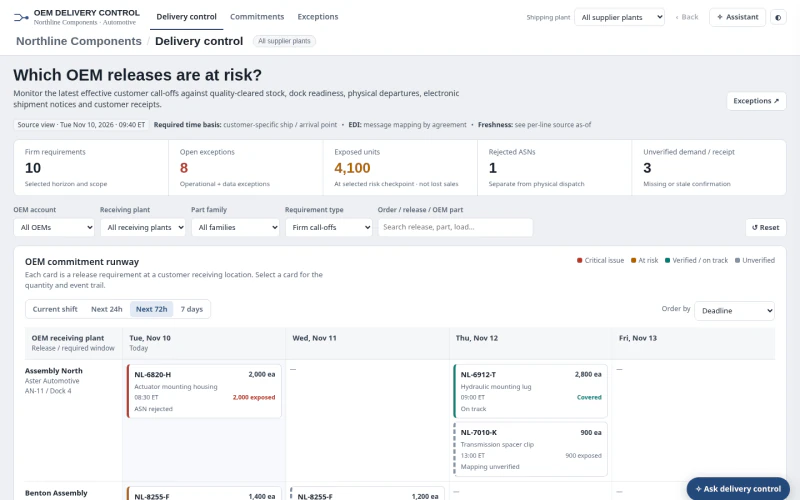 ERPAutomotive OEM Order Status & ExceptionsWhich firm OEM releases are at risk, and is the issue available stock, dock dispatch, ASN processing, receipt confirmation or stale/incomplete evidence?
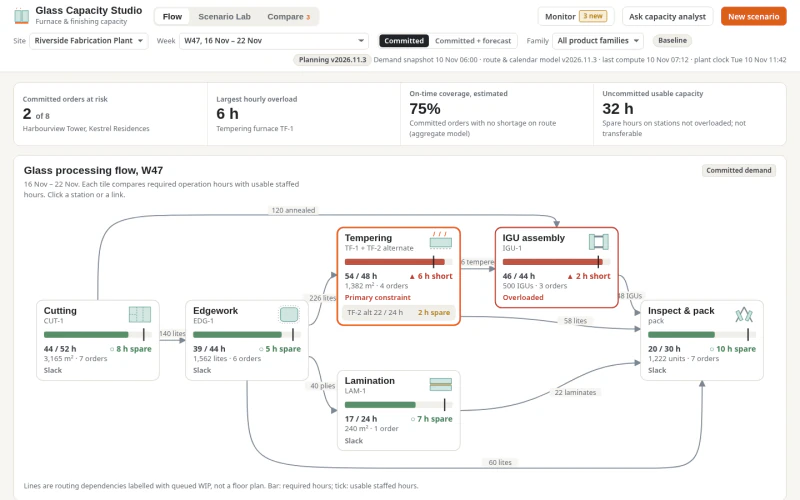 ERPGlass Production Capacity PlanningWhich fabrication stages and weeks are capacity-constrained, what work orders are exposed, and which feasible, qualified interventions recover committed service?
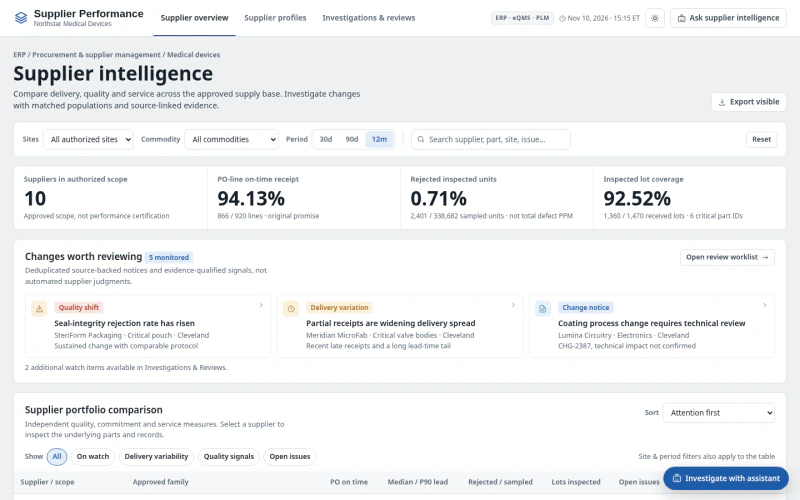 ERPMedical Device Supplier PerformanceWhich suppliers and part families have meaningful quality or delivery deterioration, what evidence explains it, and what review action is needed?