4PL Network Capacity Planning
4PL
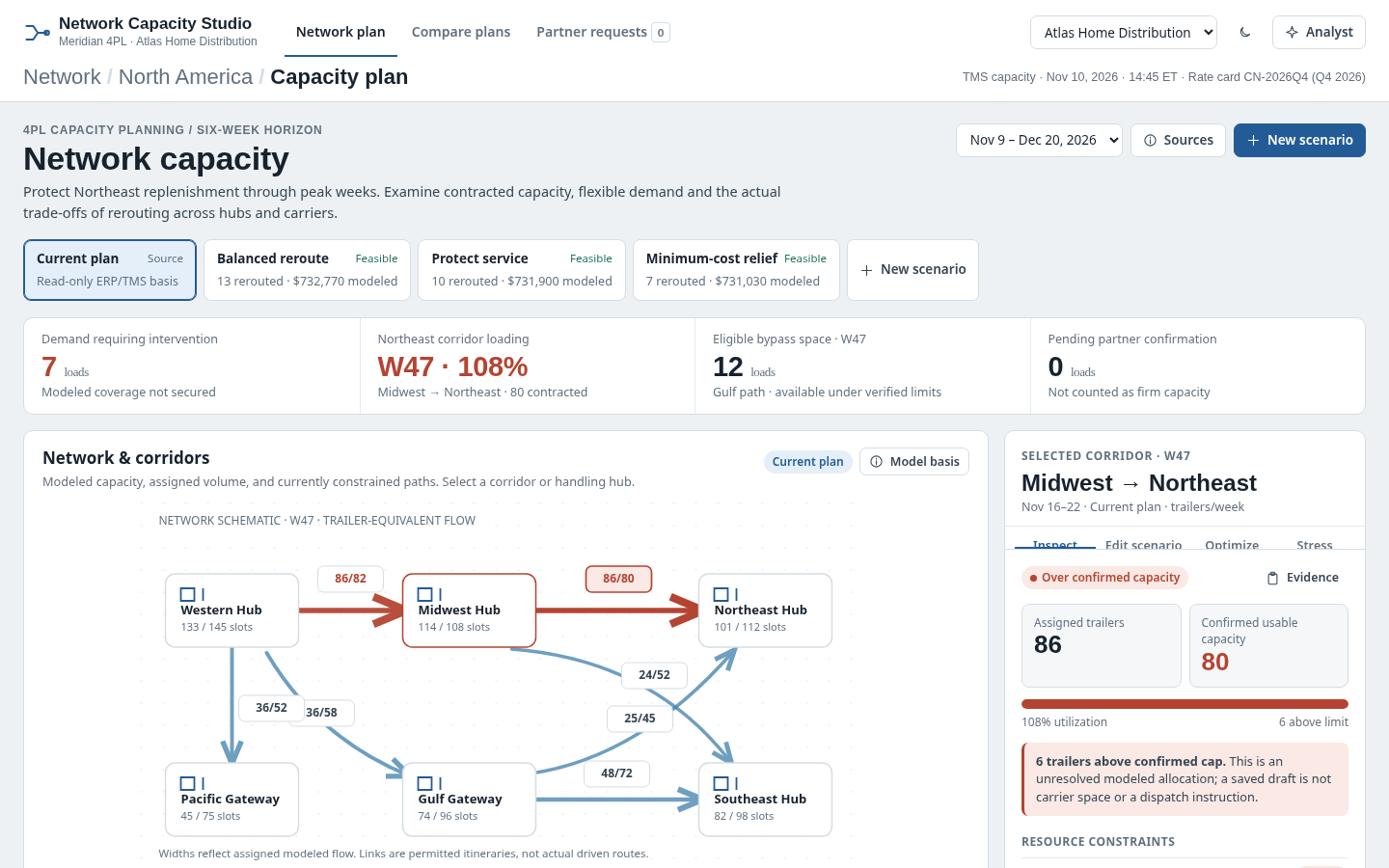
The question it answers
Which corridors or partners exceed capacity and which reroute or flexible-capacity plan protects service within constraints?
4PL corridor and hub capacity planning across partner transport commitments, demand forecasts and constrained reroute alternatives.
See how teams use this- Industry
- 4PL
- System
- ERP, plan and run the business
- Area
- Supply Chain Planning (SCP)
- Module
- Network Planning
- Parts
- 4 screens and components
What's inside
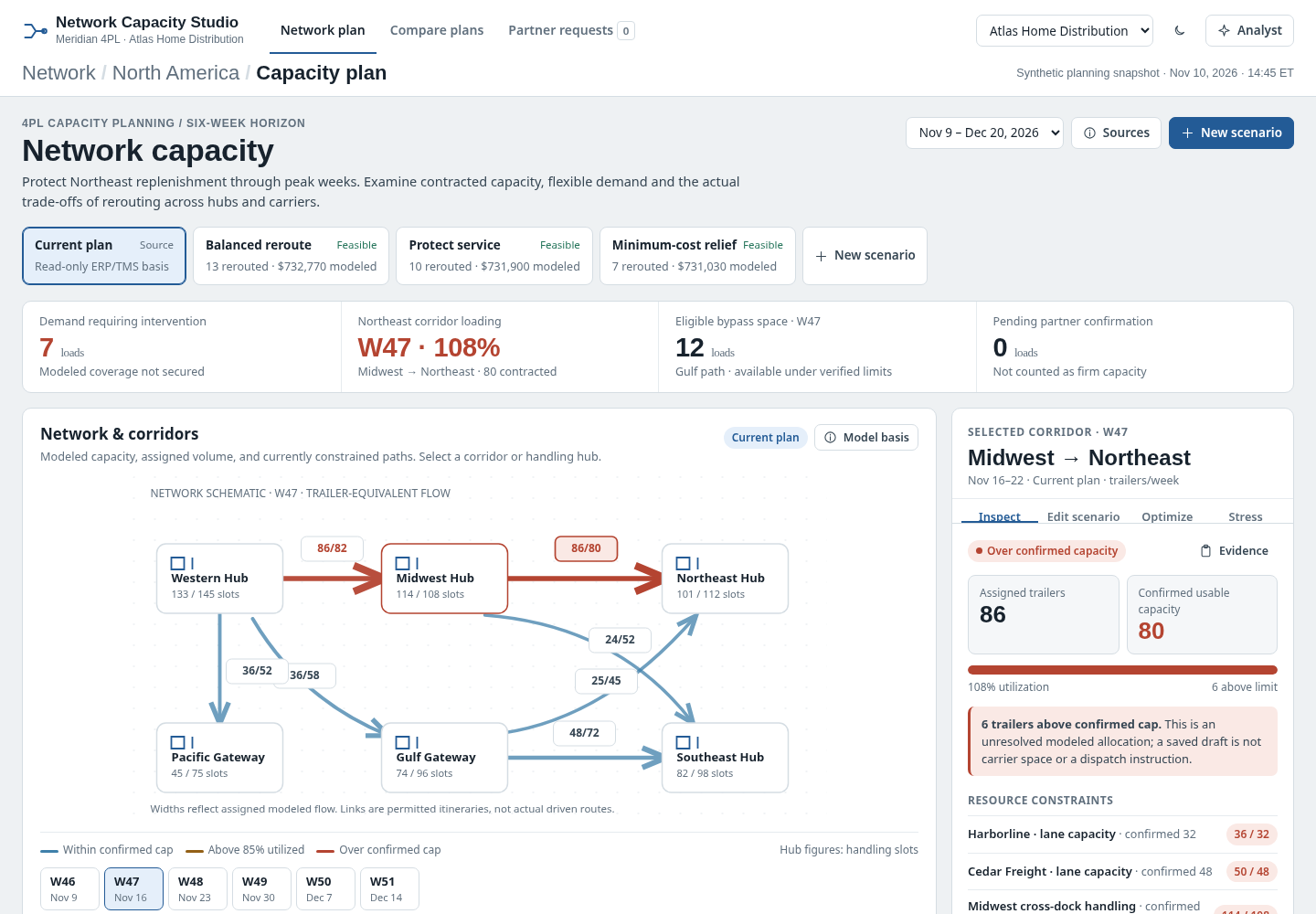 Network capacity planReview six-week corridor and carrier congestion.
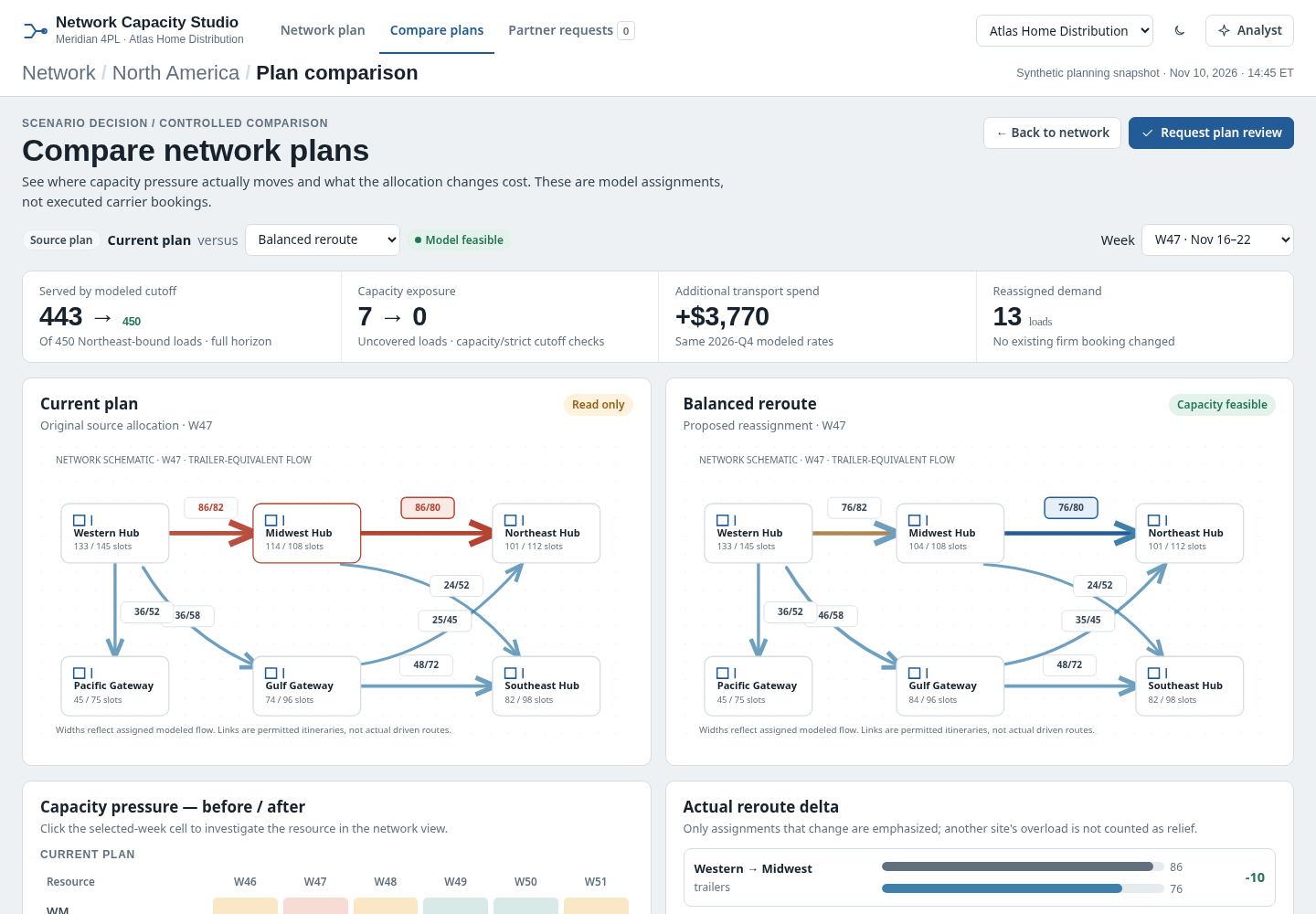 Compare capacity plansCompare rerouting, cost and service trade-offs.
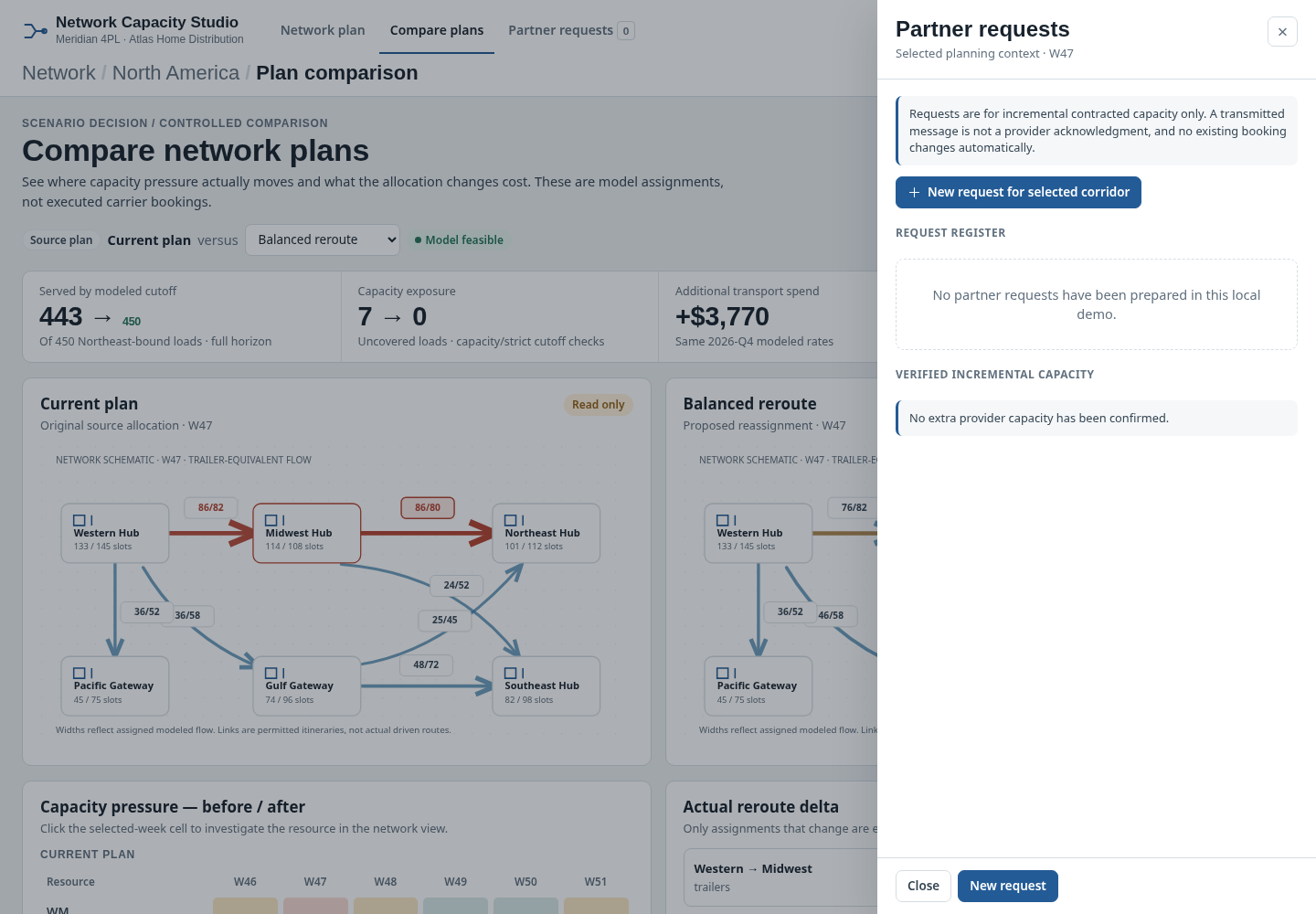 Partner requestsInspect carrier capacity confirmation requests.
How people use it
- Review constrained corridor and partner capacity by week
- Inspect network lanes, carriers and hubs
- Compare feasible routing and capacity scenarios
- Review partner requests and confirmation dependencies
Data it works with
- Hub handling capacity
- Lane limit
- Service window
- Overflow cost
Start from this blueprint in your terminal.
Attach it to a project and your coding agent adapts it to your data, rules and roles.
Install the CLI- Sign in
vortexify login - Attach this blueprint
vortexify blueprints attach network-capacity-planning-4pl - Ask your agent to build it
Build the app from the attached blueprint using our data.
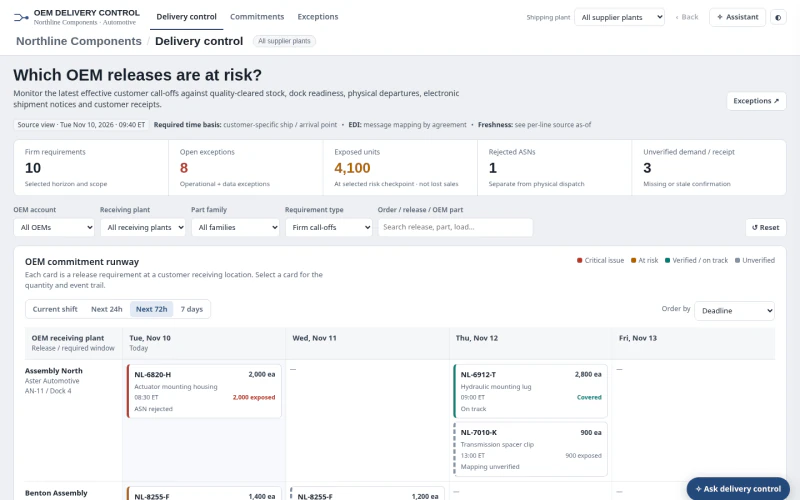 ERPAutomotive OEM Order Status & ExceptionsWhich firm OEM releases are at risk, and is the issue available stock, dock dispatch, ASN processing, receipt confirmation or stale/incomplete evidence?
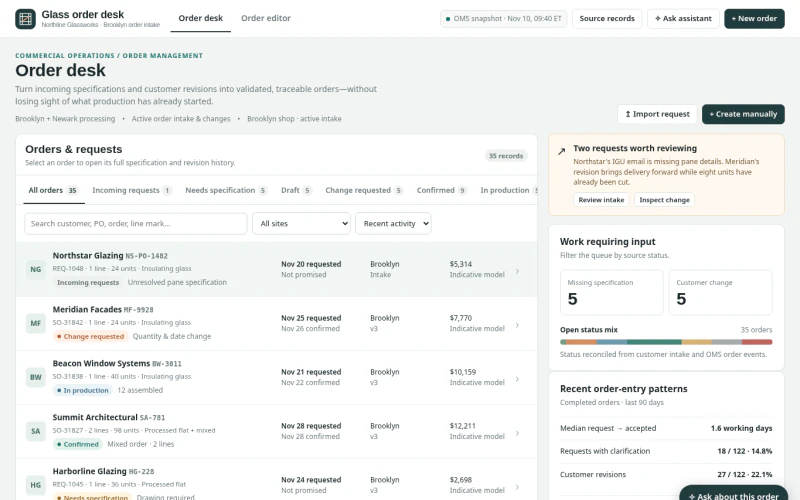 ERPArchitectural Glass Order Entry & ChangesWhich incoming requests, specifications or changes can be validated and committed without losing production state, promise provenance or revision history?
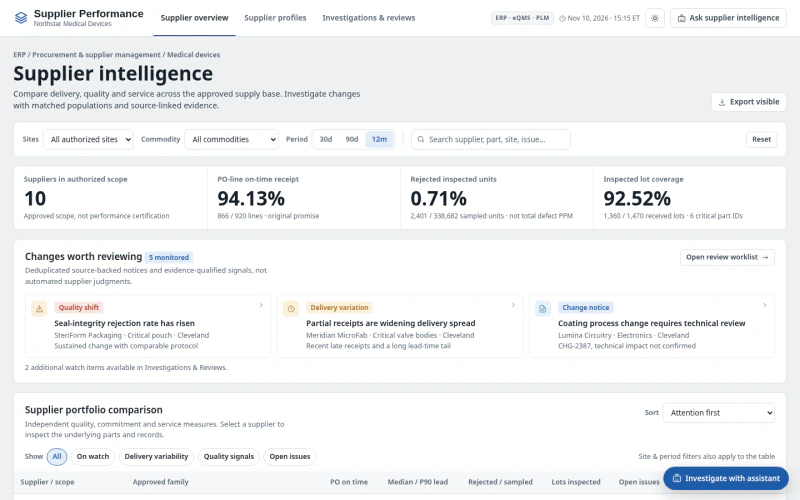 ERPMedical Device Supplier PerformanceWhich suppliers and part families have meaningful quality or delivery deterioration, what evidence explains it, and what review action is needed?