Aerospace Work Order Execution
Aerospace
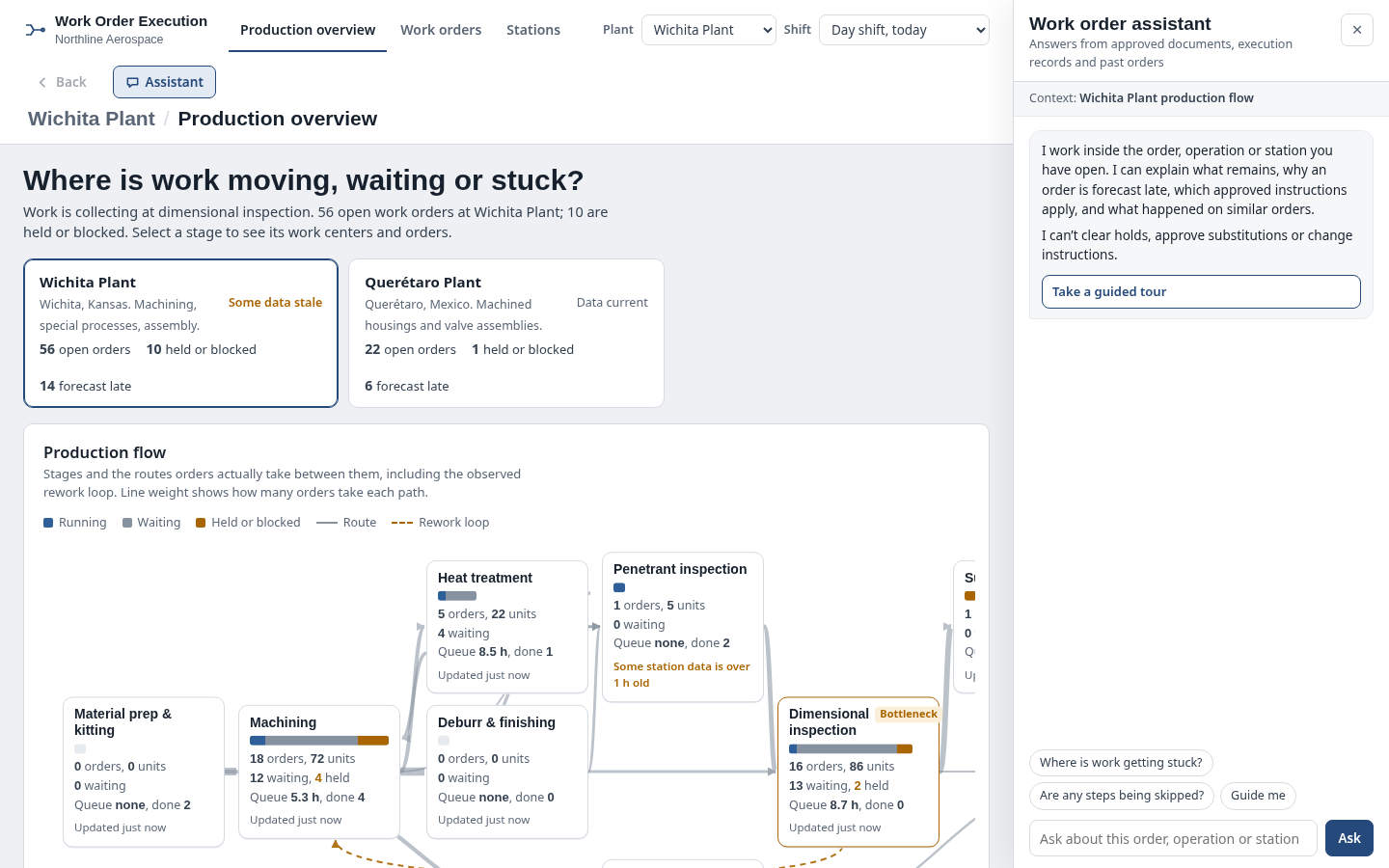
The question it answers
Where is work moving, waiting, blocked or off-route, and what evidence allows the next operation to proceed?
Aerospace manufacturing work-order execution with serial routing, controlled operations, station evidence and deviations.
See how teams use this- Industry
- Aerospace
- System
- MES, run manufacturing
- Area
- Production Execution
- Module
- Production Work Orders
- Parts
- 17 screens and components
What's inside
 Plant and shift selectorSwitch between Wichita and Querétaro and day or prior swing shift; preserve clear contextual facility/shift indicators.
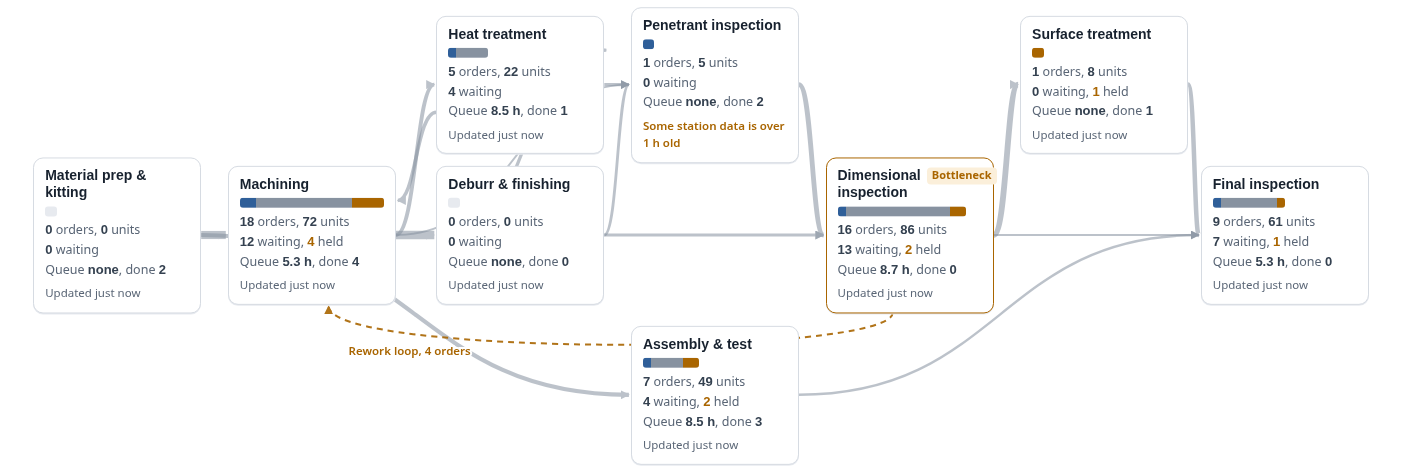 Interactive production routing flowNine-stage graph shows work volume, running/waiting/held splits, bottleneck stage and observed rework route; select a stage for drill-down.
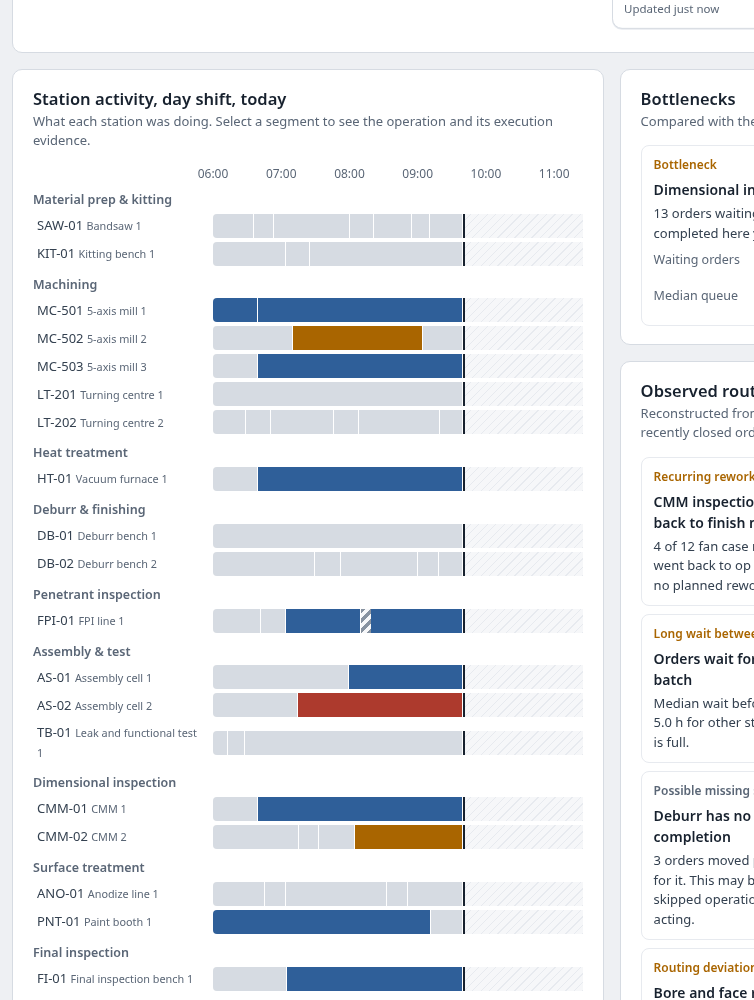 Station and shift activity timelineRecorded execution, waiting, hold, block and unknown reporting intervals; each segment opens evidence and attached work order/operation.
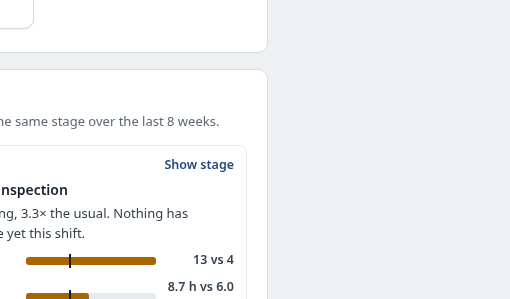 Stage bottlenecks and queue signalsCompare queue and aging with eight-week baselines; do not treat waiting as machine downtime.
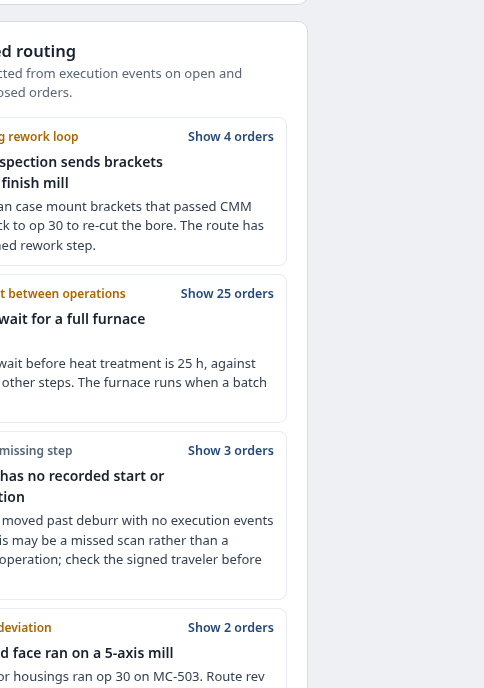 Observed routing and deviation findingsDetect rework loops, long batch waits, missing scan evidence and unexpected station choices; missing scans are hypotheses, not proof.
 Work order registerSearch and filter open/at-risk/held/closed orders; inspect priority, stage, step progress and due-date outlook.
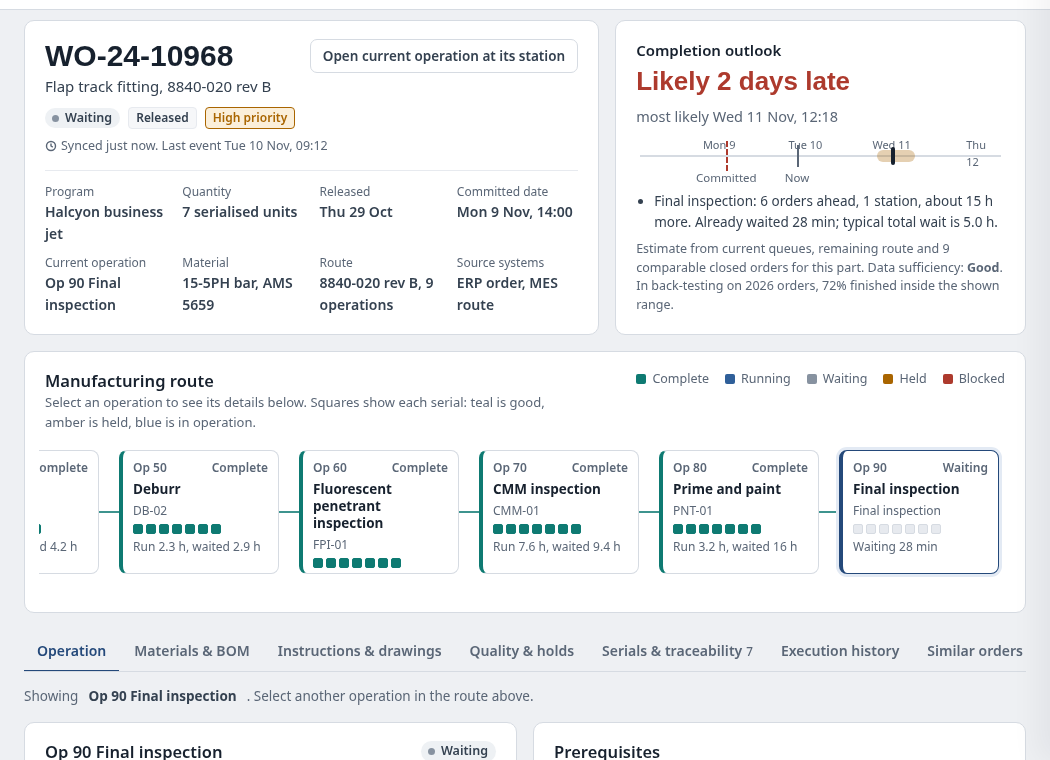
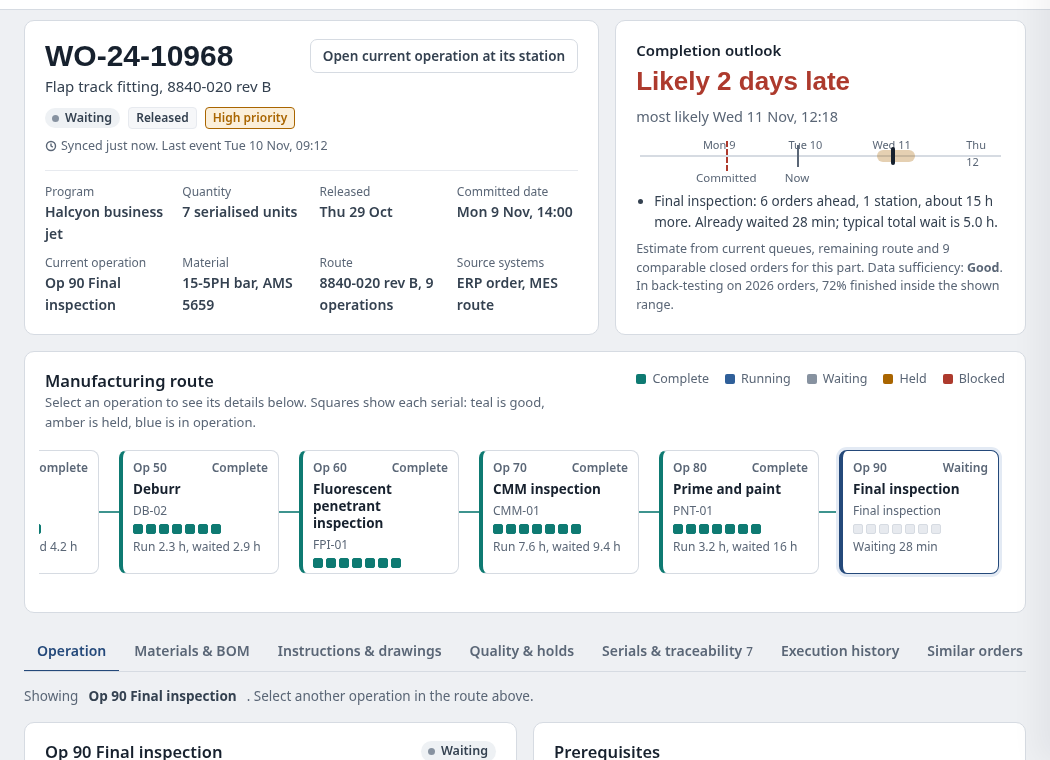
 Work-order record and forecastPart/revision, lot, serial quantity, plant and priority alongside indicative completion range, due-date marker and source-aware factors.
 Operation dependency diagramShow operation nodes, predecessors, parallel branches, planned versus observed steps, held serials and rework.
 Selected operation evidenceSwitch operation, materials/BOM, approved instructions/drawings, quality/holds, serial traceability, execution history and similar orders.
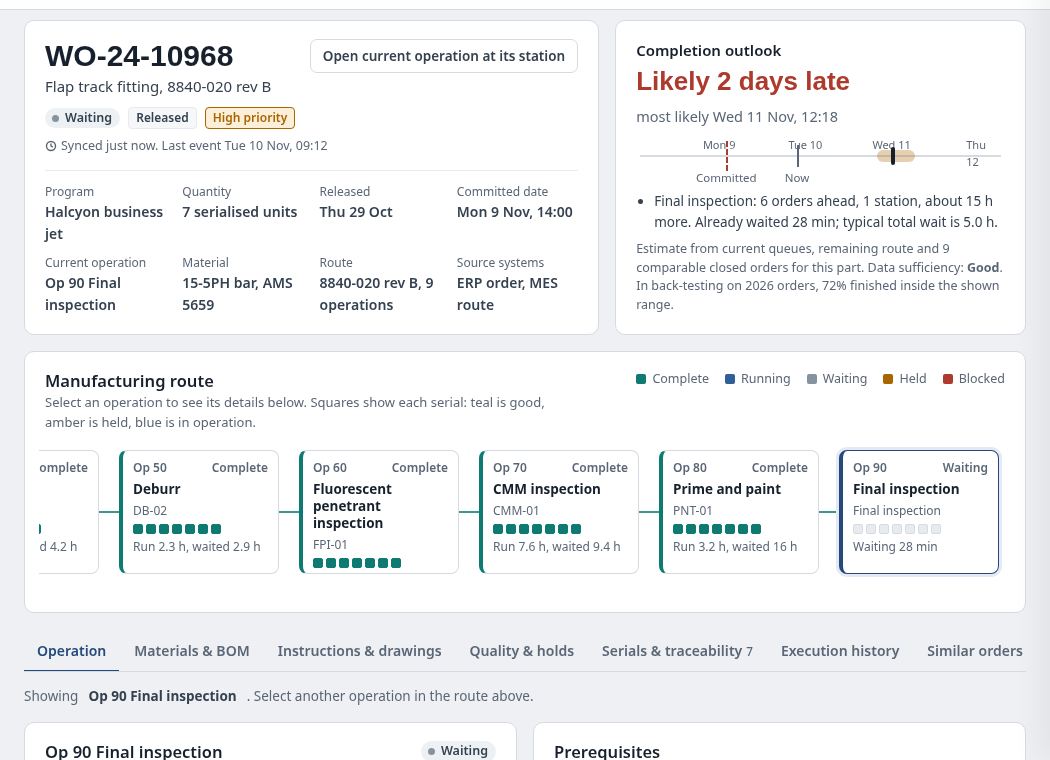 Serial-level disposition and genealogyTrack per-serial state through operations; held or scrapped serials are not silently counted as eligible output.
 Approved instructions and controlled toolsShow operation-specific instructions, document revisions, tool/gauge calibration reminders and measurement characteristics.
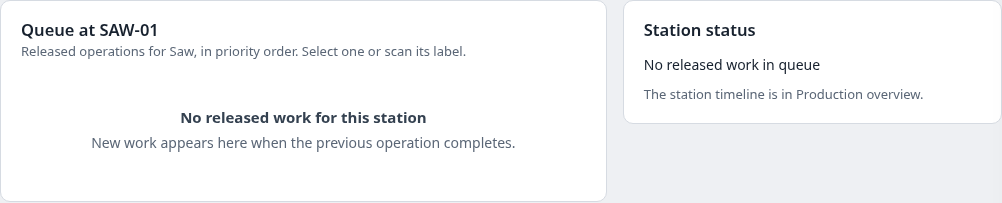
 Station roster and queueBrowse physical stations by production stage and find the currently executing or ready work order.
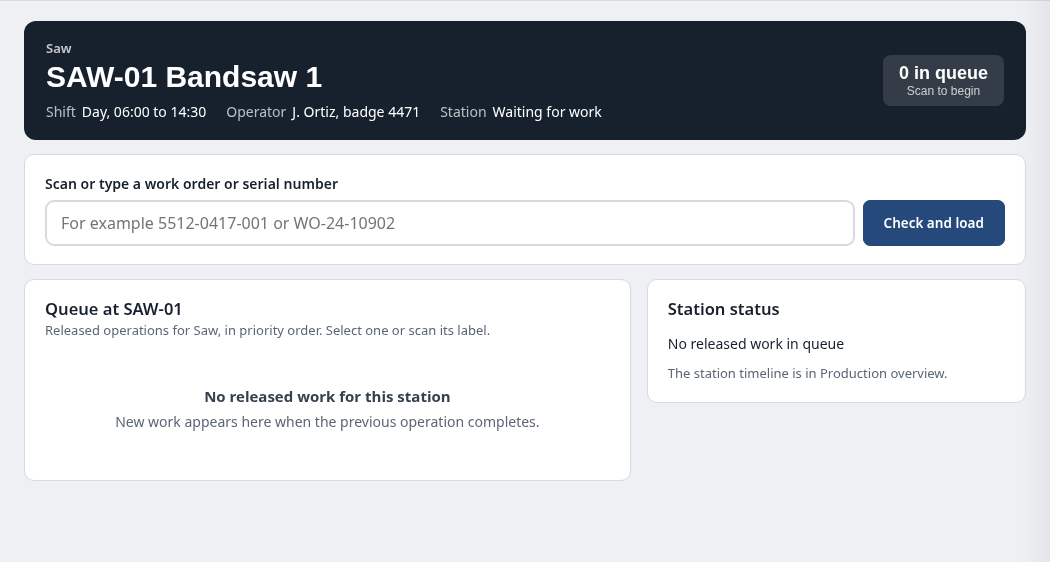
 Shop-floor station travelerEnter a work order or serial scan; check routing/work center, materials and readiness before operating.
 Start, pause, resume and complete controlsRecord operation starts, pauses with reasons, measurements and controlled completion; apply required sign-offs and serial checks.
 Nonconformance and block inspectionReview material shortage, hold and QMS/NCR history without granting release or substitution authority.
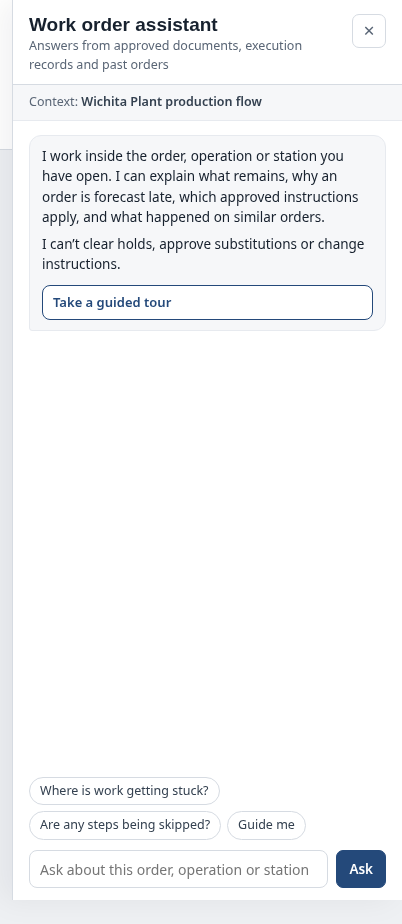 Contextual work order assistantExplain routing, work-center blockers and evidence; navigate to authorized operations without clearing holds or approving exceptions.
How people use it
- Compare production flow, bottlenecks and station timelines
- Drill into a work order, forecast and serial-level evidence
- Validate work order or serial at an eligible station
- Record local start, pause, measurements and signed completion
Data it works with
- Work order ID
- Part and approved revision
- Operation and predecessors
- Assigned station
- Serial/lot
- Held and scrapped dispositions
- Queue age
- Expected completion range
- Measurement and signature evidence
Start from this blueprint in your terminal.
Attach it to a project and your coding agent adapts it to your data, rules and roles.
Install the CLI- Sign in
vortexify login - Attach this blueprint
vortexify blueprints attach work-order-execution-aerospace - Ask your agent to build it
Build the app from the attached blueprint using our data.
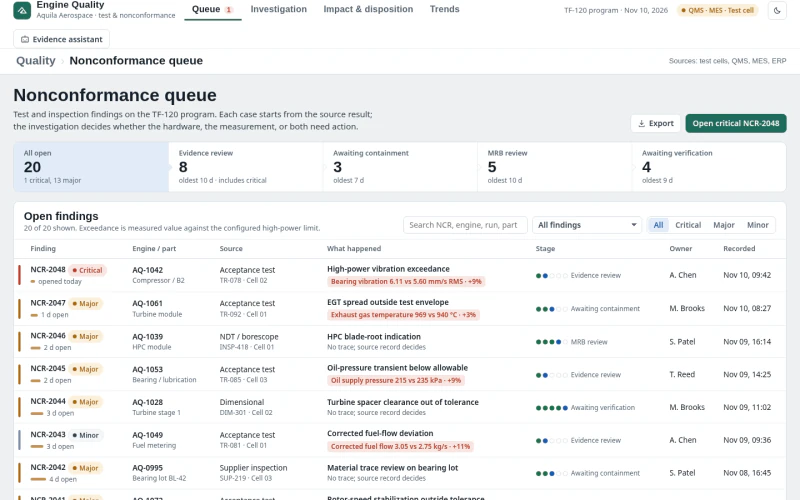 MESAerospace Nonconformance InvestigationWhich engine test or inspection deviations warrant containment, how far does exposure extend, and which dispositions are defensible from recorded evidence?
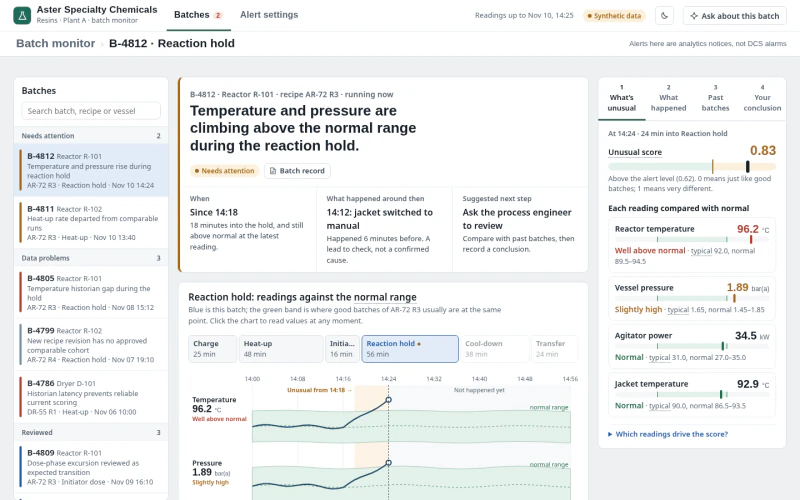 MESSpecialty Chemicals Batch Anomaly MonitoringWhich batches differ from accepted recipe runs, what evidence explains the timing, and how would candidate detector settings change alerts?
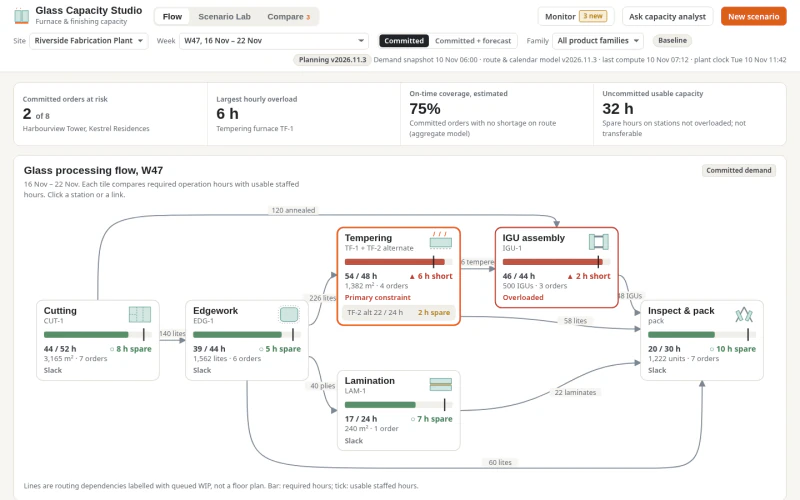 ERPGlass Production Capacity PlanningWhich fabrication stages and weeks are capacity-constrained, what work orders are exposed, and which feasible, qualified interventions recover committed service?