Fresh Grocery Demand Forecasting
Grocery / Fresh Foods
The question it answers
Which forecast can be trusted, reviewed and approved for fresh replenishment?
Fresh grocery demand forecasts at store-item-day level, availability effects, forecast comparisons and replenishment planning.
See how teams use this- Industry
- Grocery / Fresh Foods
- System
- ERP, plan and run the business
- Area
- Supply Chain Planning (SCP)
- Module
- Demand Planning
- Parts
- 6 screens and components
What's inside
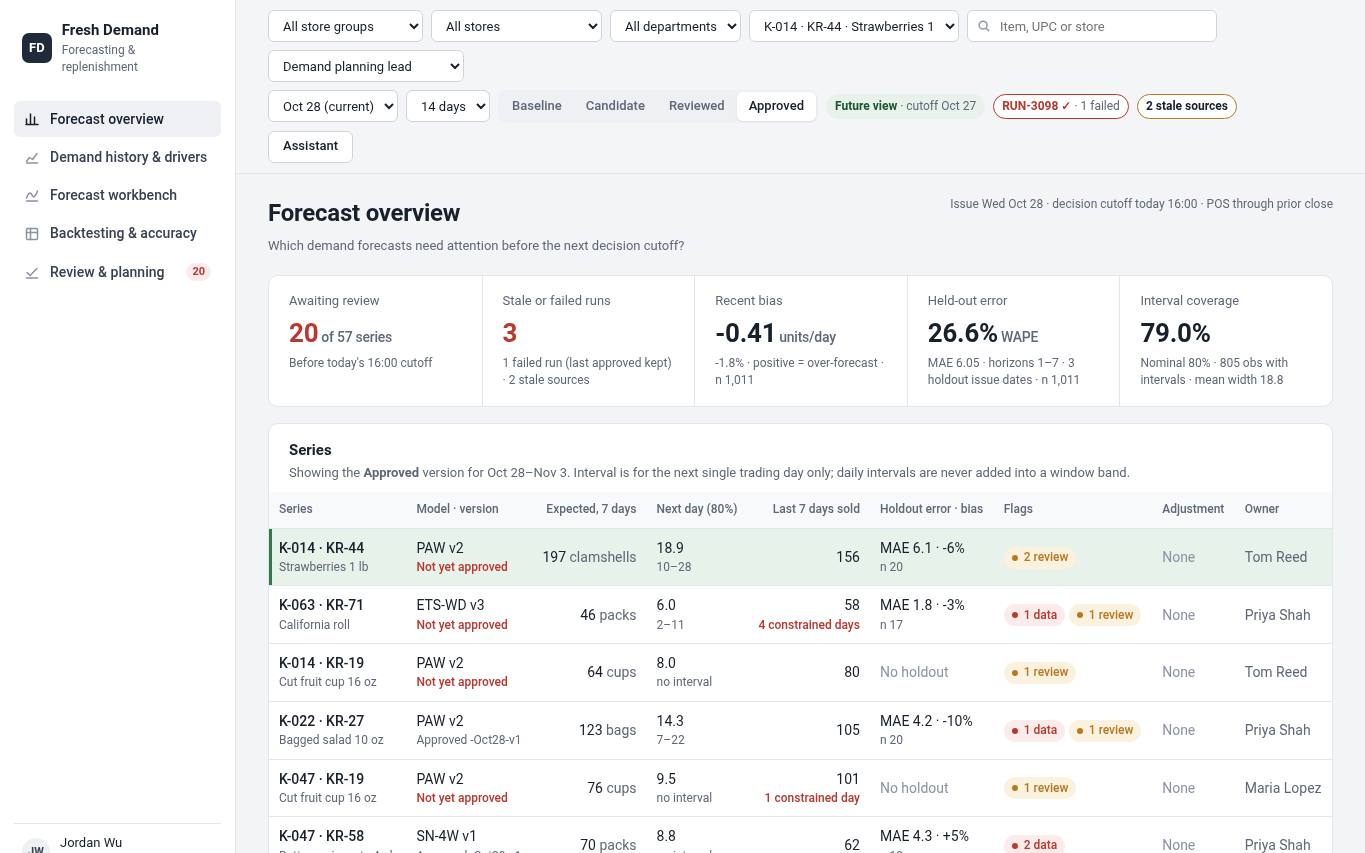
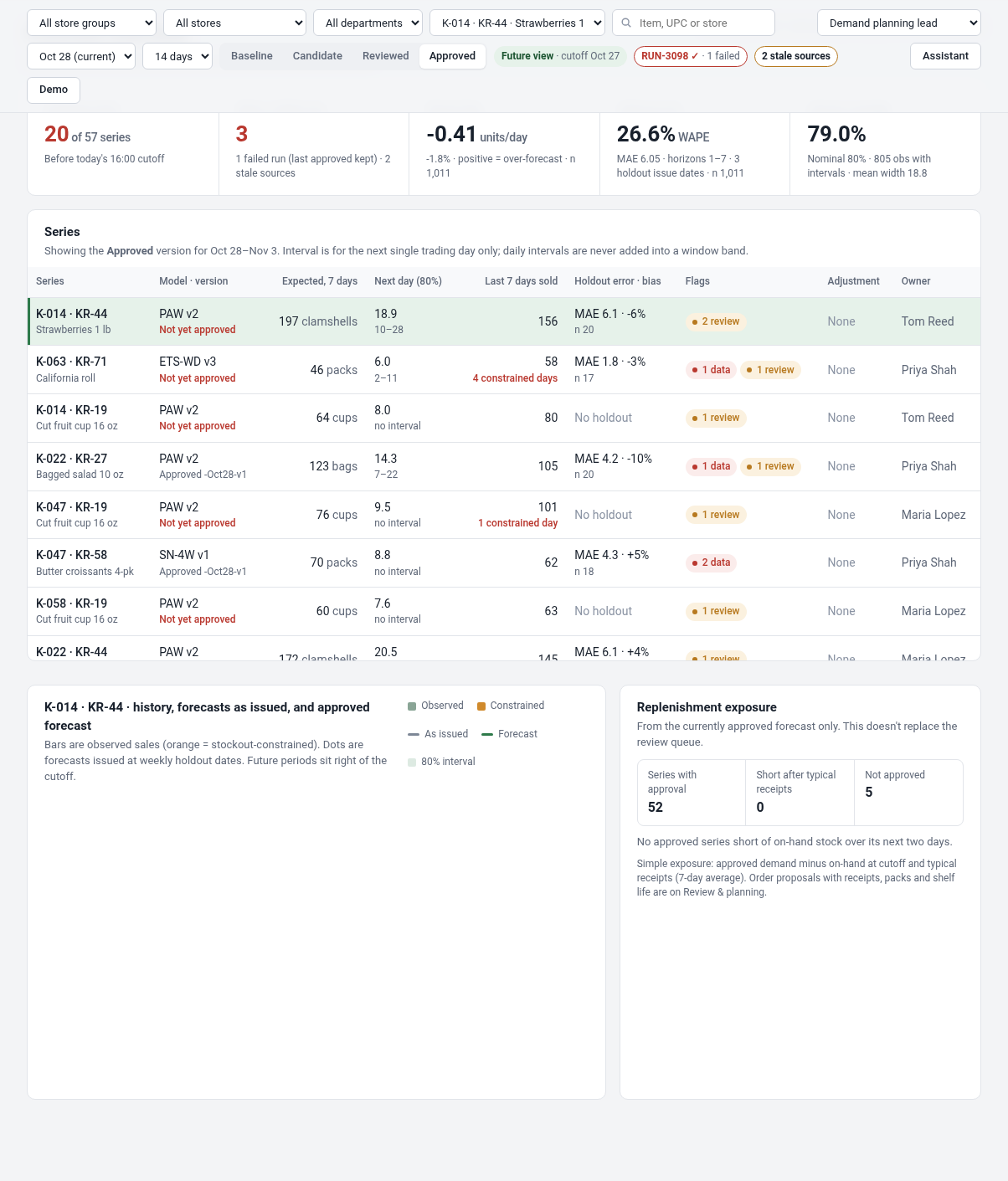 Forecast overview, portfolio and exception navigationStarting from the store group, store, department and series scope, review freshness, held-out error, interval coverage, series-level exceptions, as-issued versus current forecast and replenishment exposure. Click any series to inspect source evidence.
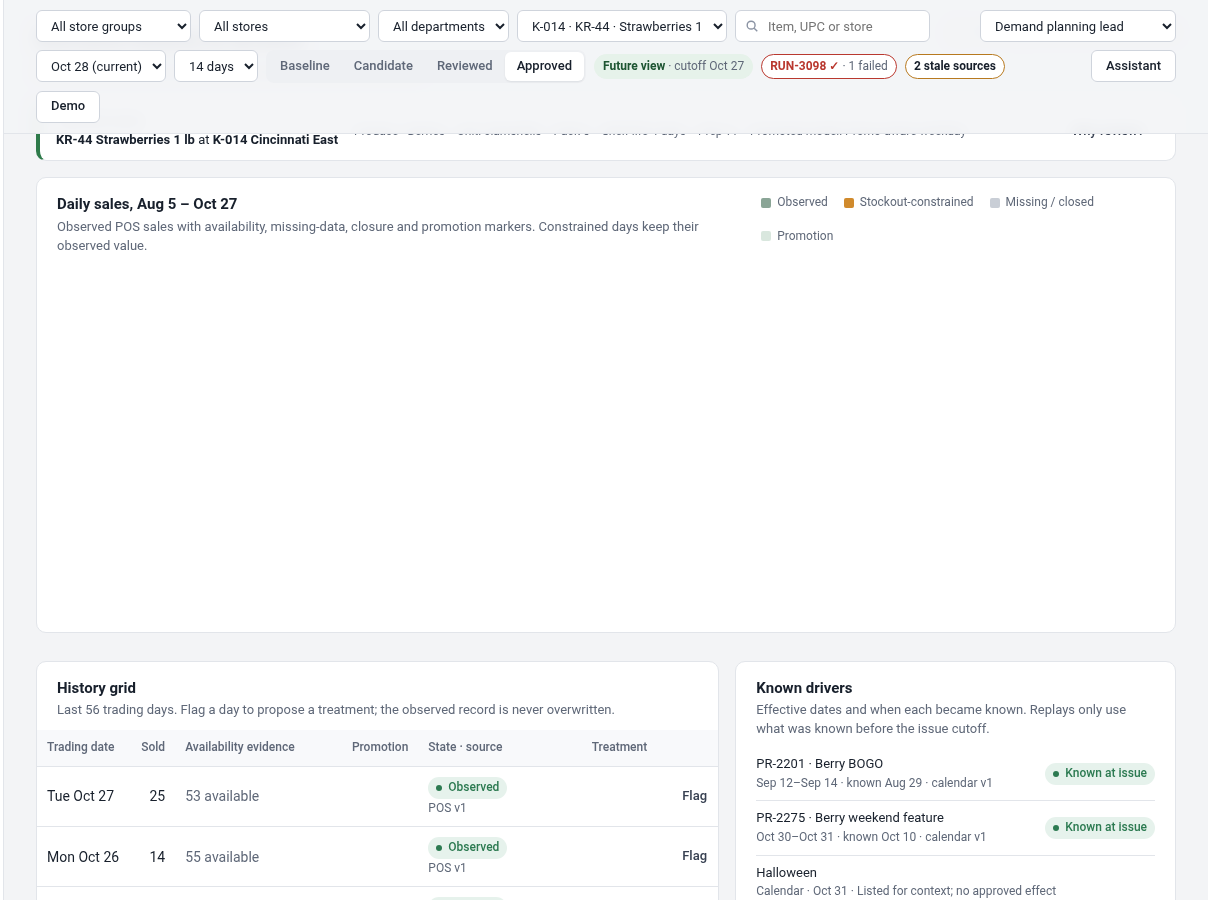 Demand history and data preparationDaily POS observations annotated with missing days, stockout-limited sales, store closures and known-as-of promotions; propose and review dated data treatments, keeping raw observations immutable. Drill down to one store-SKU-day.
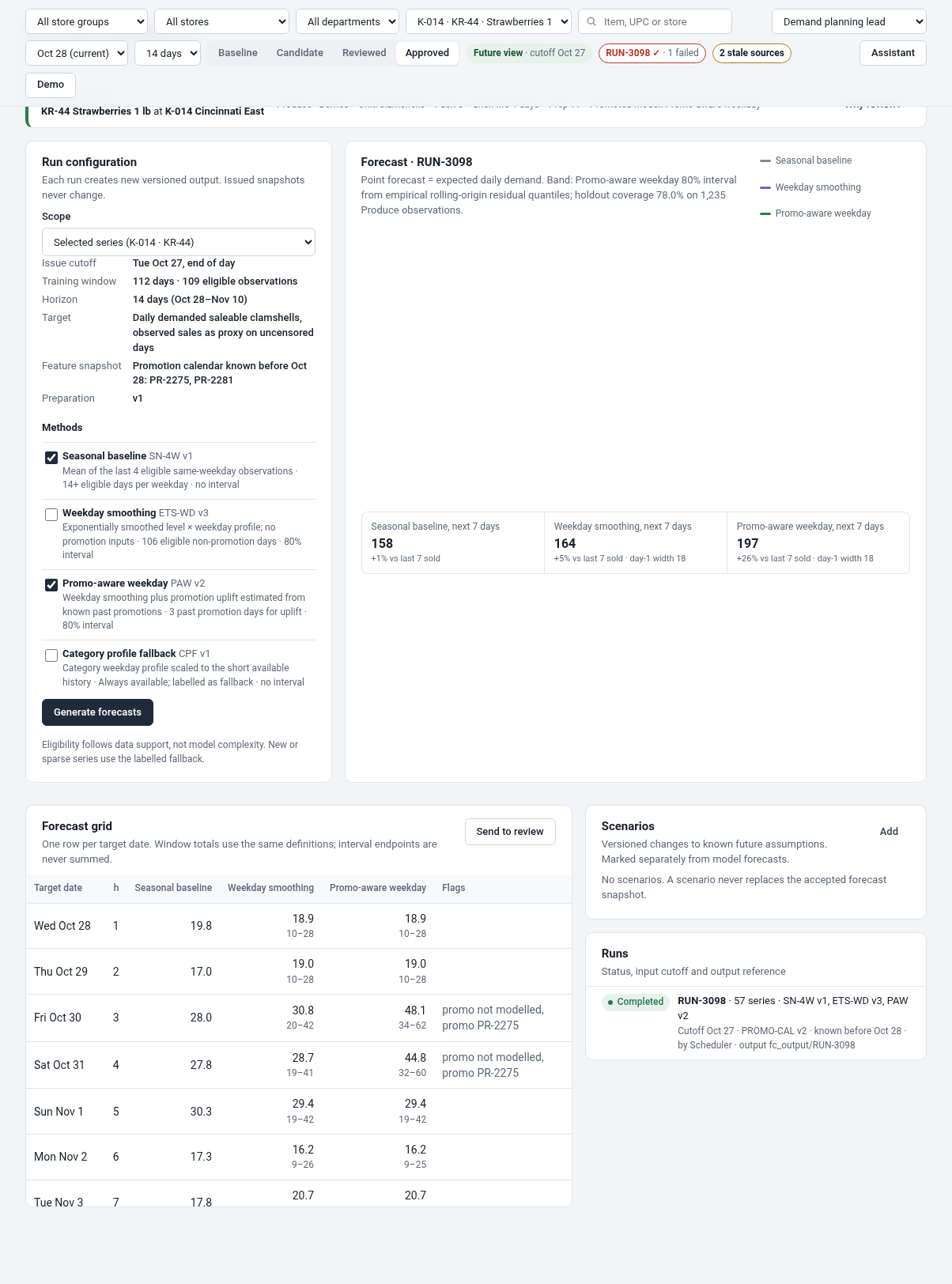 Forecast workbench and model runsRun baseline, weekday smoothing and promotion-aware methods for eligible store-item series, inspect issue-date cutoff, forecast trajectories, calibration, scenario assumptions and versioned run outcomes.
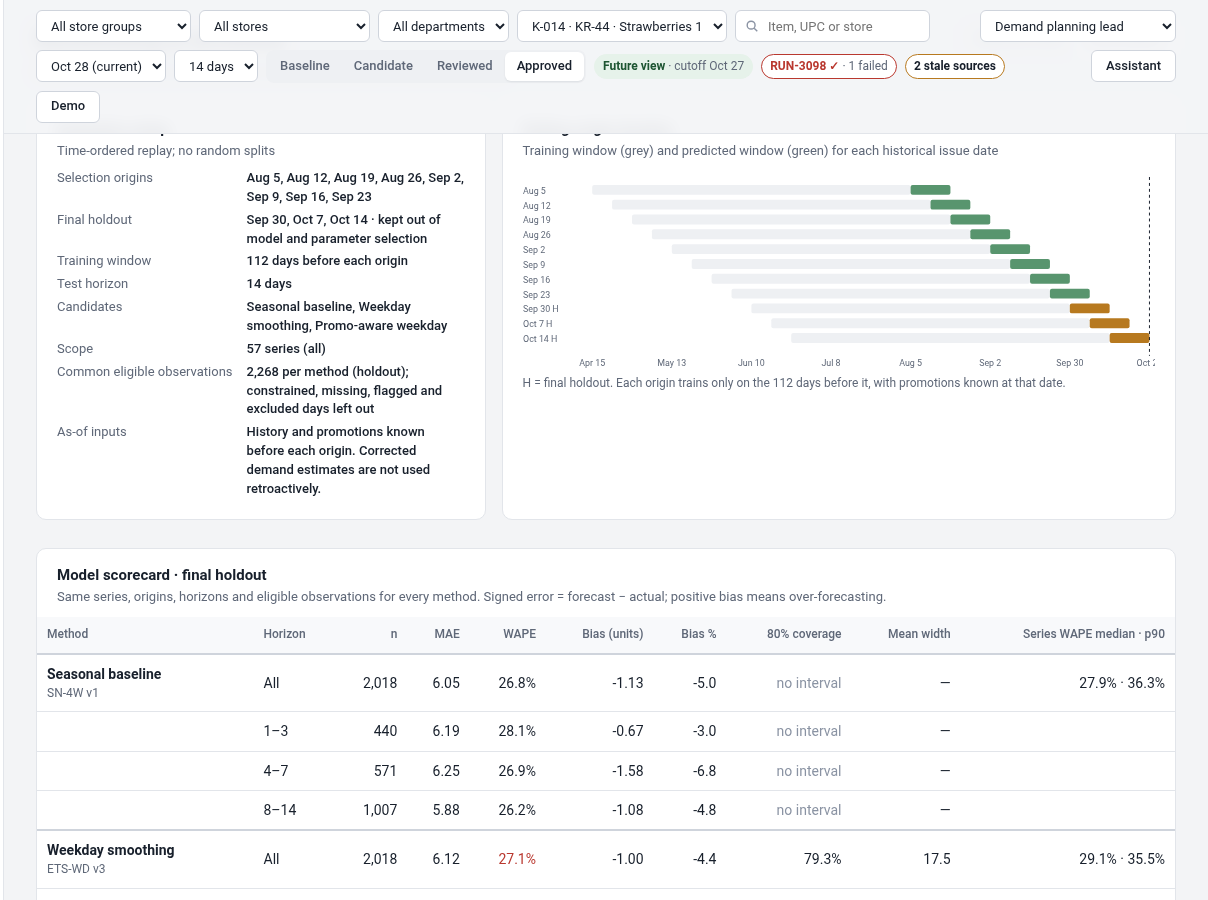 Rolling-origin backtesting and forecast accuracyShow selection vs holdout historical origins, matched forecasts and actuals, MAE/WAPE/signed bias/interval coverage, error heatmap by series and horizon, model promotion criteria, and source record drilldown.
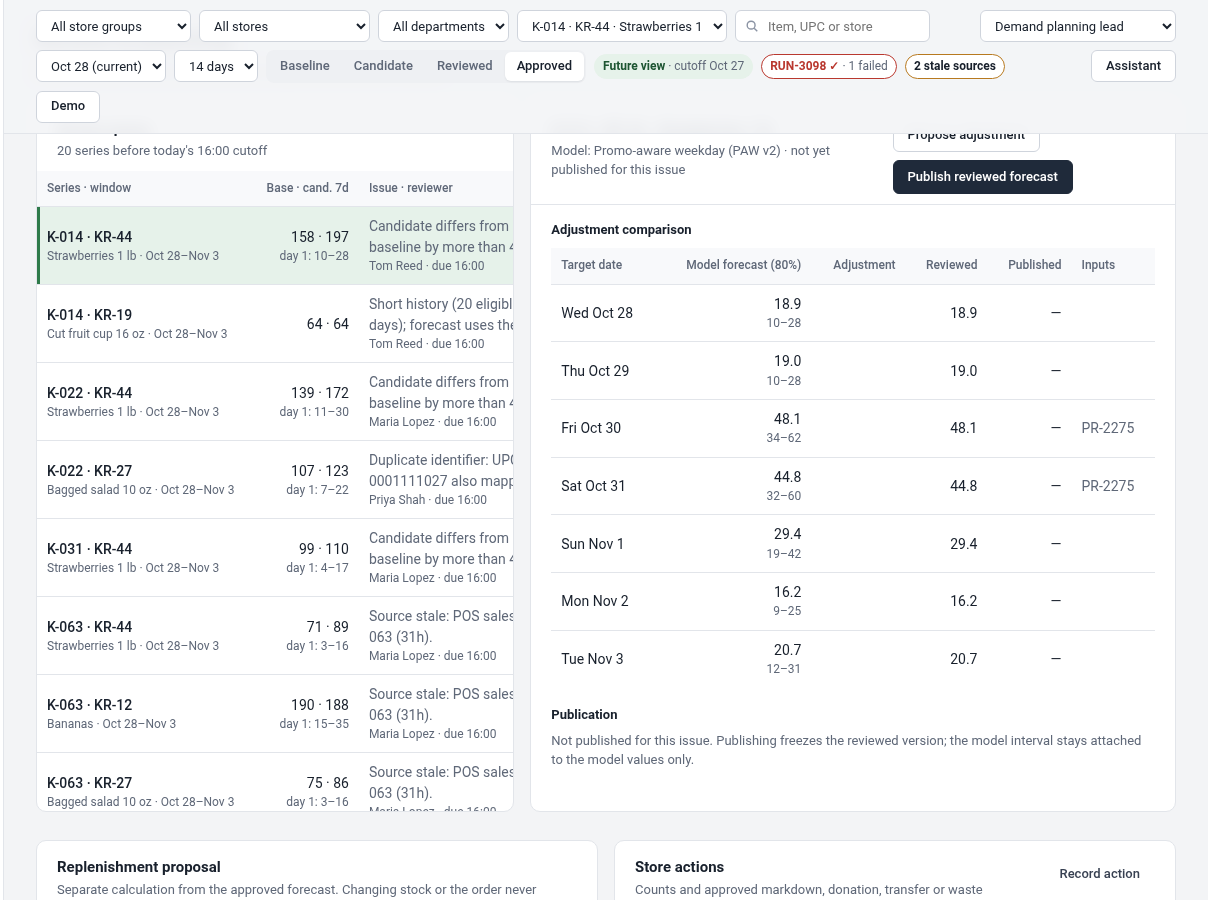 Review, publication and replenishmentQueue and validate forecast adjustments, approve frozen forecast snapshots with explicit review and publication statuses, then examine product shelf-life and case-pack replenishment proposals from approved forecast, eligible stock and confirmed receipts.
How people use it
- Investigate POS history and stockout evidence
- Run forecast methods and inspect backtests
- Review a version and inspect replenishment exposure
Data it works with
- POS history
- Data treatment
- Forecast run and model
- Holdout evaluation
- Frozen approval
- Replenishment proposal
Start from this blueprint in your terminal.
Attach it to a project and your coding agent adapts it to your data, rules and roles.
Install the CLI- Sign in
vortexify login - Attach this blueprint
vortexify blueprints attach demand-forecasting-grocery-retail - Ask your agent to build it
Build the app from the attached blueprint using our data.
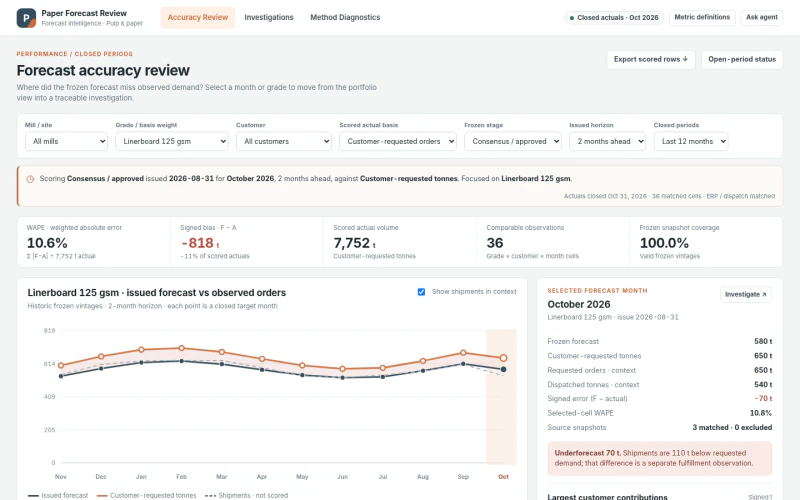 ERPPulp & Paper Forecast Accuracy ReviewWhere did frozen forecasts miss actual demand, what evidence supports the cause, and which method should be reviewed for next cycle?
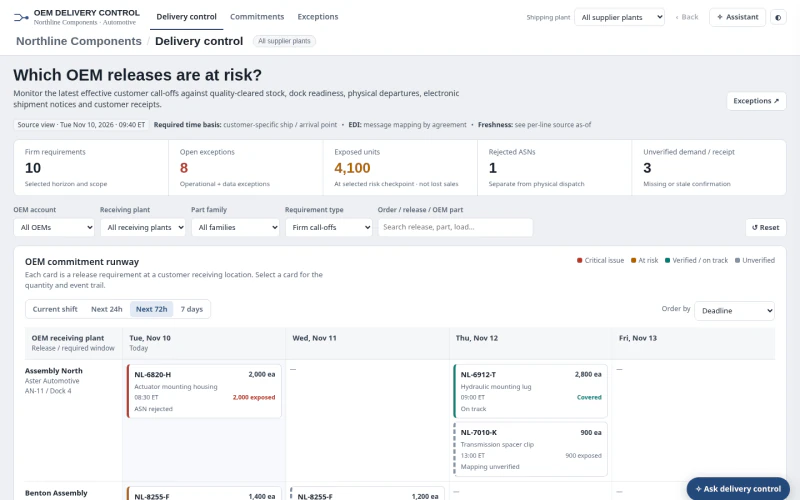 ERPAutomotive OEM Order Status & ExceptionsWhich firm OEM releases are at risk, and is the issue available stock, dock dispatch, ASN processing, receipt confirmation or stale/incomplete evidence?
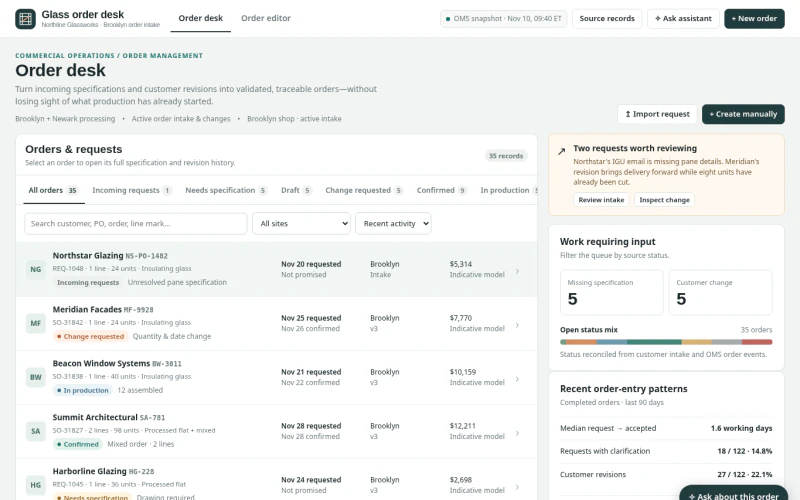 ERPArchitectural Glass Order Entry & ChangesWhich incoming requests, specifications or changes can be validated and committed without losing production state, promise provenance or revision history?