3PL Receiving & Putaway
3PL
The question it answers
Which inbound loads, staged handling units and putaway tasks need action, and where can each handling unit be stored safely?
Client-specific warehouse receiving, ASN reconciliation, staging, quality/temperature restrictions and location-directed putaway.
See how teams use this- Industry
- 3PL
- System
- ERP, plan and run the business
- Area
- Warehouse Management (WMS)
- Module
- Warehouse Operations
- Parts
- 5 screens and components
What's inside
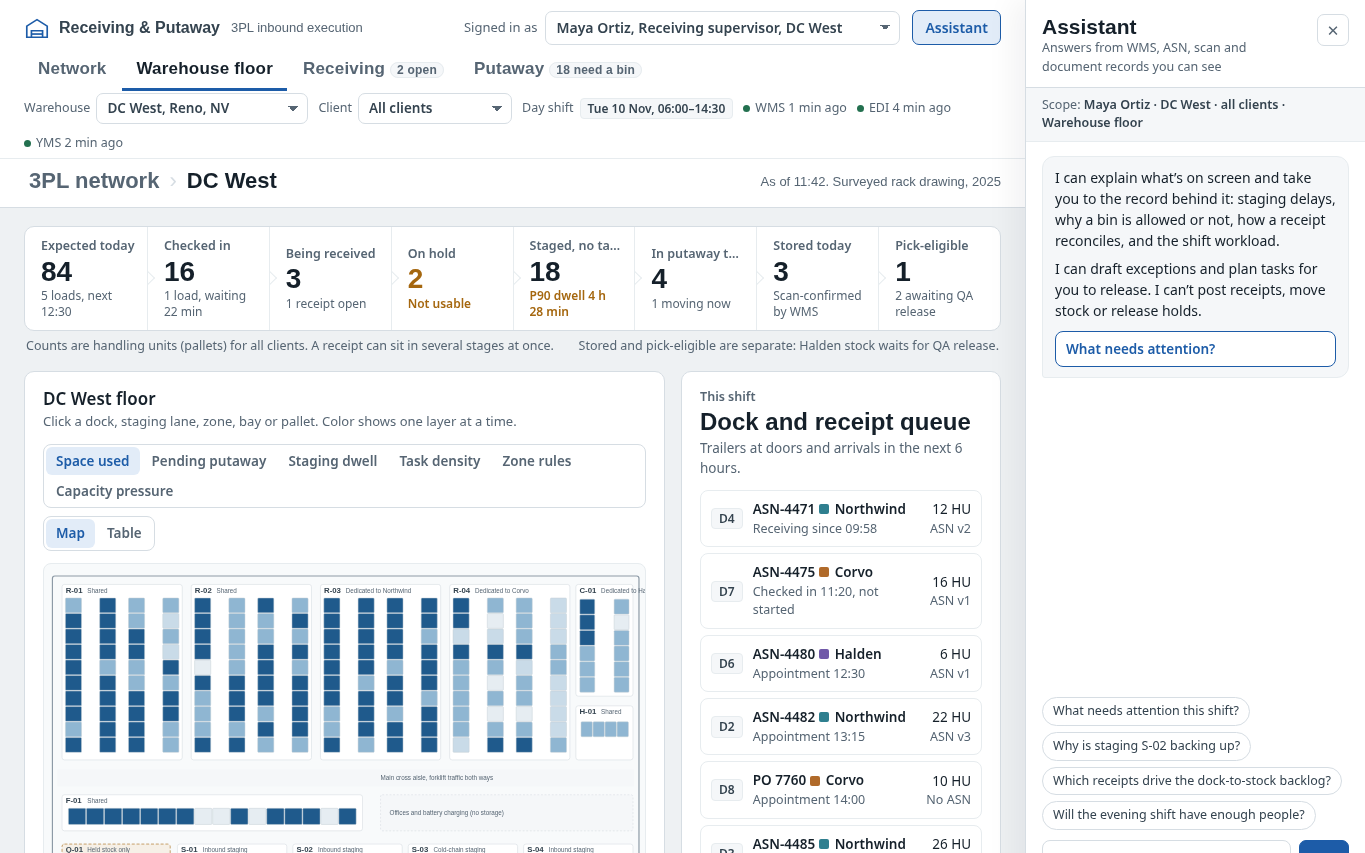
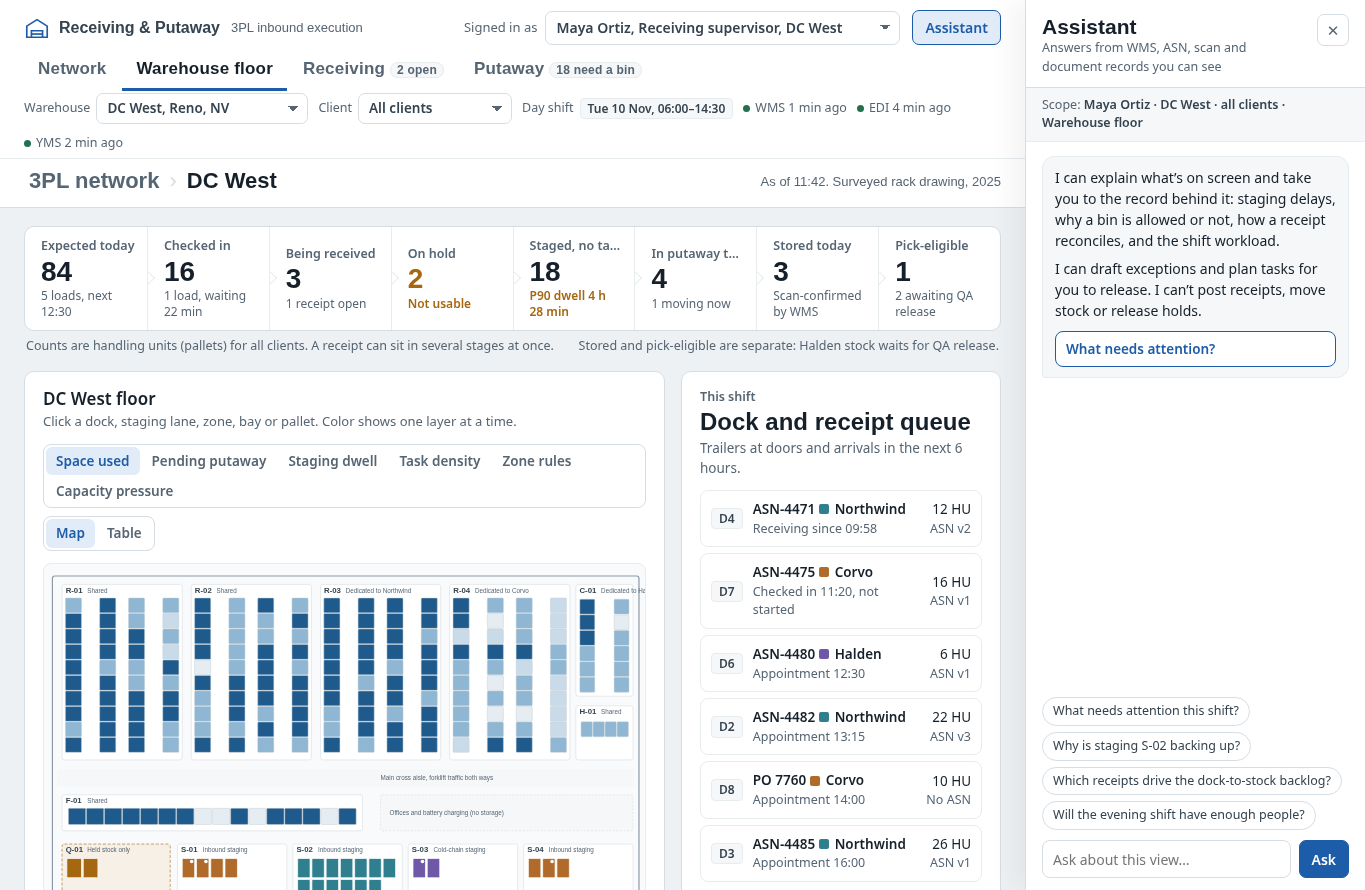 Interactive warehouse floorInspect dock, staging zone and rack-map utilization.
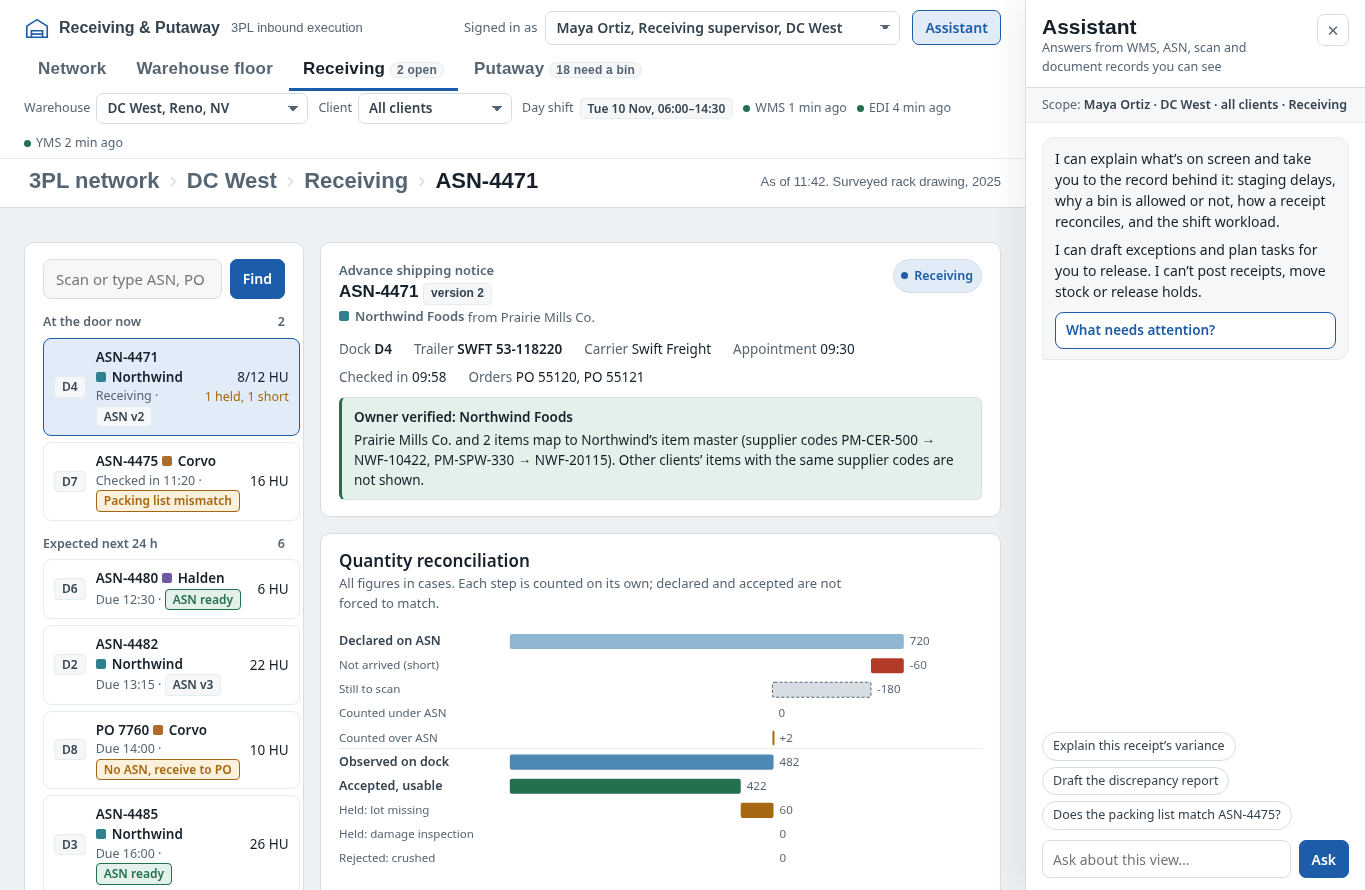 Receiving and reconciliationReview ASNs, receipt discrepancies and check-in.
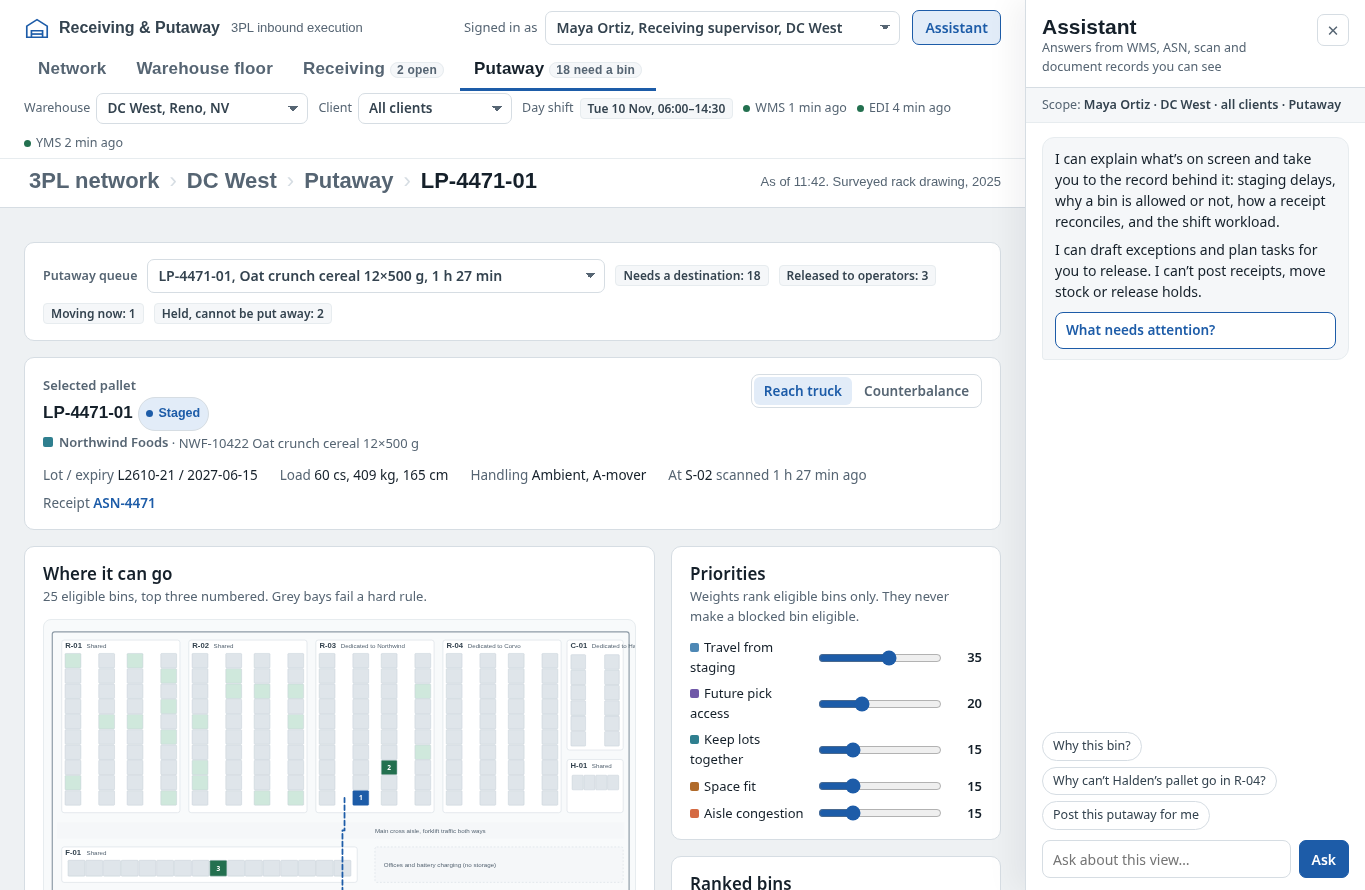 Putaway workbenchReview candidate bins, routes and tasks.
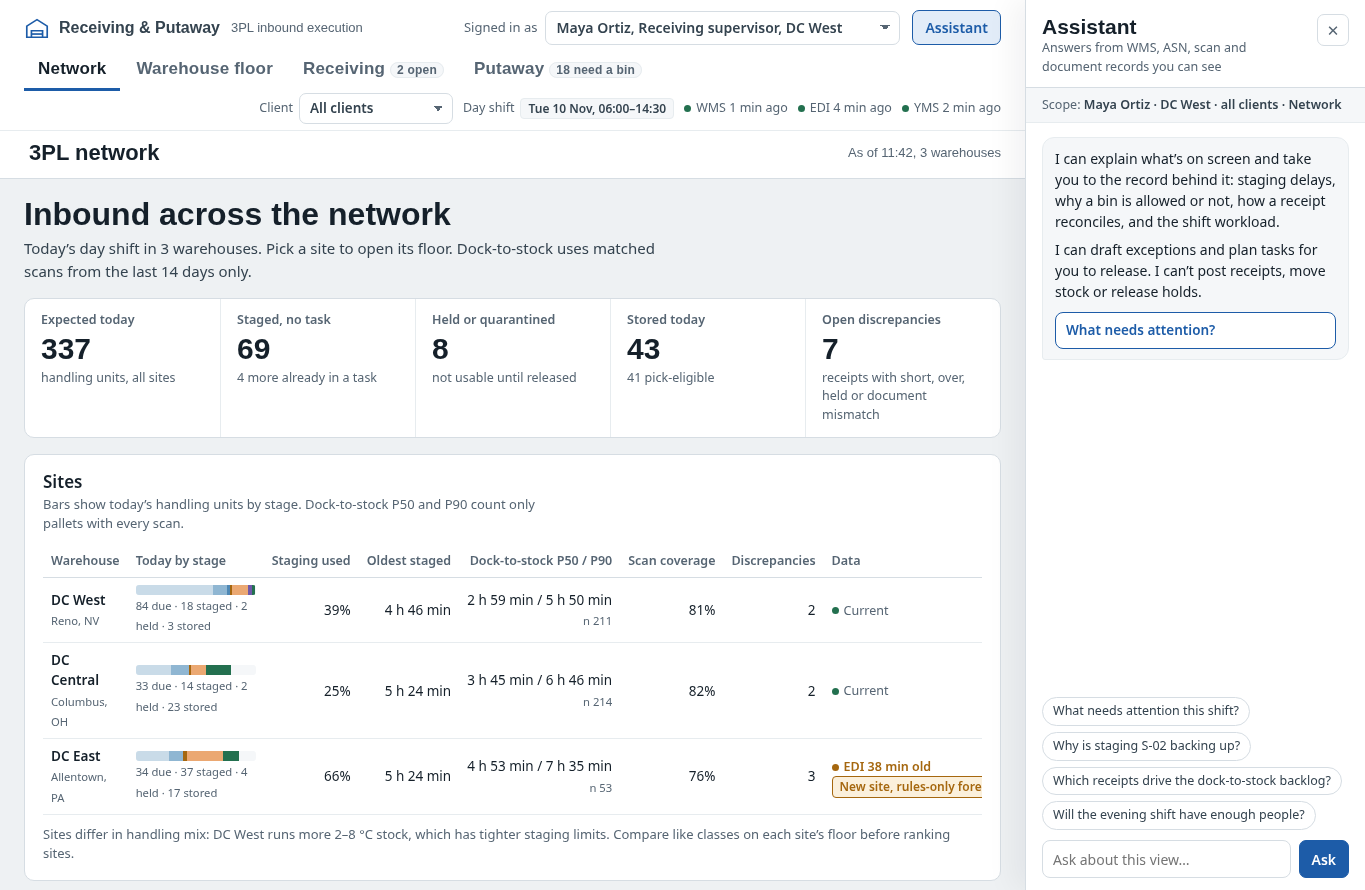 3PL network overviewCompare sites and dock-to-stock pressure.
How people use it
- Inspect network and warehouse floor, dock occupancy and staging dwell
- Open inbound receipt to reconcile ASN, scans, and received quantities
- Rank feasible putaway bin candidates using handling restrictions and path cost
- Confirm putaway via scanner-driven workflow and review exceptions
Data it works with
- Client owner
- ASN quantity
- Accepted quantity
- Putaway bin
Start from this blueprint in your terminal.
Attach it to a project and your coding agent adapts it to your data, rules and roles.
Install the CLI- Sign in
vortexify login - Attach this blueprint
vortexify blueprints attach receiving-and-putaway-3pl - Ask your agent to build it
Build the app from the attached blueprint using our data.
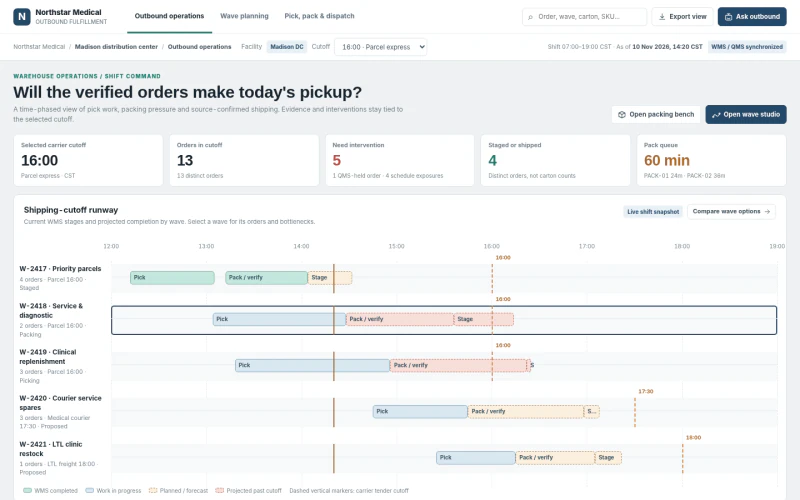 ERPMedical Device Picking, Packing & ShippingWhich orders will miss carrier pickup and what combination of waves, labor and verification steps recovers the shipment?
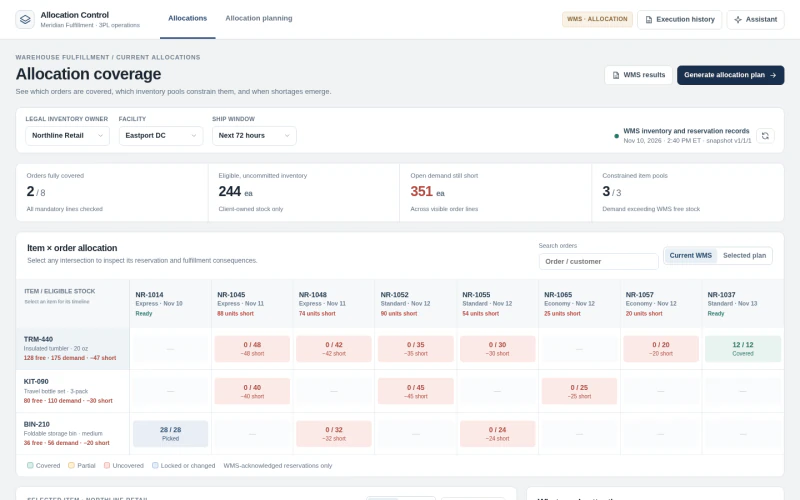 ERP3PL Inventory Order AllocationWhich orders can be covered by legally eligible inventory, and how do alternative allocation plans change shortages and release eligibility?
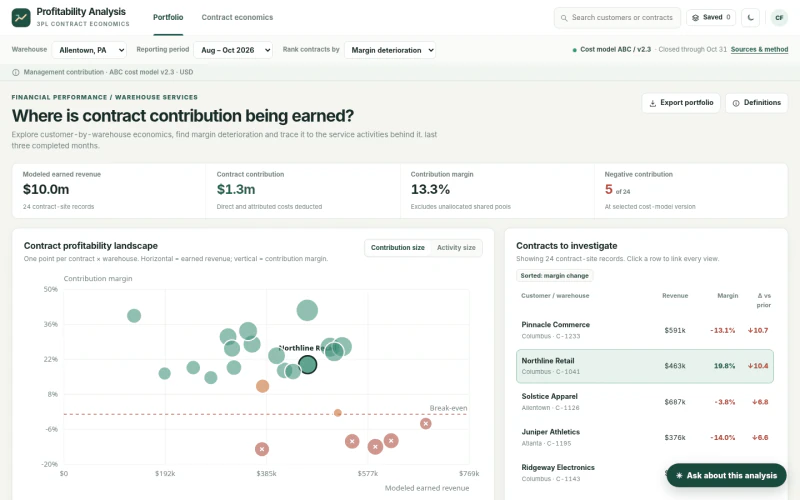 ERP3PL Contract ProfitabilityWhich contracts generate margin after fulfillment and service costs?