Hospital Department Budget Planning
Hospitals
The question it answers
How do clinical volumes, payer reimbursement and staffing/operating drivers shape each department budget and network consolidation?
Hospital network and department operating budgets with service-volume, reimbursement, workforce, expense and consolidation drivers.
See how teams use this- Industry
- Hospitals
- System
- ERP, plan and run the business
- Area
- Financial Management
- Module
- Budgeting
- Parts
- 18 screens and components
What's inside
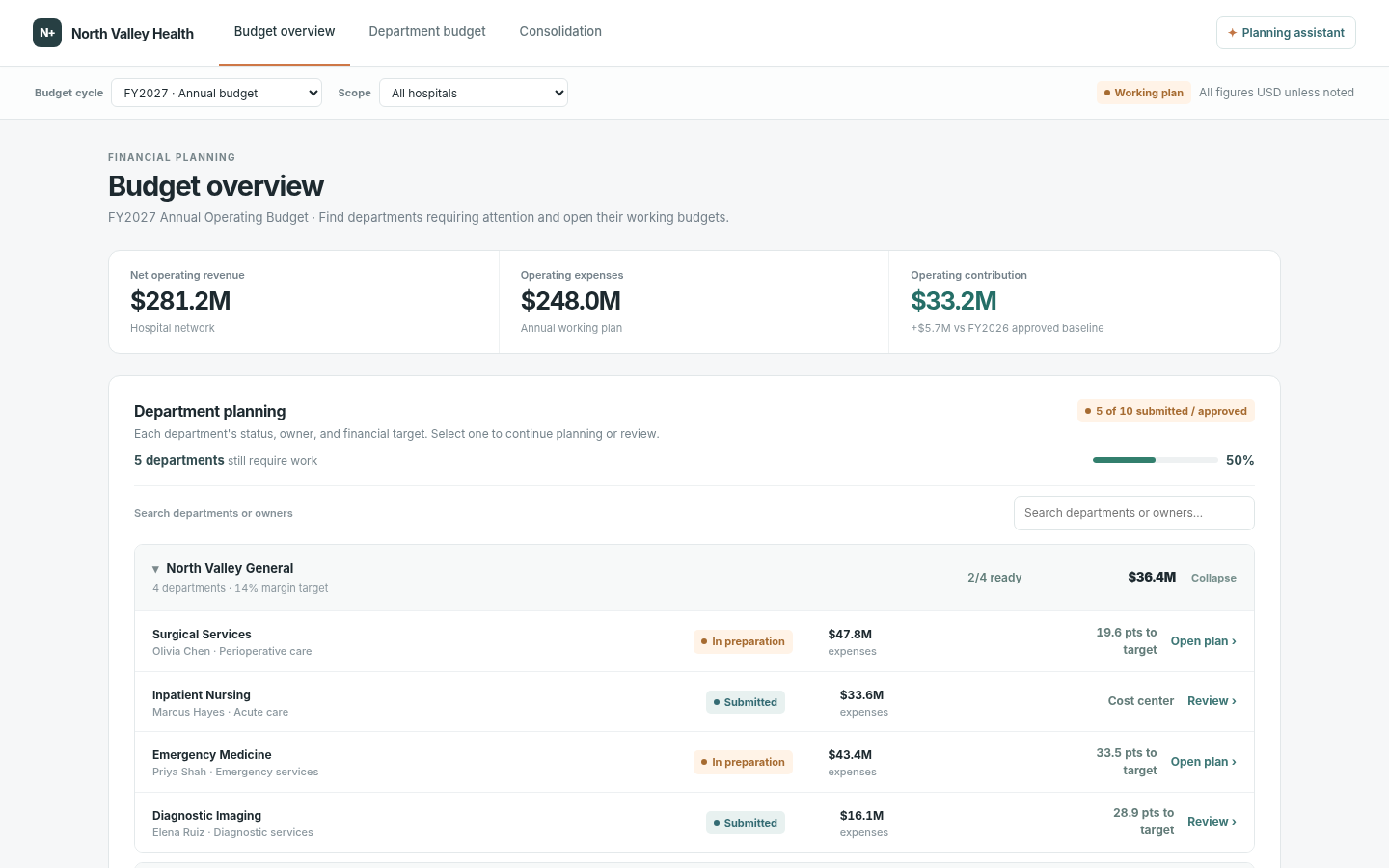
 Hospital budget overviewNetwork and scoped hospital KPIs: net operating revenue, expenses and contribution; status and completeness by department.
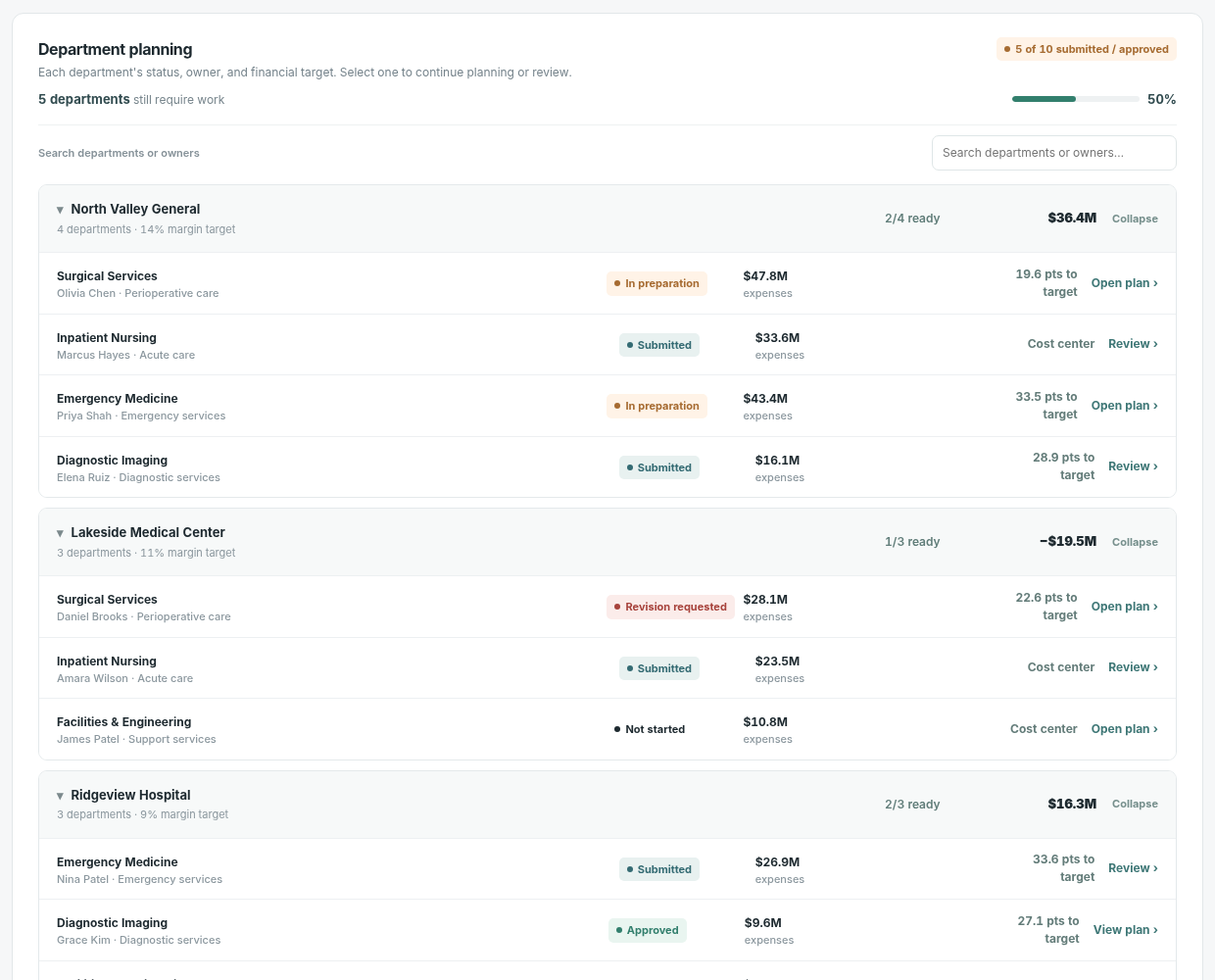
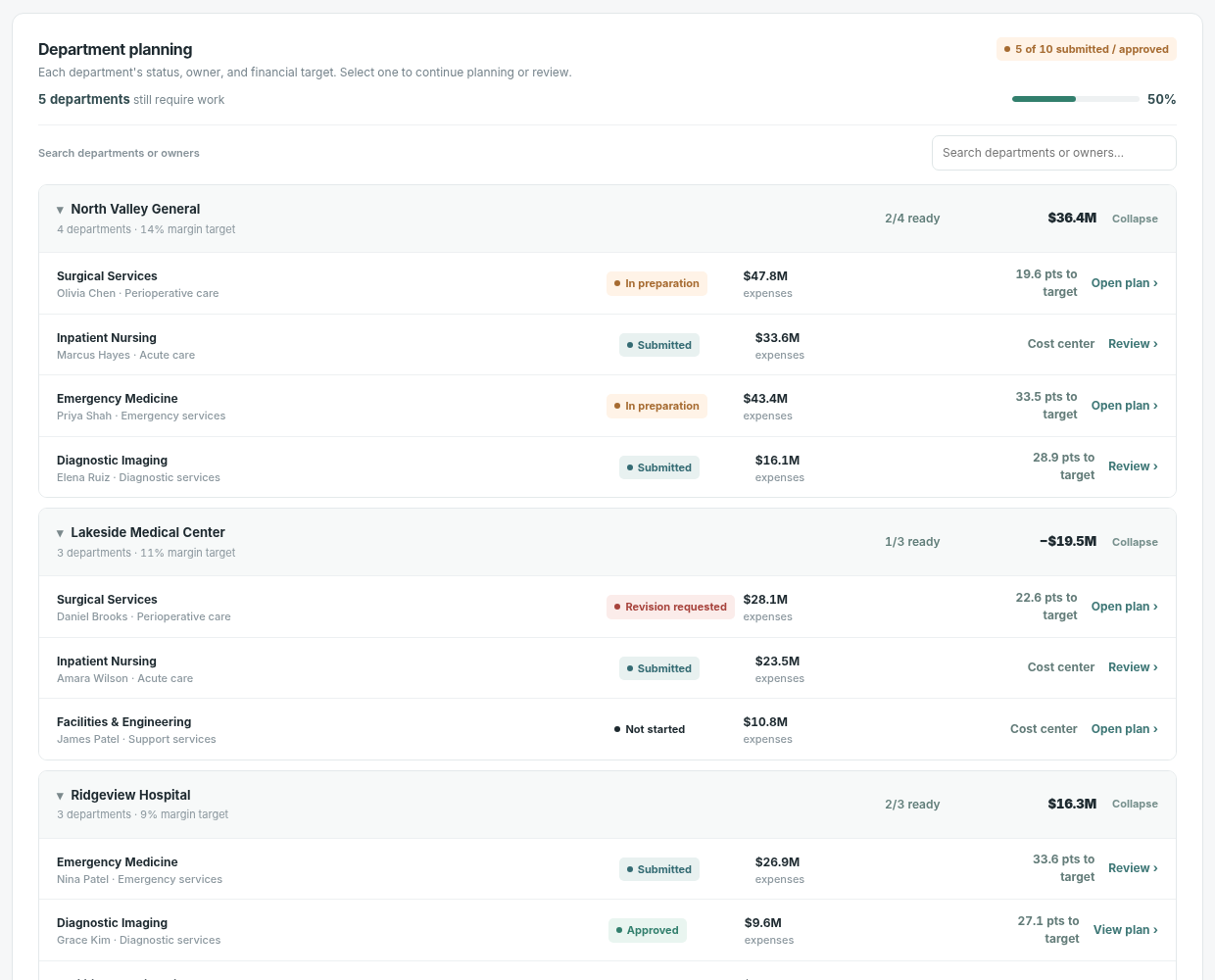 Hospital/department planning treeExpand hospital groups; search departments or owners; inspect department financial target, status and assigned owner.
 Budget-cycle and hospital filtersSwitch between FY2027 annual plan, FY2026 approved baseline and FY2027 Q3 reforecast; scope by hospital.
 Department activity planningQuarterly activity volume, capacity/required FTE and related service mix or staffing variables drive the financial model.
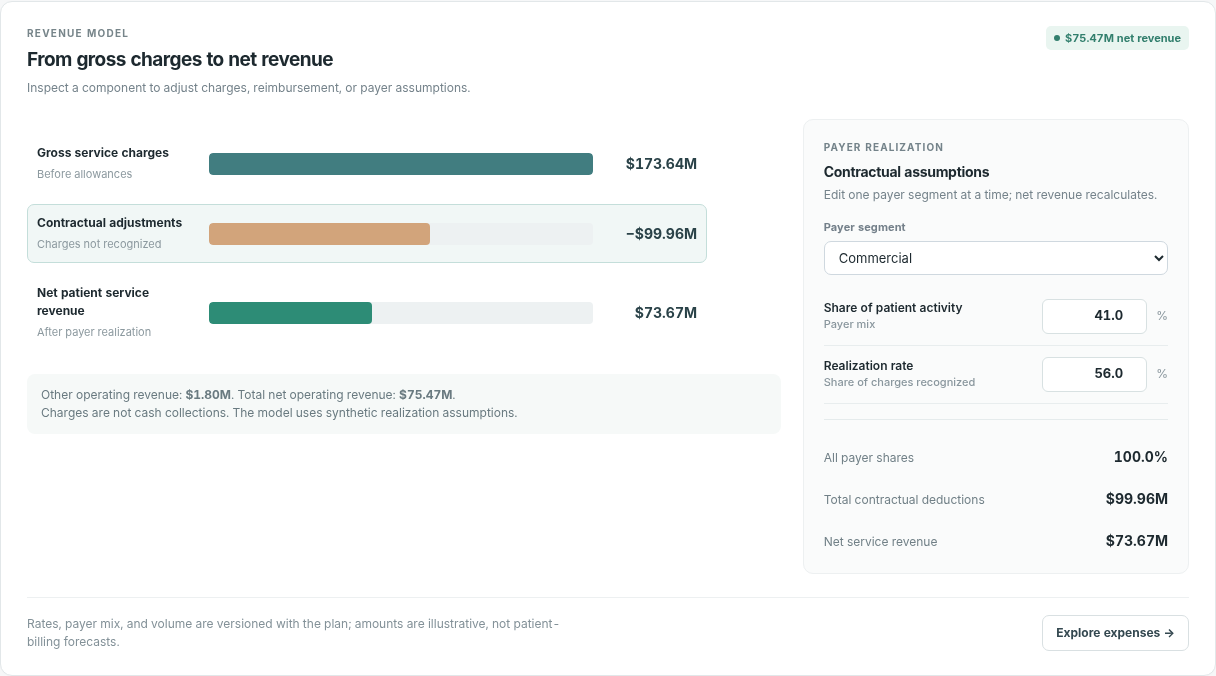 Gross-to-net revenue modelGross charges and service volumes, payer mix and contractual adjustments produce net patient revenue plus other income.
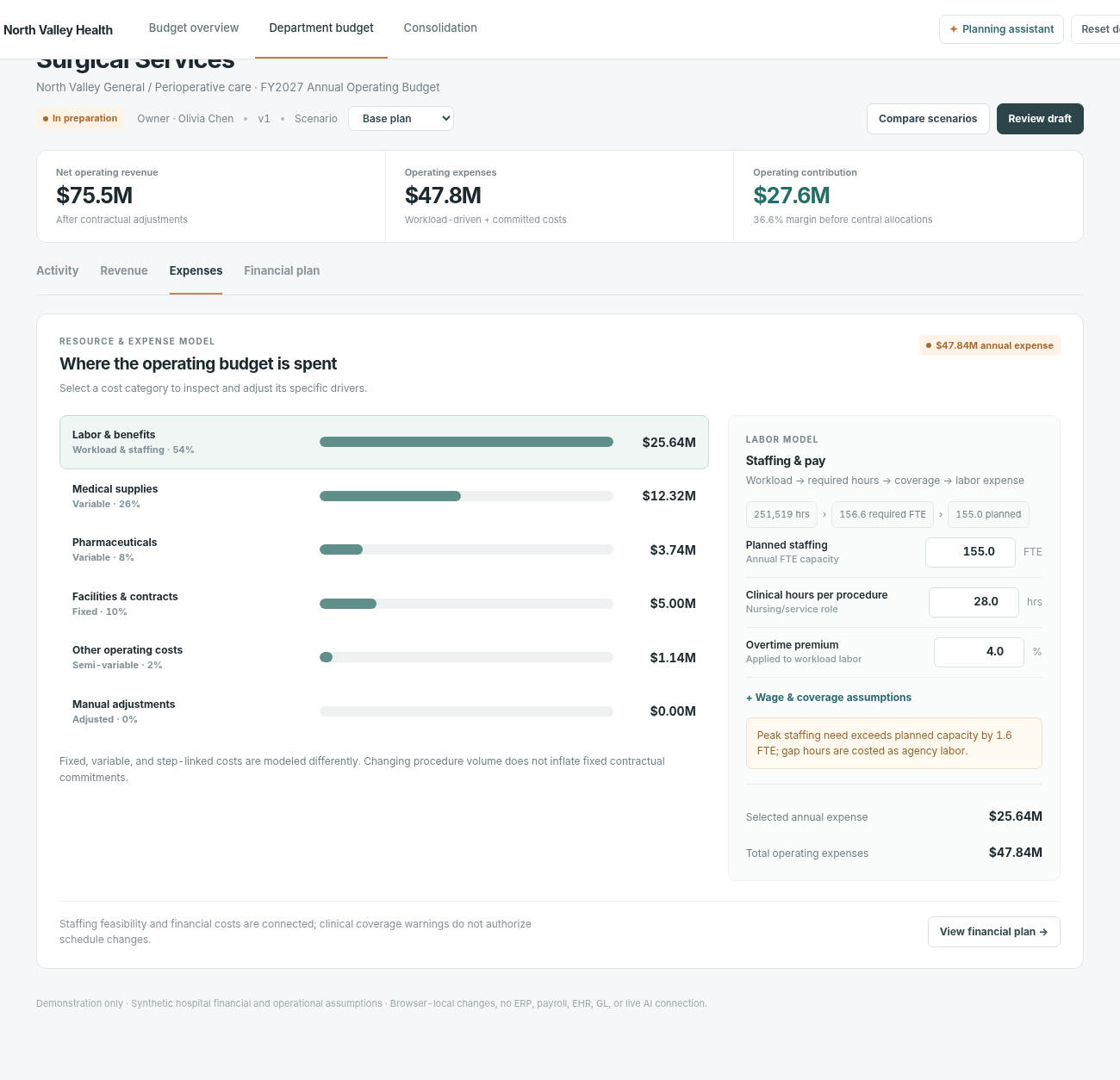 Operating expense driversLabor FTE, role-specific care hours/rates, benefits, overtime and agency coverage; variable supplies/medications; fixed and semi-variable costs.
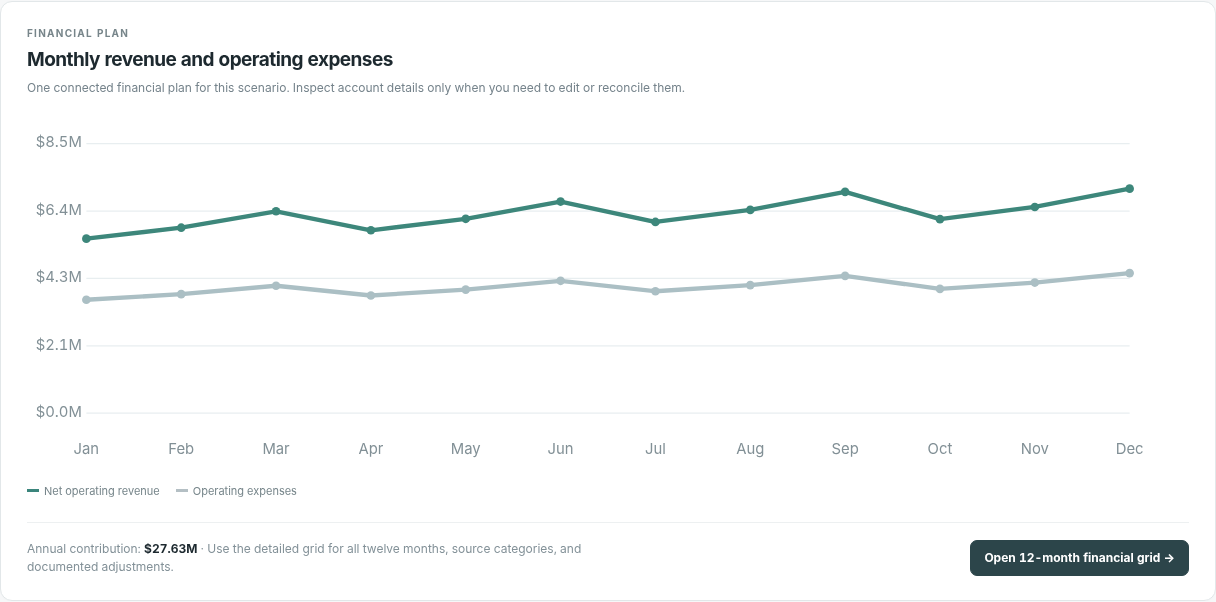
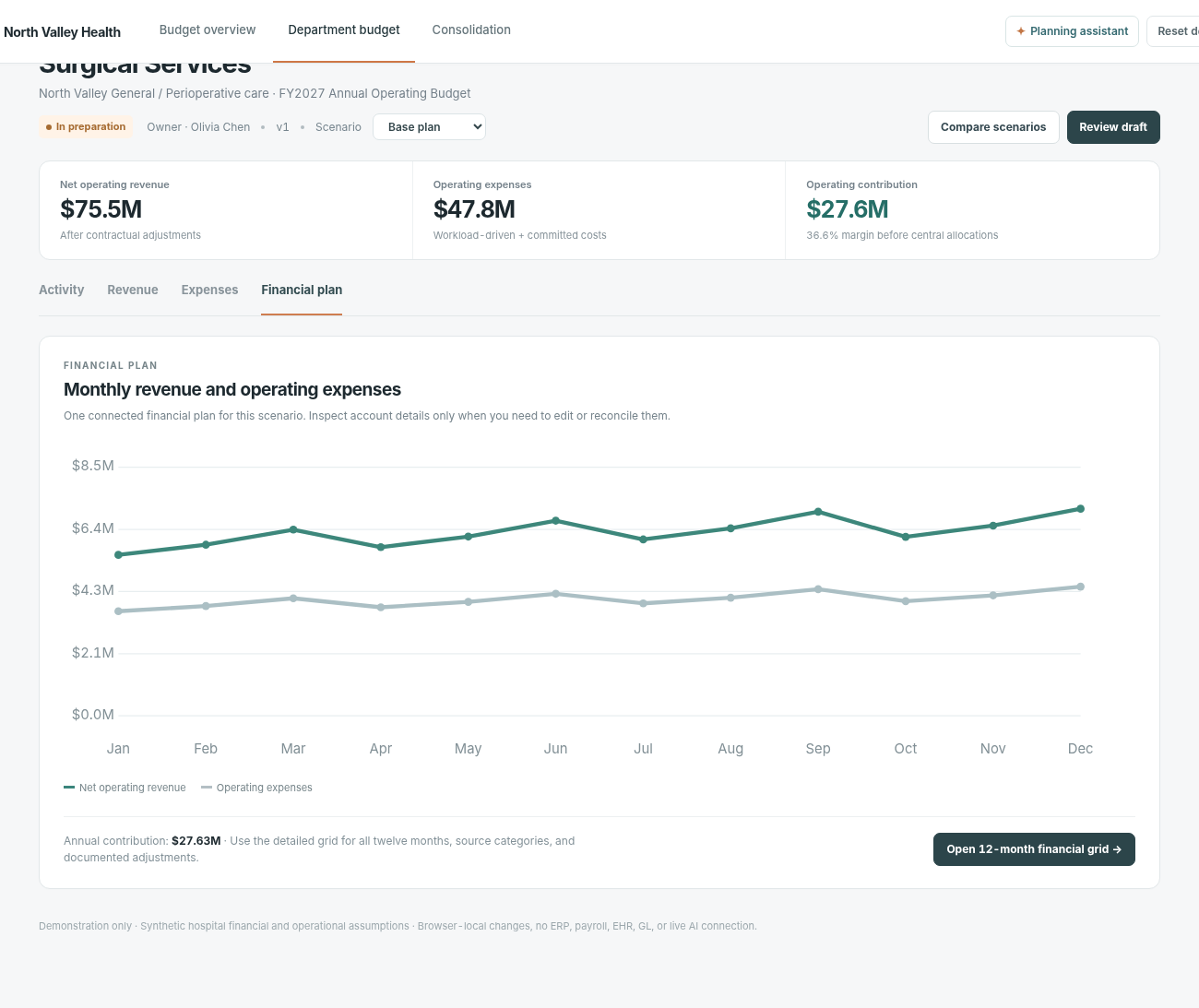
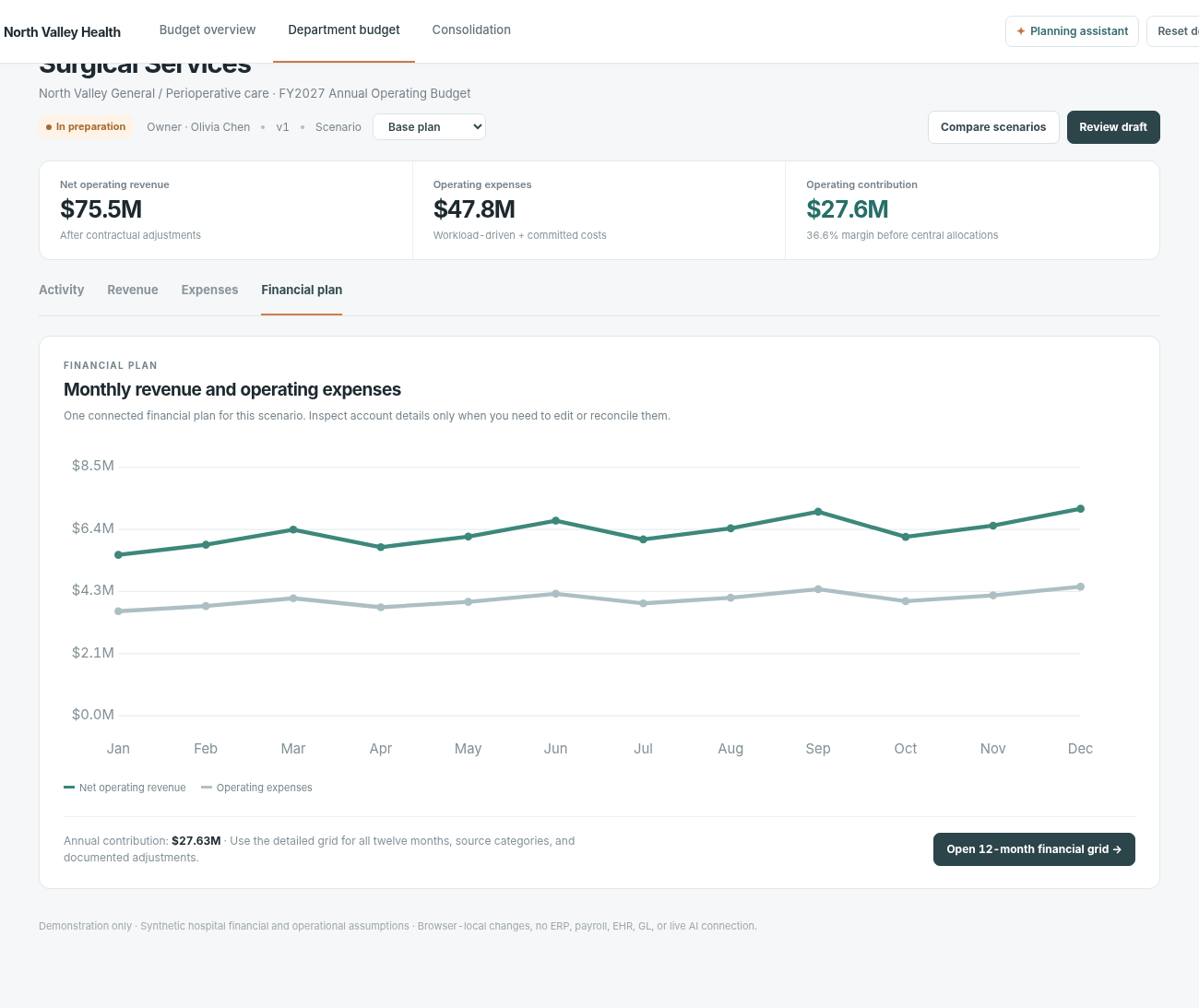 Financial plan and margin bridgeMonthly and quarterly revenue/expense contribution; reconciled gross-to-net and operating cost bridge, with optional detailed account edit.
 Monthly budget detail drawerInspect and edit 12-month account-level values in a horizontally scrolling financial grid; export data as CSV.
 Plan consistency and validationValidate payer mix sum and staffing capacity; reveal blocking issues and warnings before status transition.
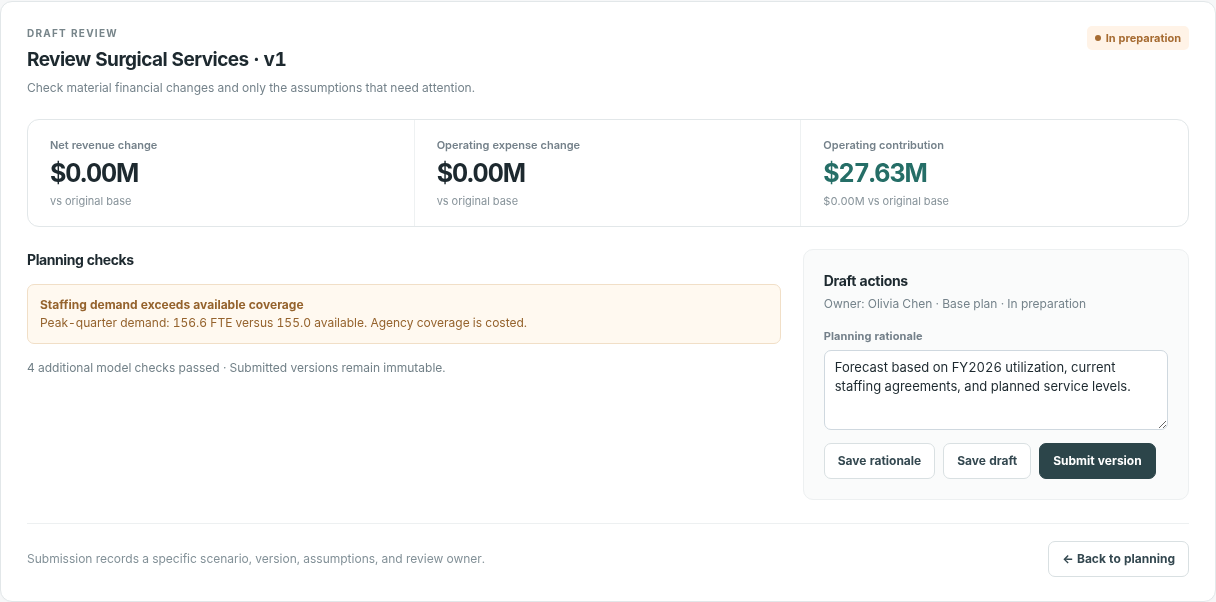
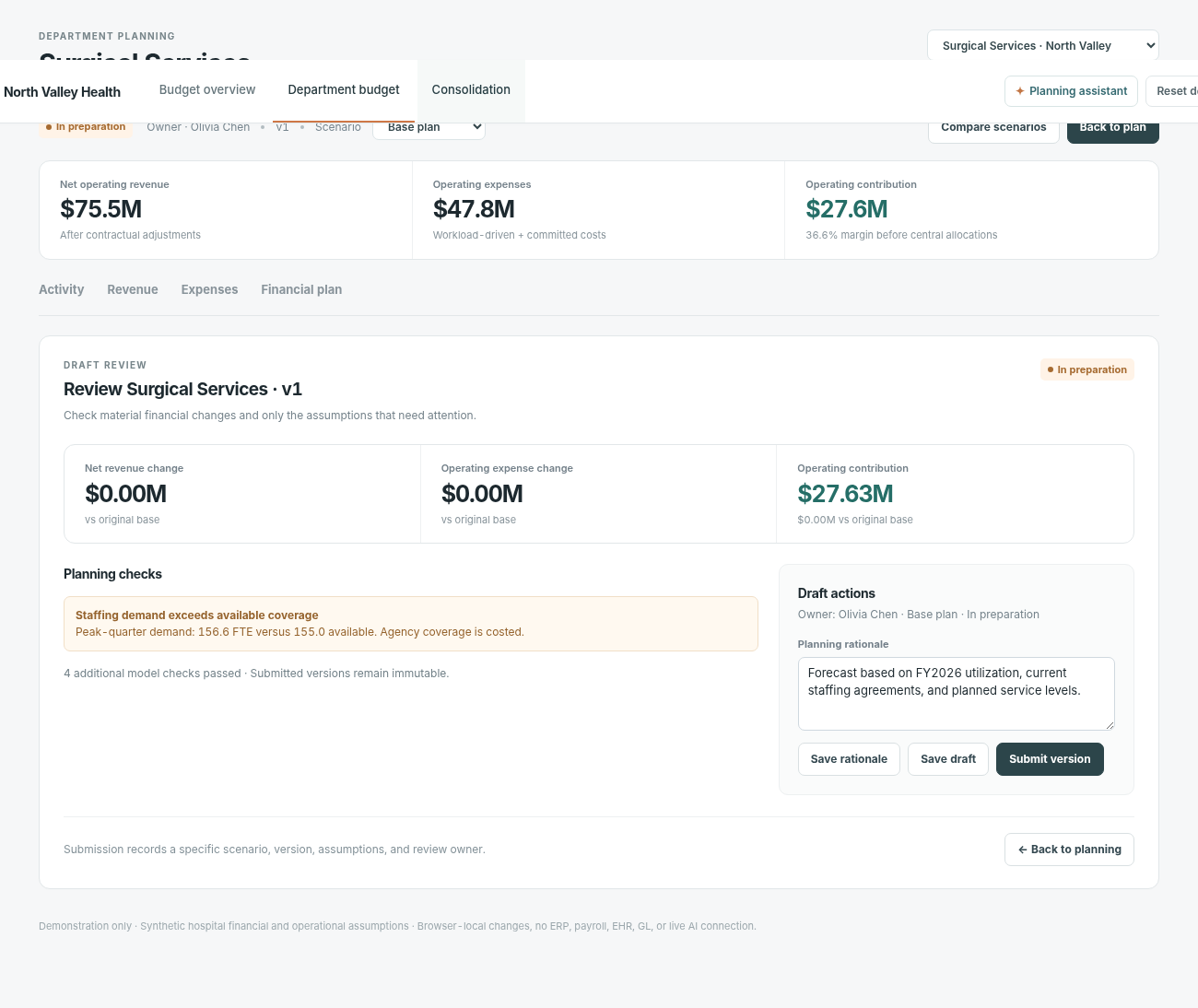
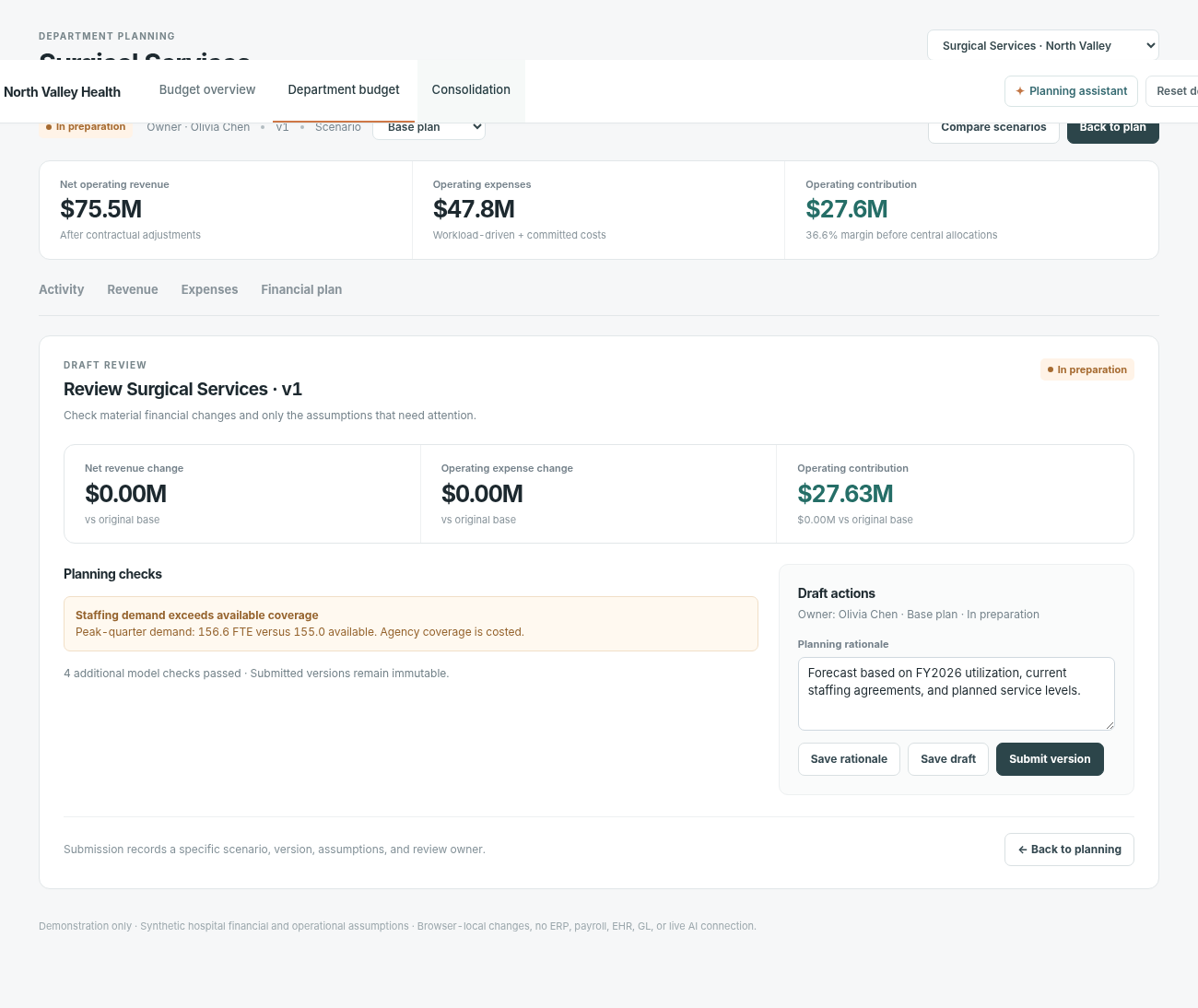
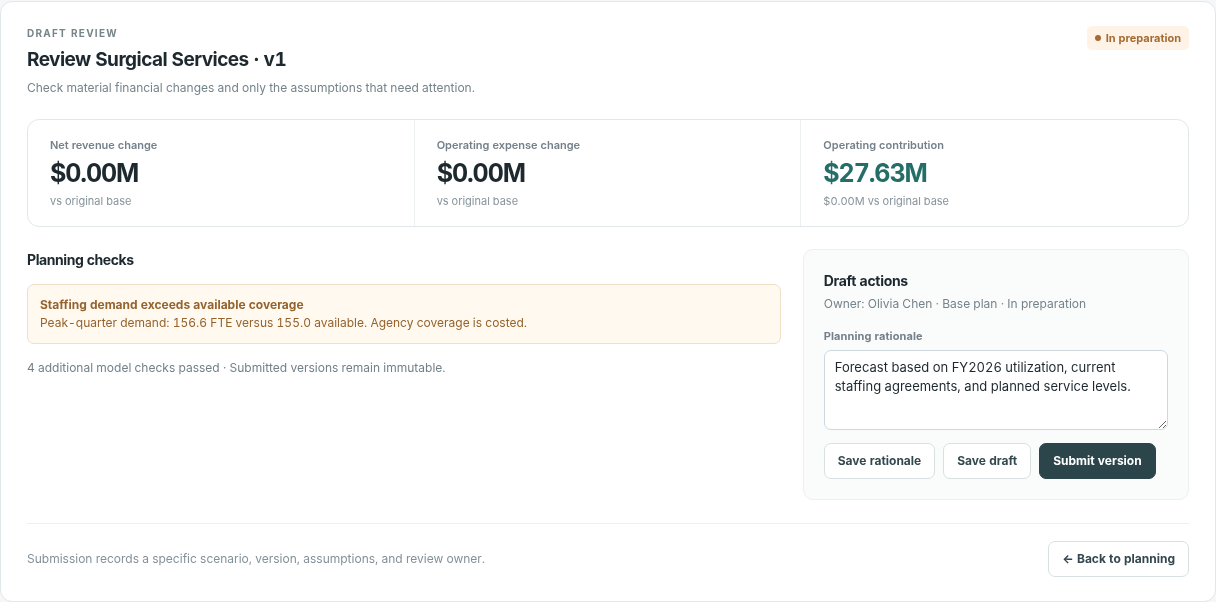 Department review workspaceCompare department calculations with targets, validate completeness and submit the plan into the designated review process.
 Budget scenario and version drawerOpen working plan/scenarios, compare versions and inspect status/history; prior cycle and published budget are read-only.
 Cross-hospital consolidationCombine department rollups into three-hospital operating summaries, with hospital scoping and status queue.
 Department submission review queueFilter and inspect department submissions, identify revisions, and track accepted versus pending plans.
 Consolidated financial statementGross charges, contractual adjustments, net revenue, operating expense categories and contributions across hospitals.
 Consolidation and allocation checksInspect cross-hospital allocations, eliminations and plan consistency before finance publication.
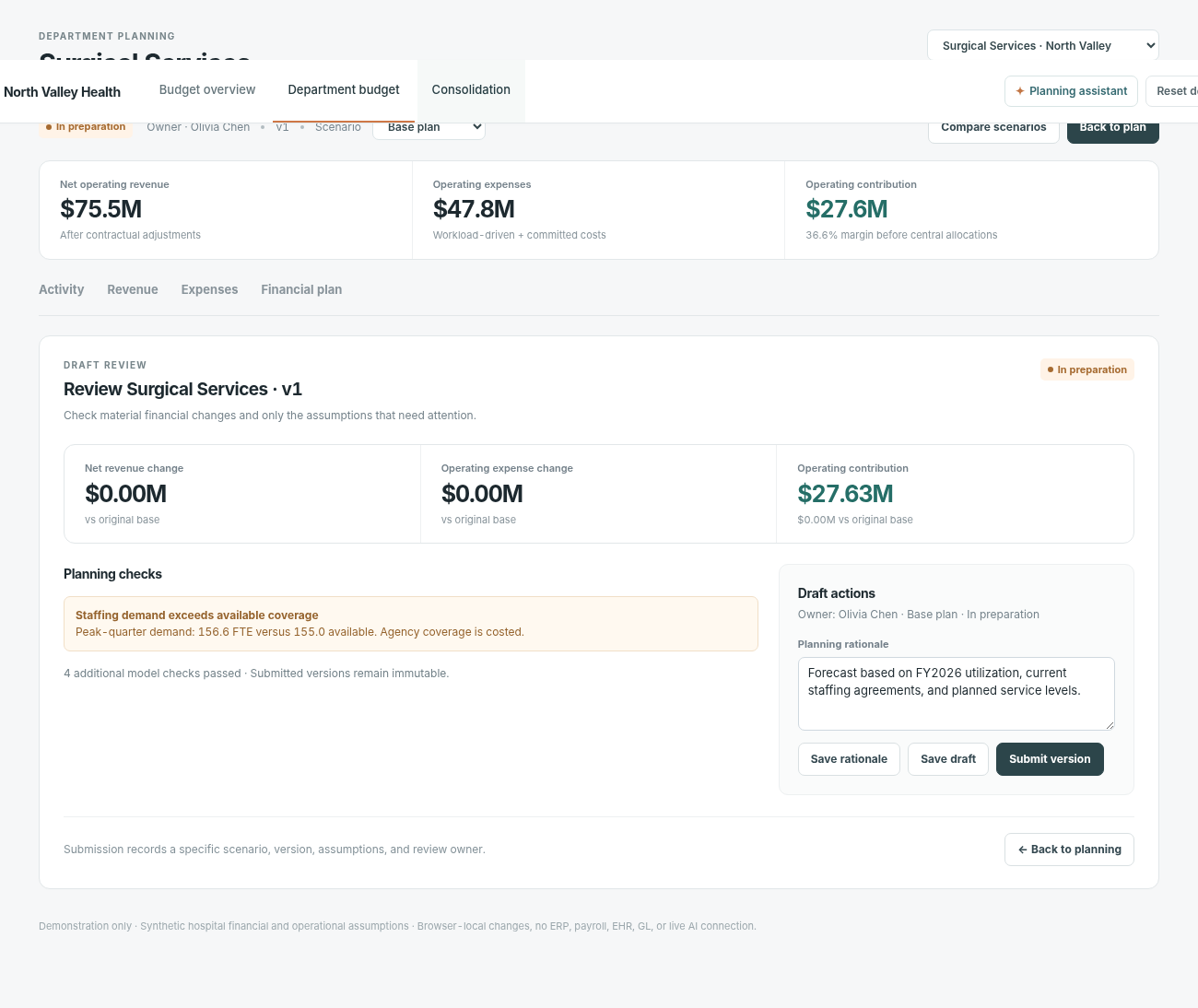 Budget publication readinessReview publishing prerequisites, lock the approved budget version and distinguish draft approval from authoritative publication.
 Contextual planning assistantassistant explains current drivers and navigate among departments and workflow stages.
How people use it
- Review hospitals and departmental planning completeness
- Open department to model activity, revenue, expenses and financial plan
- Validate and review department plans and versions
- Consolidate operating statements across hospitals and inspect publication readiness
Data it works with
- Quarterly volume
- Required FTE
- Payer mix
- Gross charges
- Contractual adjustment
- Net patient revenue
- Labor and benefits
- Supplies and medications
- Fixed/semi-variable costs
- Operating contribution
- Status and budget cycle
Start from this blueprint in your terminal.
Attach it to a project and your coding agent adapts it to your data, rules and roles.
Install the CLI- Sign in
vortexify login - Attach this blueprint
vortexify blueprints attach budget-planning-hospitals - Ask your agent to build it
Build the app from the attached blueprint using our data.
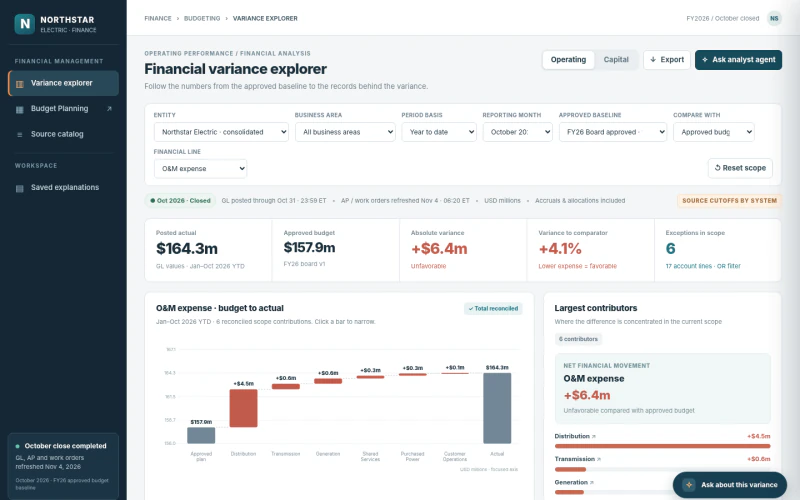 ERPElectricity Budget Variance ReviewWhich cost drivers explain the gap to budget, and who needs to explain it?
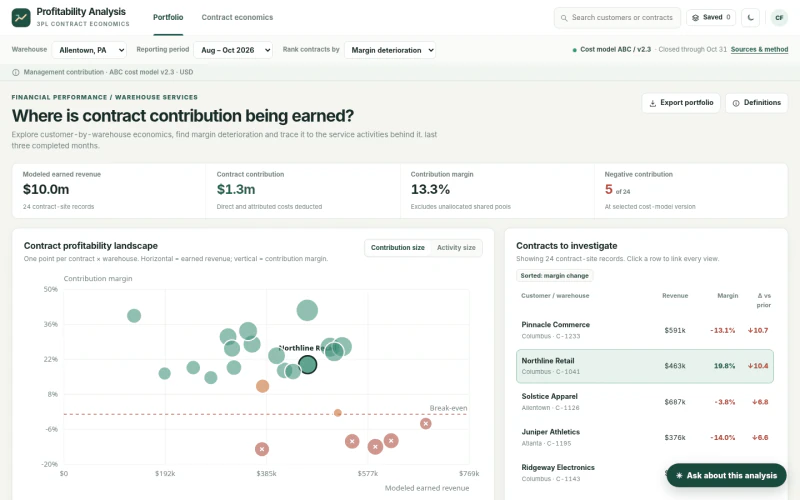 ERP3PL Contract ProfitabilityWhich contracts generate margin after fulfillment and service costs?
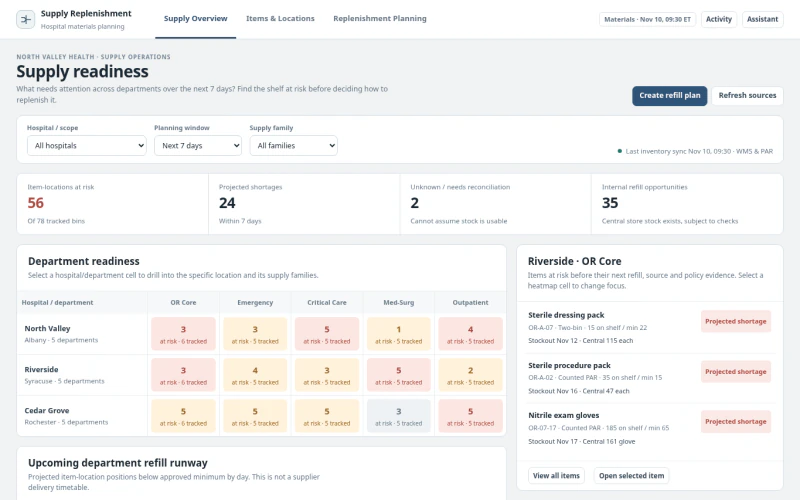 ERPHospital Supply Replenishment PlanningWhich departments face supply gaps in the next seven days and what replenishment moves restore item readiness?