Mine Asset Explorer
Mining
The question it answers
What equipment exists, where is the serialised item installed, and how does its fitted component structure compare with the effective maintenance BOM?
Multi-site mining asset master, functional-location hierarchies, installed components, maintenance BOM comparison and equipment history.
See how teams use this- Industry
- Mining
- System
- ERP, plan and run the business
- Area
- Enterprise Asset Management (EAM)
- Module
- Asset Management
- Parts
- 17 screens and components
What's inside
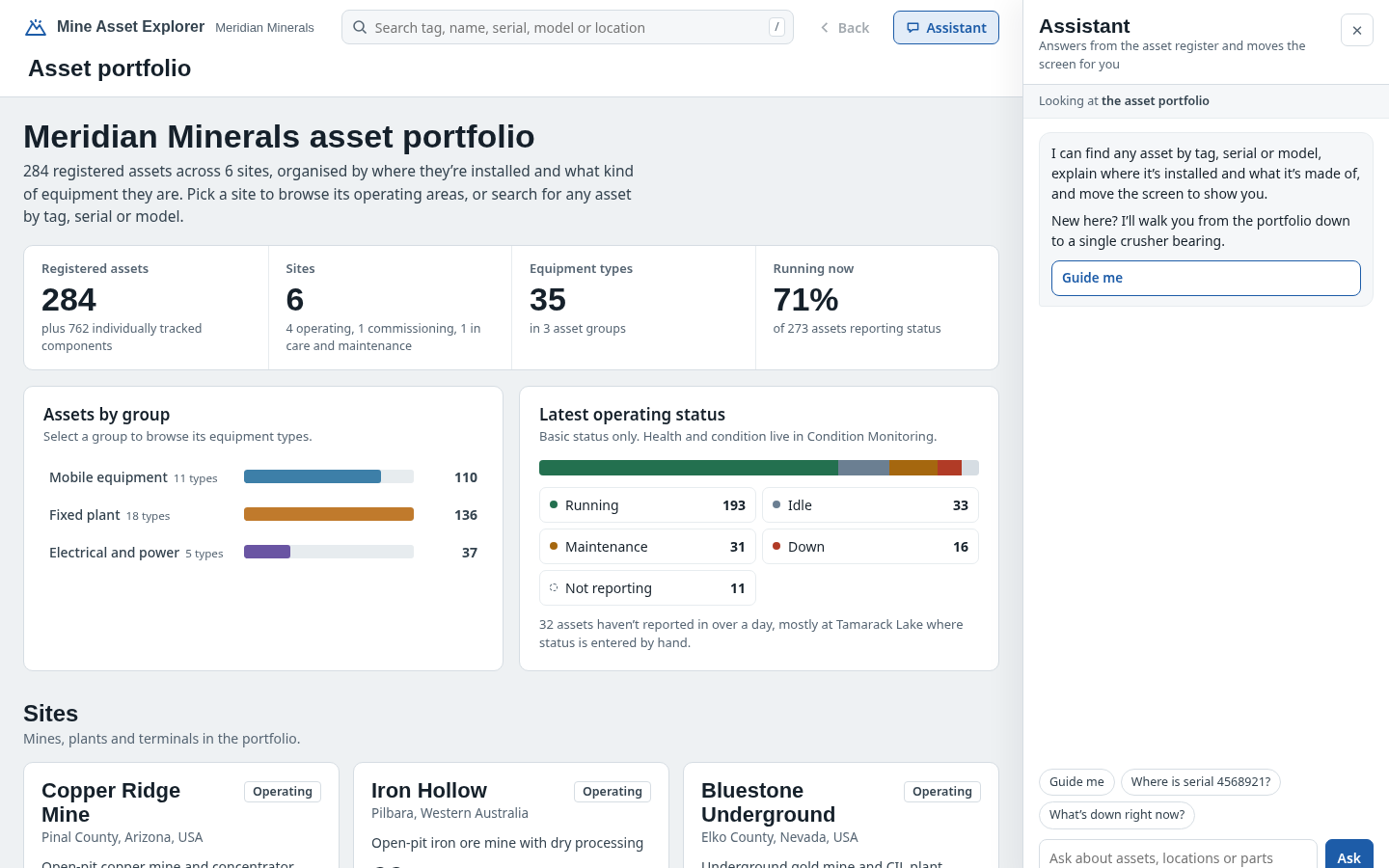
 Multi-site asset portfolioCompare asset counts, types and reported operating status across sites; select a site to investigate its equipment hierarchy.
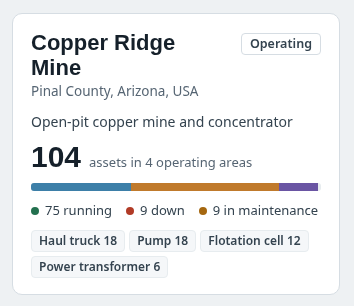 Mining site cardSite-by-site totals, lifecycle, grouped equipment mix and reported operating states; select to open an asset location hierarchy.
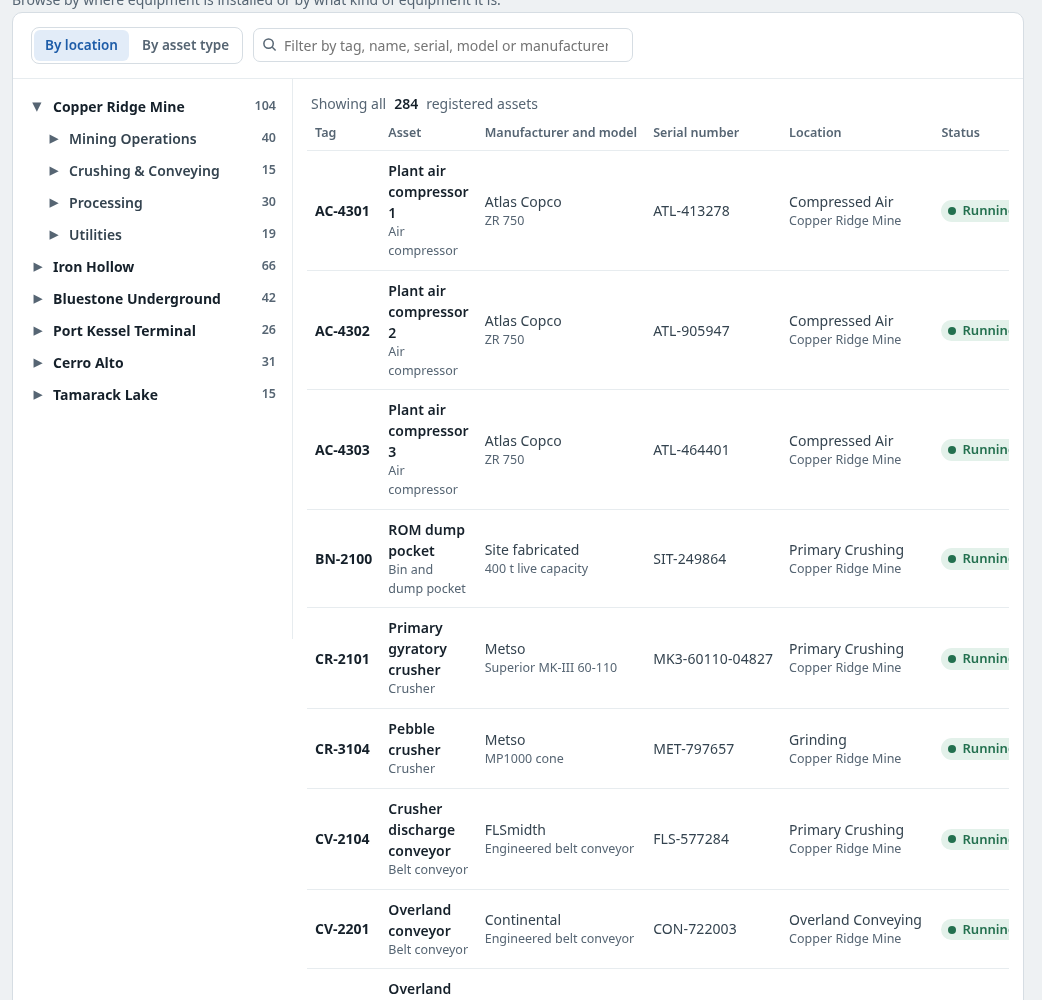 Location and asset-type discoveryBrowse the functional-location tree or equipment categories, filter by tag/model/serial and open asset rows.
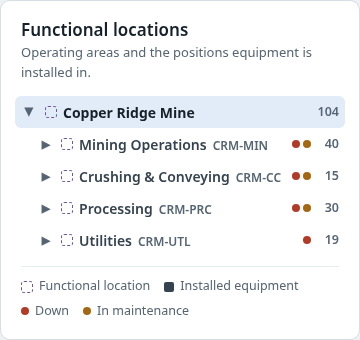
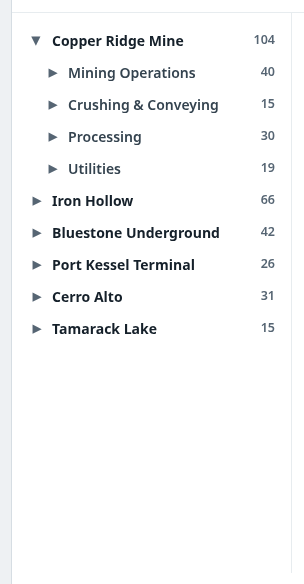 Functional location hierarchyNavigate a mine/site, its areas and functional locations; distinguish fixed positions from movable equipment records.
 Clickable site process schematicAt a supported site, browse process equipment in circuit order using a clickable schematic; not a geographic map or live plant control view.
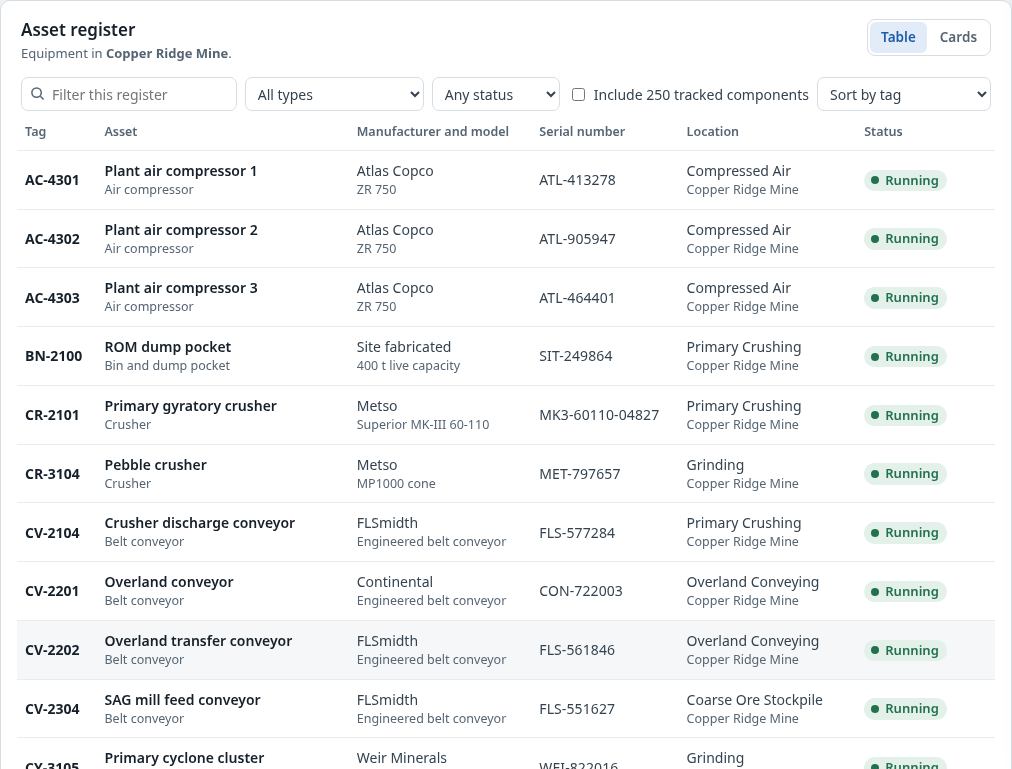 Equipment tiles and registerInspect registered equipment in context; filter by asset type, operational state and, where provided, tracked components.
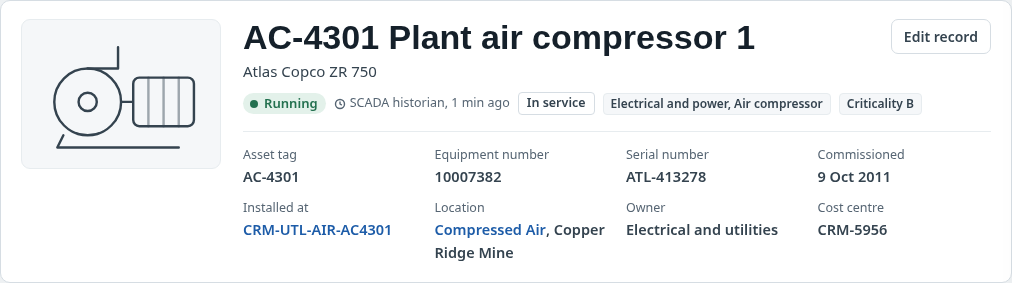 Asset record identity and locationTag, equipment ID, serial, manufacturer, model, lifecycle, criticality, ownership and the installed functional location.
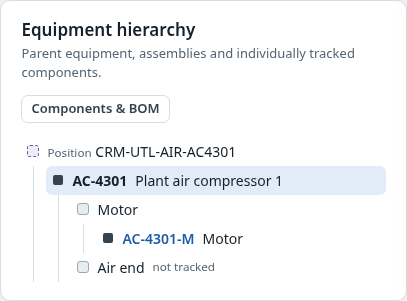 Equipment hierarchy and position historyShow installed parent equipment, assemblies and serialised components, plus the history of equipment fitted to a functional location.
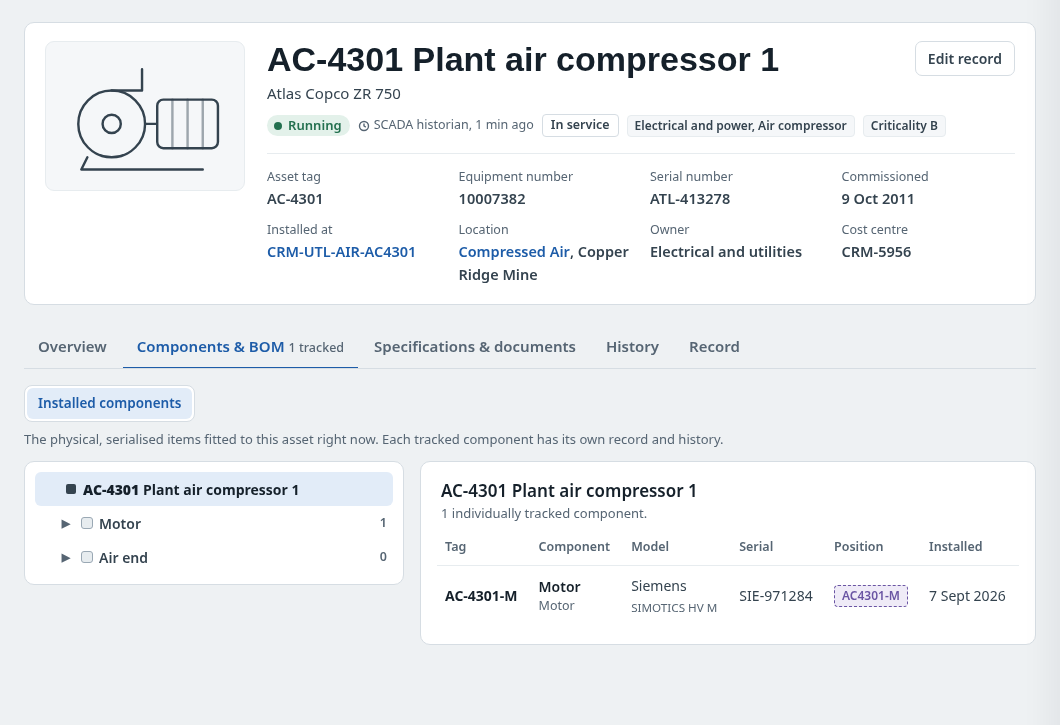
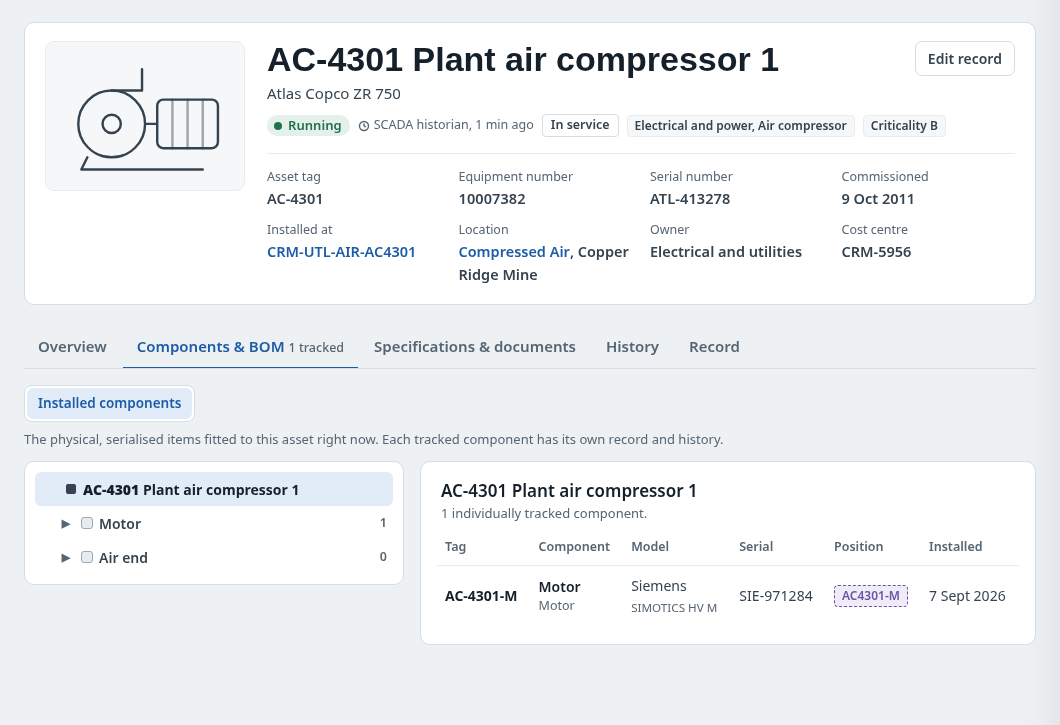
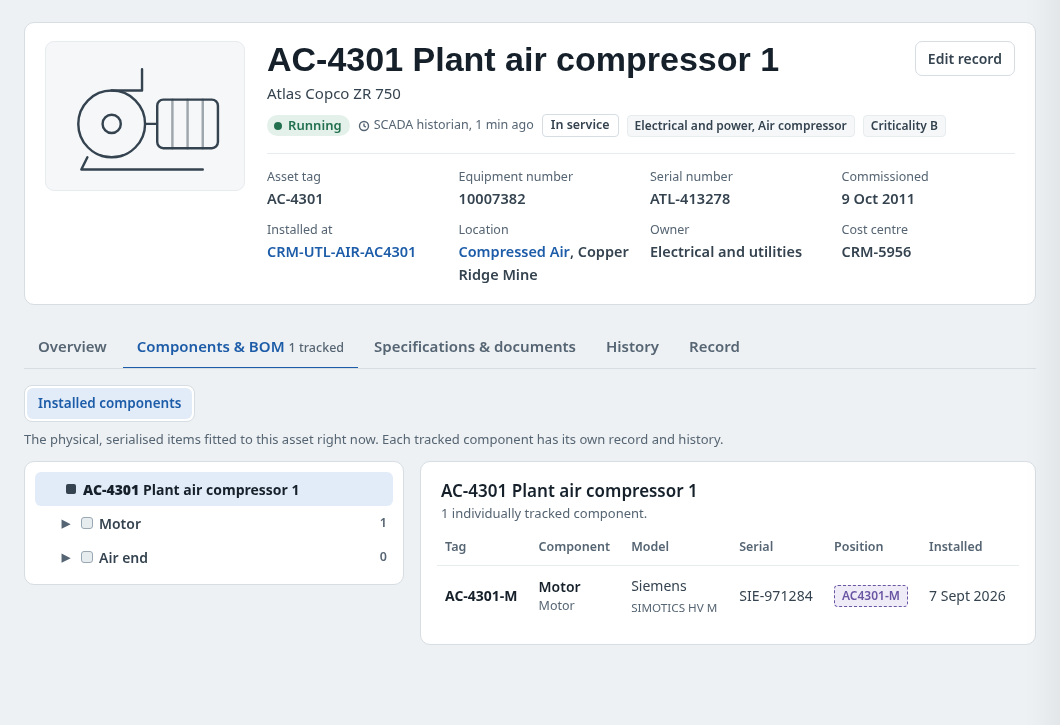
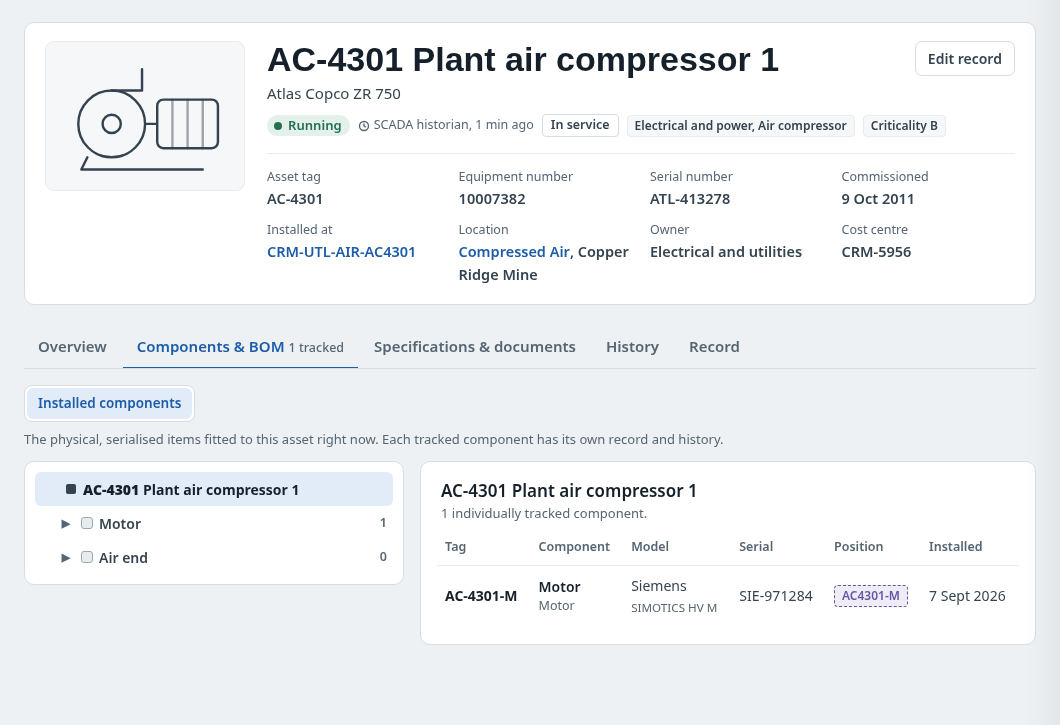 Installed component structureNavigate tracked physically fitted components and open their own serialised asset records.
 Revisioned maintenance bill of materialsSwitch to the shared model BOM plus equipment-specific overrides/additions; inspect revision and individual part information.
 Installed versus BOM comparisonCompare fitted serialised components against effective maintenance BOM requirements; distinguish match, approved alternate, superseded and non-BOM states.
 Part master and where-used drawerInspect part identity, approved alternates, supersessions and where-used references across BOM and installations.
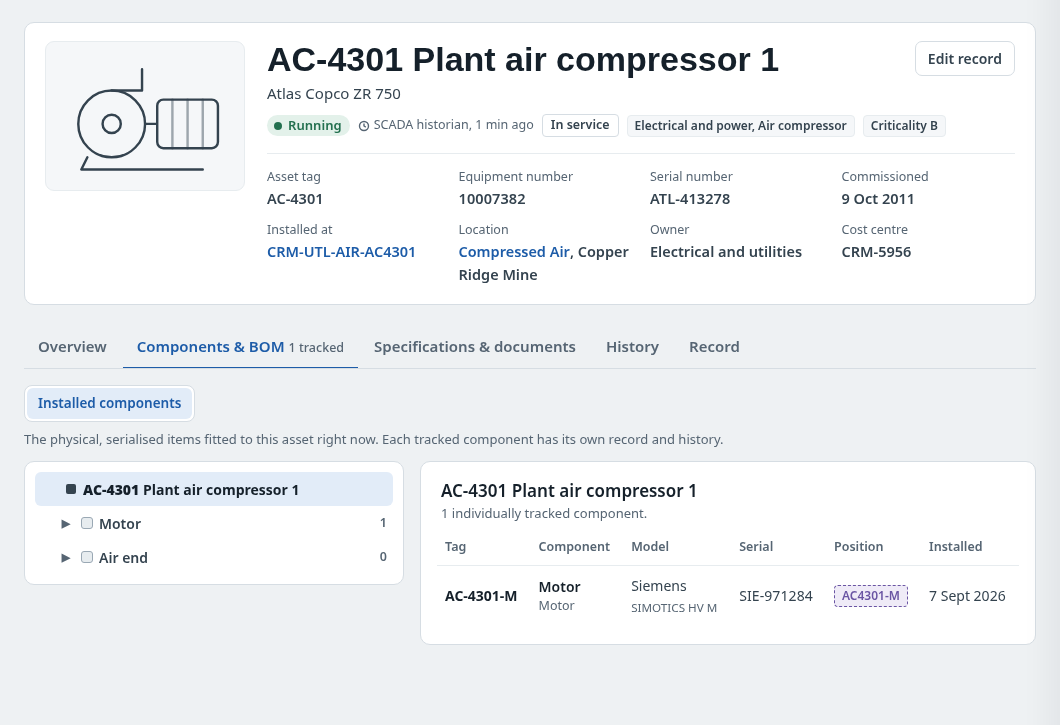 Specifications and document referencesRead grouped specifications and document links without claiming that external document viewers are implemented.
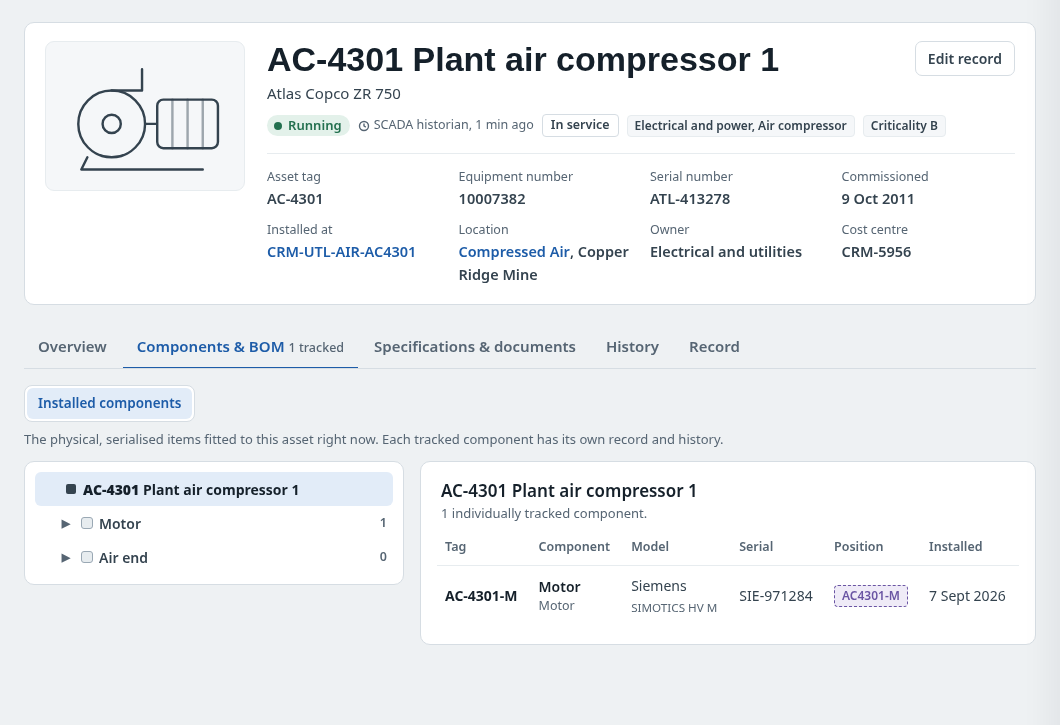 Meter readings and service historyInspect status, inspection, work-order, installation and other equipment events, with basic source labels and filters.
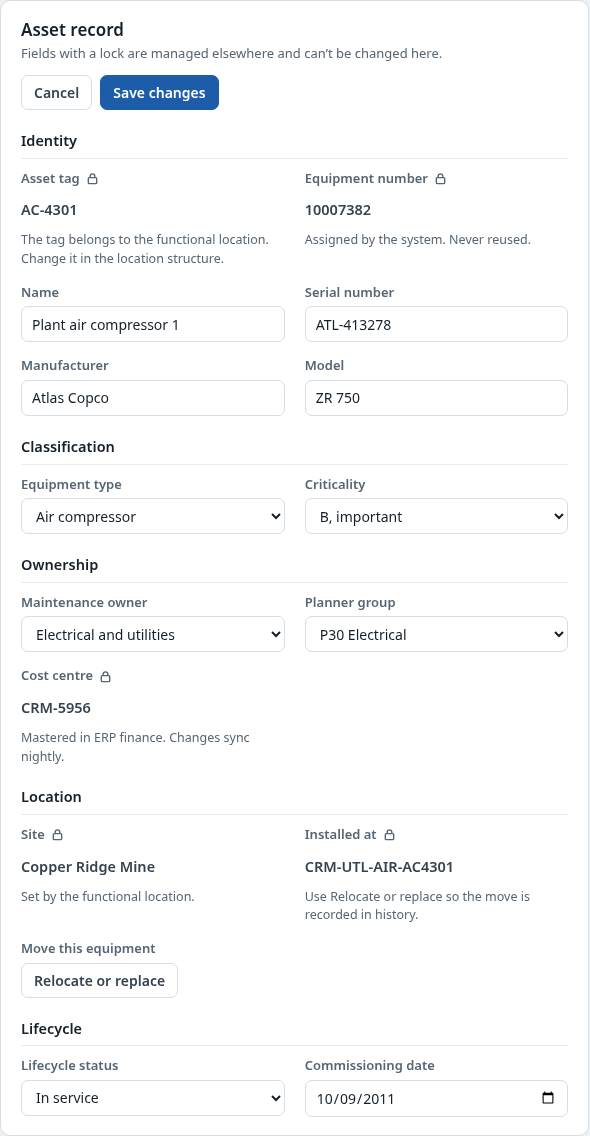 Editable asset master and audit trailReview asset-master edits with required validations and an auditable change record.
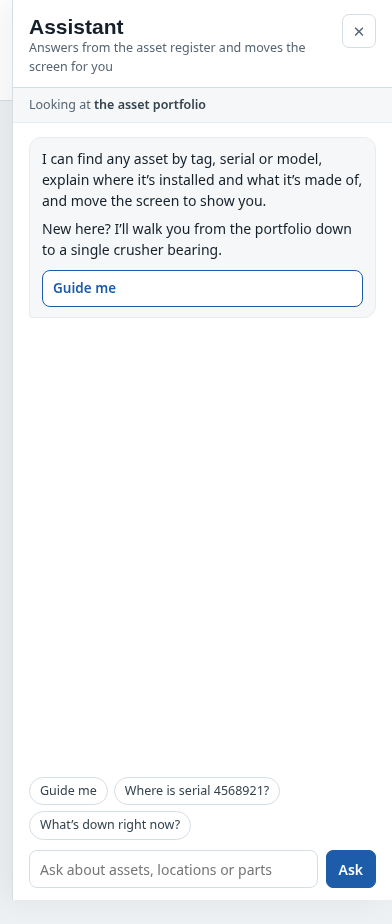 Contextual asset assistantAsk about equipment, functional locations, installed components, maintenance BOM differences and where-used history; navigate to supporting records.
How people use it
- Compare and search the six-site asset portfolio
- Open a mine site and navigate its functional locations or process schematic
- Inspect the exact equipment and installed component hierarchy
- Compare installed parts with the effective maintenance BOM and follow part/history evidence
Data it works with
- Asset tag
- Equipment number
- Serial number
- Functional location
- Operating status and freshness
- BOM revision
- Installed component
- Part number
- Audit history
Start from this blueprint in your terminal.
Attach it to a project and your coding agent adapts it to your data, rules and roles.
Install the CLI- Sign in
vortexify login - Attach this blueprint
vortexify blueprints attach asset-overview-mining - Ask your agent to build it
Build the app from the attached blueprint using our data.
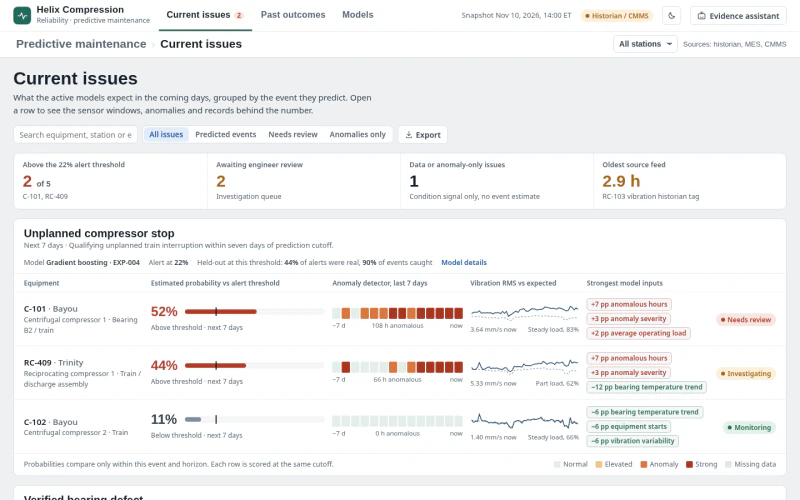 MESGas Compressor Predictive MaintenanceWhich compressor condition signals require review now, what evidence supports the prediction, and what intervention is justified?
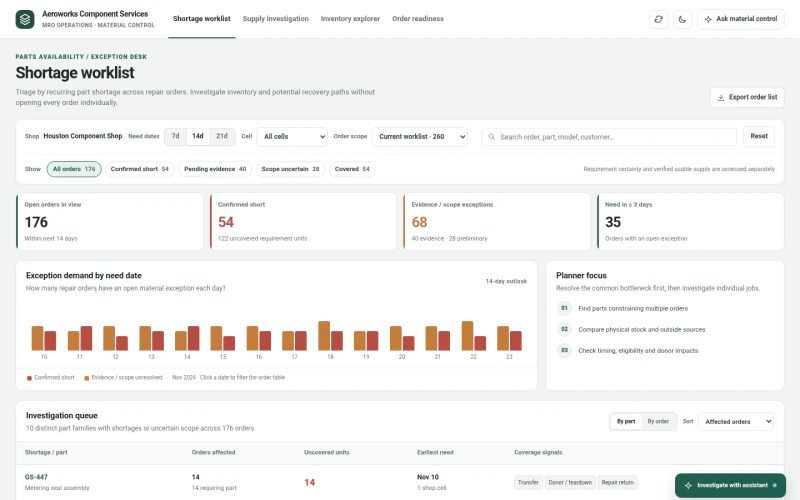 ERPAerospace MRO Parts AvailabilityWhich spare parts are constraining multiple repair jobs, what supply is actually eligible and timely, and which recovery path requires verification?
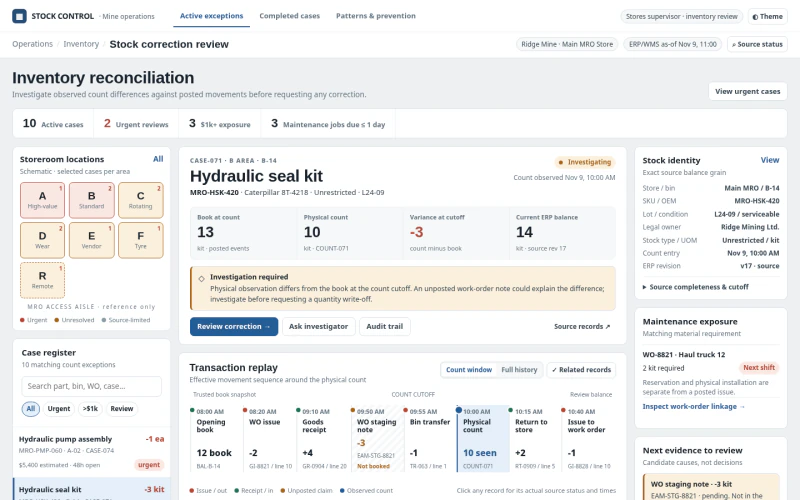 ERPMining Inventory Adjustment ReviewWhich warehouse stock discrepancies require a controlled adjustment, how were they created, and what evidence authorizes correction?